Radioddity Extended manual for Radioddity DB25-D, DB40-D & GD-88 v3.0
© Radioddity 2023 page 71 of 252
9 Special DMR functions
Use our Radioddity CPS software to enable/disable and preset any of the Preset
Buttons with one of the following functions.
Notes: For more details on how to program the Preset Keys, please check chapter
12.6 Preset Keys on page 140
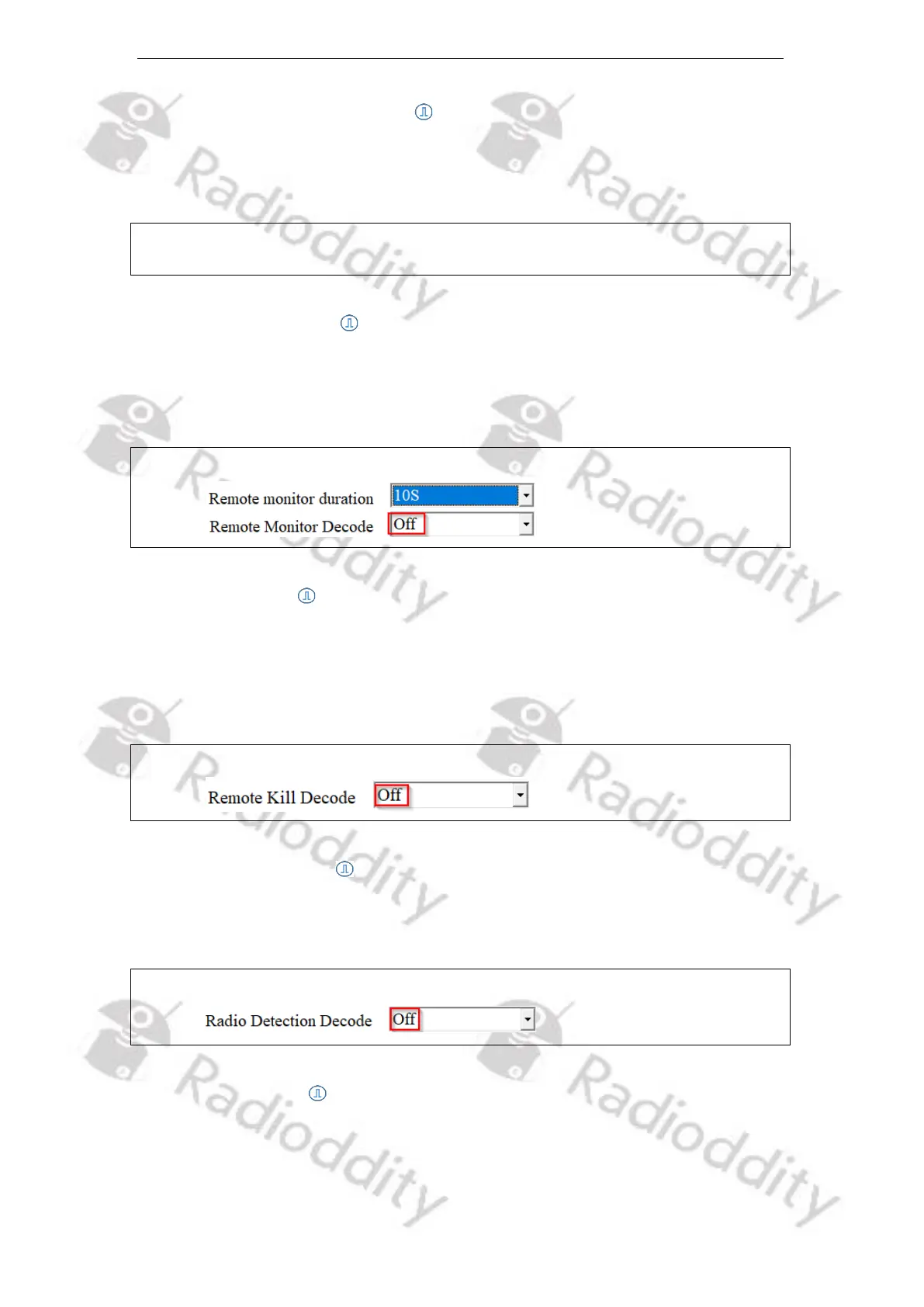
9.1.1 Remote monitor
Preset to prohibit the radio from being remotely monitored by others or allow
other users to remote monitor for the set time for continuing to keep the MIC and
transmitter on (Time range is from 10s - 120s).
Notes: To avoid misuse, we advise to disable this parameter using the CPS.
9.1.2 Remote Kill
Preset to prohibit the radio from receiving ‘Remote Kill’ command sent by other
users; or allow the other users to receive and process the ‘Remote Kill’ command
to disable the radio. This function can be used to disable the radio when it is stolen
or lost.
Notes: To avoid misuse, we advise to disable this parameter using the CPS.
9.1.3 Radio Detection
Preset to prohibit or allow the radio from being remotely detected whether the
radio is in communication range or active state without any prompt.
Notes: To avoid misuse, we advise to disable this parameter using the CPS.
9.1.4 Radio Revive
Preset to restrict the radio from receiving ‘Radio Revive’ command sent by other
users; or allow the radio to receive and process the ‘Radio Revive’ command to
activate it remotely. This function can be used to enable the radio when it is lost
and found.



 To Next Page