Radioddity Extended manual for Radioddity DB25-D, DB40-D & GD-88 v3.0
© Radioddity 2023 page 45 of 252
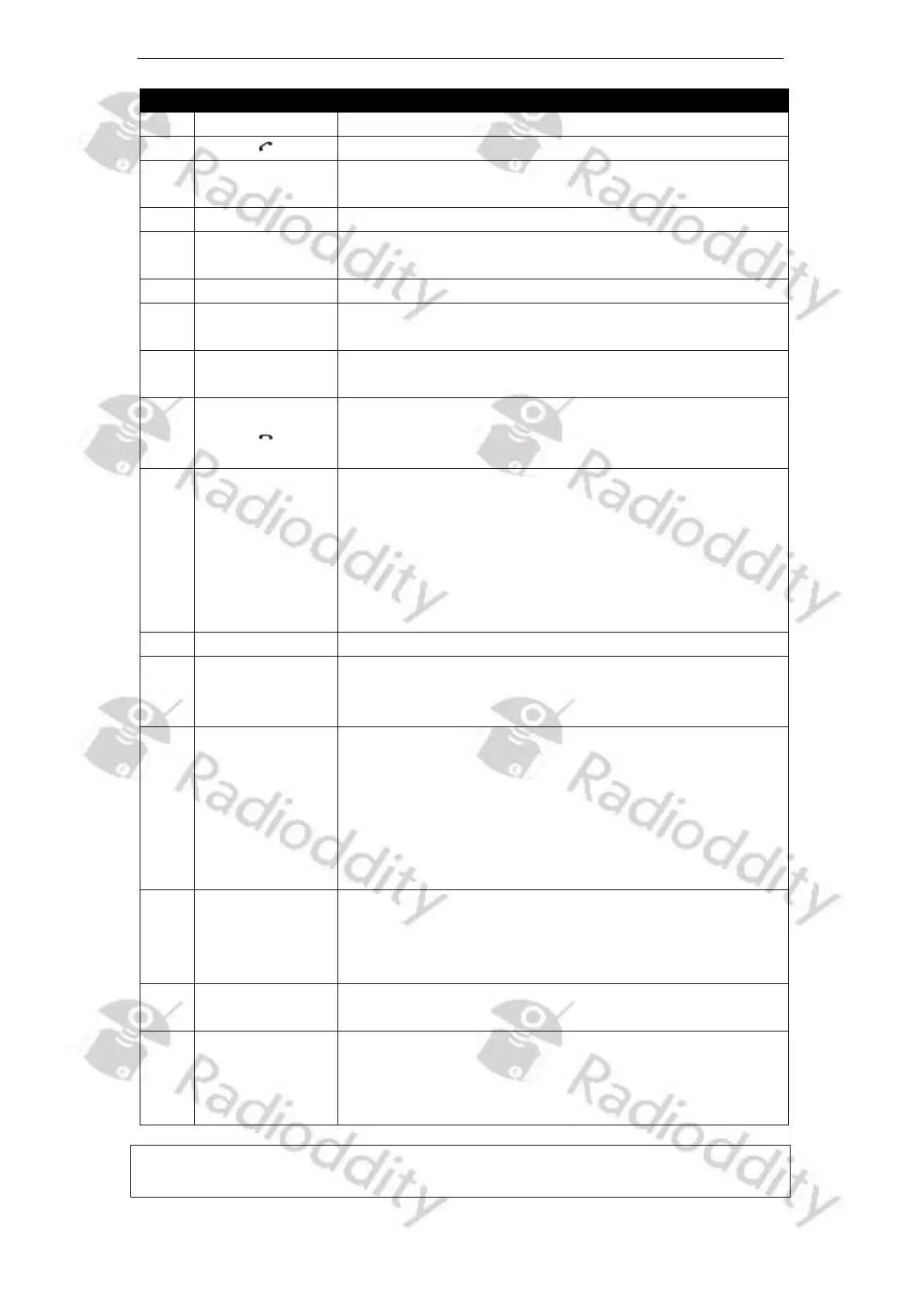
Function description and applications
Programmable function keys
Programmable function key ([Offhook]-key)
Press and then speak in to the microphone to
transmit; Release it to receive.
Used to receive audio from others
Used to receive audio from others (Audio output
options can be set from the menu option)
Used to indicate the RX/TX status, etc.
Used to input frequency / channel number / DTMF-
code, alias, ID and SMS
Speak to the microphone when pressing the [PTT]-key
to transmit; (3-5 cm away from the mouth)
(1) Programmable function key ([Onhook]-key)
(2) To enter IAP-mode, keep depressed while powering
on the radio
VFO A volume /
frequency
adjustment
knob and VFO
A selection
Turn the knob clockwise to increase the audio output
volume of VFO A, and turn the knob counterclockwise
to reduce the audio output volume In the standby
state, short press to select VFO A, and press PTT key to
TX or operate the set frequency of that VFO. Long
press to switch between Channel mode and VFO
mode for VFO A.
Programmable function keys
Cord for
Speaker
Microphone
It is scalable with flexibility.
VFO B volume /
frequency
adjustment
knob and VFO
B selection
Turn the knob clockwise to increase the audio output
volume of VFO B, and turn the knob counterclockwise
to reduce the audio output volume In the standby
state, short press to select VFO B, and press PTT key to
TX or operate the set frequency of that VFO. Long
press to switch between Channel mode and VFO
mode for VFO B.
Back key
Zone key
Edit key
(1) In menu operation, use as the return key
(2) In standby, short press to enter into Zone list
(3) In standby, long press to enter EditChannel of
currently selected VFO
Display various working states, and combine with
visual icons for easy use and operation
Menu key /
Select Key / OK
Key
(1) In standby, short press to access the menu of the
current VFO
(2) In the current menu mode, short press to select
the current menu item
Notes: For convenient use, there are programmable [P]-keys for definition of various
functions.



 To Next Page