RaiseTouch User Manual Date:03/03/2020
- 77 / 80 -
www.raise3d.com
When the prompt text is “The bottom plate is uneven, which may affect the printing”, it means you
need to manually level the bed before printing.
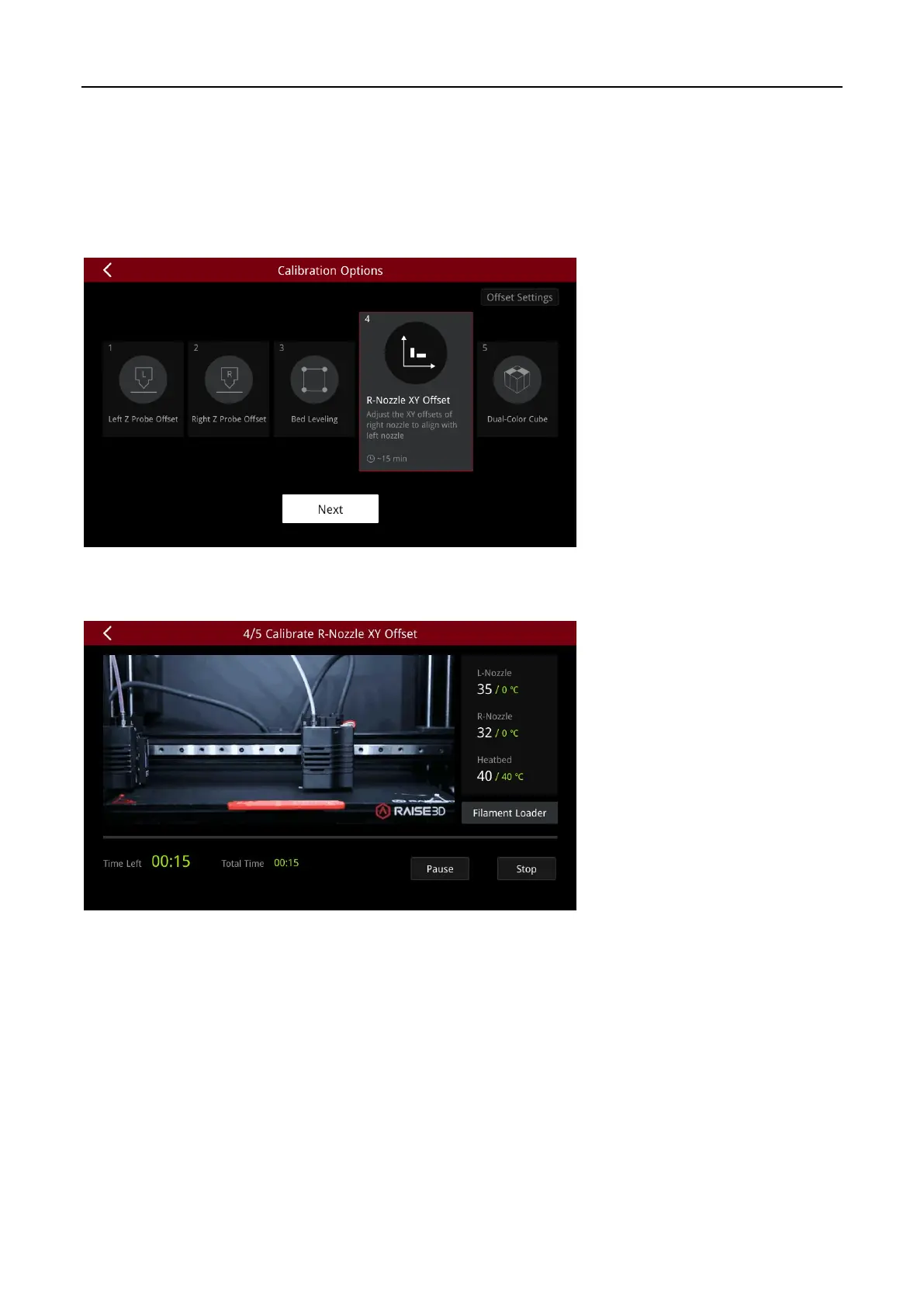
(4) R-Nozzle X/Y Offset
The R-Nozzle X/Y Offset is the right nozzle in the XY direction relative to the left nozzle. Click “Next”
to start.
The printer will automatically print the calibration model, the whole process takes about 10 minutes,
please be patient and wait for the printing to finish.



 To Next Page