RAUMED NeuroSmart Instruction Manual
Manufacturer: RAUMEDIC AG, Hermann-Staudinger-Strasse 2, 95233 Helmbrechts, Germany
zwo-541EN Rev 3 / 2022-05-03
Page 44 of 61
4 Error messages and troubleshooting
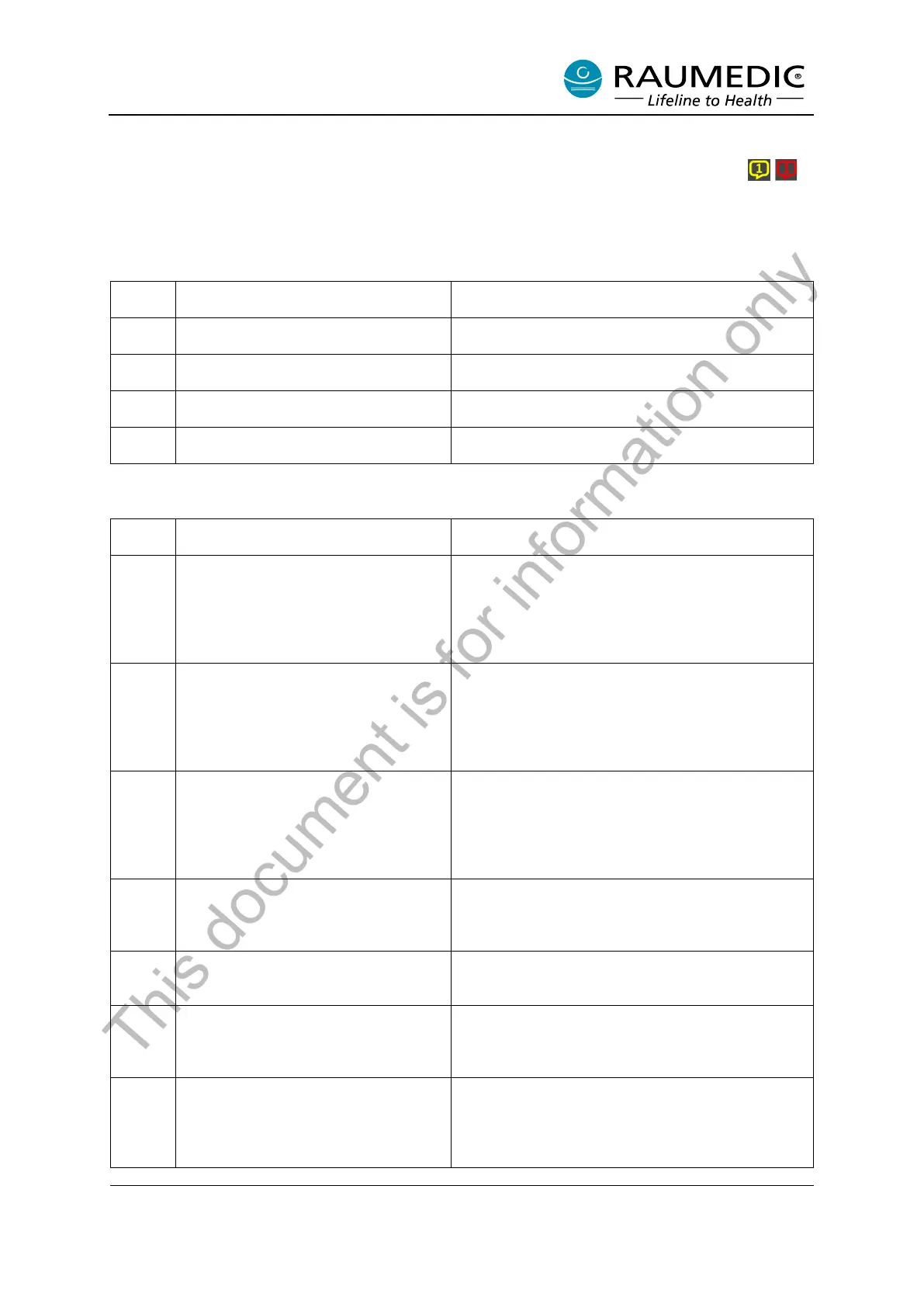
If an error occurs, the NeuroSmart shows an info message. Press the flashing speech bubble to
read the associated info message. The info messages with corresponding error code and troubleshoot-
ing recommendation are listed in Table 18.
Table 18: Physiological error message
The measured pressure P1/P2 is out-
side the set limits
The measured temperature T1/T2 is
outside the set limits
The calculated value CPP is outside
the set limits
The measured pO2 value is outside
the set limits
Table 19: Technical sensor error message
The pressure sensor P1/P2 has been
removed. Please confirm. If you have
not removed the sensor, it is most
likely a sensor defect. Please check
this and replace the sensor if neces-
sary.
Confirm this with OK. If you have not removed the
sensor, it is probably a sensor defect. Please check
this and replace the sensor if necessary.
The temperature sensor T1/T2 has
been removed. Please confirm. If you
have not removed the sensor, it is
most likely a sensor defect. Please
check this and replace the sensor if
necessary.
Confirm this with OK. If you have not removed the
sensor, it is probably a sensor defect. Please check
this and replace the sensor if necessary.
The pO2 sensor P1/P2 has been re-
moved. Please confirm. If you have
not removed the sensor, it is most
likely a sensor defect. Please check
this and replace the sensor if neces-
sary.
Confirm this with OK. If you have not removed the
sensor, it is probably a sensor defect. Please check
this and replace the sensor if necessary.
The connection with the NEU-
ROVENT P-tel was interrupted. The
NEUROVENT P-tel may be outside
the transmission range of the reader.
Check the Reader’s location and correct this if nec-
essary.
The reader was disconnected from
the device
The Reader has been separated from the device.
If you have not separated the Reader, it is probably
a Reader defect.
The multi parameter catheter ICP1/2
on P1/2 was disconnected from the
device
Confirm this with OK. If you have not removed the
Multi-parameter catheter, it is probably a sensor
defect. Please check this and replace the sensor if
necessary.
The measured values are constant.
The catheter may be defective or im-
properly connected.
Confirm this with OK.
Check the pulsation of the pressure signals. If no
pulsating pressure signals are displayed even
though the catheter/transducer is connected to the
patient, it is probably a sensor defect.
This document is for information only



 To Next Page