RAUMED NeuroSmart Instruction Manual
Manufacturer: RAUMEDIC AG, Hermann-Staudinger-Strasse 2, 95233 Helmbrechts, Germany
zwo-541EN Rev 3 / 2022-05-03
Page 33 of 61
Settings options in the password-protected area
• Set the time interval for AUDIO PAUSED and AUDIO OFF
• Activate/deactivate the Reminder Signal [2]
• System Reset: Reset to factory setting [3]
• Change Password [4]
• Export Logfiles [5].
The log is used for servicing and is encrypted. Please contact the service department. A USB stick must
be inserted to export the logfile. Click on the “Export Logfile” button [5], which saves the logfile to the
USB stick.
Select the desired settings from <3> and confirm your entries <4>.
3.6.2 Setting physiological alarm limits
When the system is restarted, the default alarm limits are selected with the preset values shown in Table
16. The previous alarm limits or clinic-specific alarm limits can be adopted by selecting "Keep or Clinic"
in the alarm limits, see Figure 6, Alarm limit selection keys [2].
Please check the plausibility of the set alarm limits after the measurement has been started. See
Figure 21 and Figure 22.
Caution: ALARM LIMITS set to extreme values can make the ALARM SYSTEM unusable.
If the NeuroSmart is not continuously operated by clinical personnel, we recommend selecting the
“Default” alarm limits.
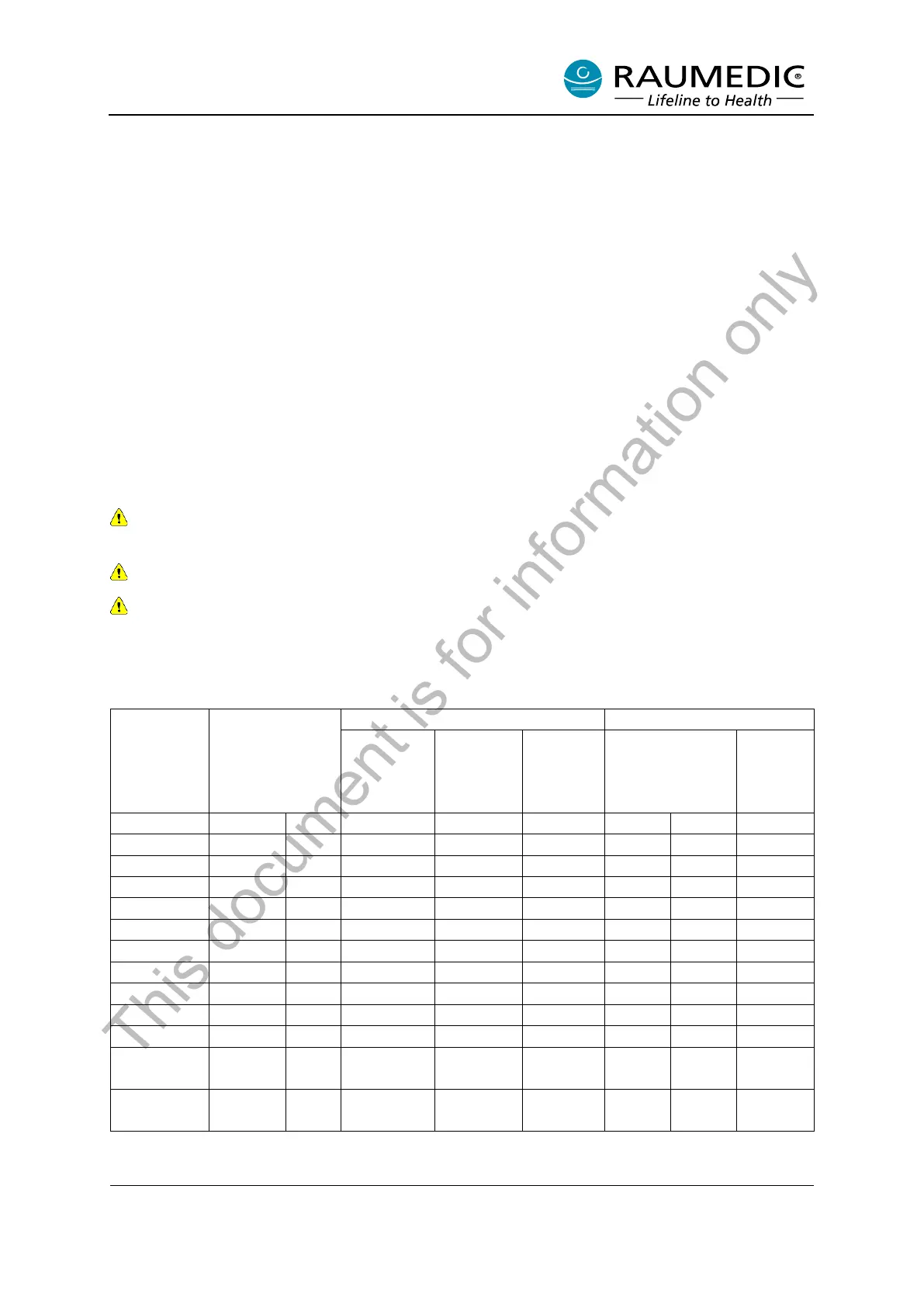
Table 16 Shows the default settings for the physiological alarms and their setting ranges.
Table 16: Default settings
Alarm limits *1
Lower upper
minimal
adjust-
ment dis-
tance
*1 The alarm limits can be freely adjusted in the indicated range; the minimum distance between the
lower and upper alarm limit is called the minimum adjustment distance.
This document is for information only



 To Next Page