CHAPTER
8
Diagnostics: System Diagnostics 61
CHAPTER 8
DIAGNOSTICS
System and NCV information, diagnostics, and tests are accessible via the Diagnostics softkey displayed along the
right side of the page.
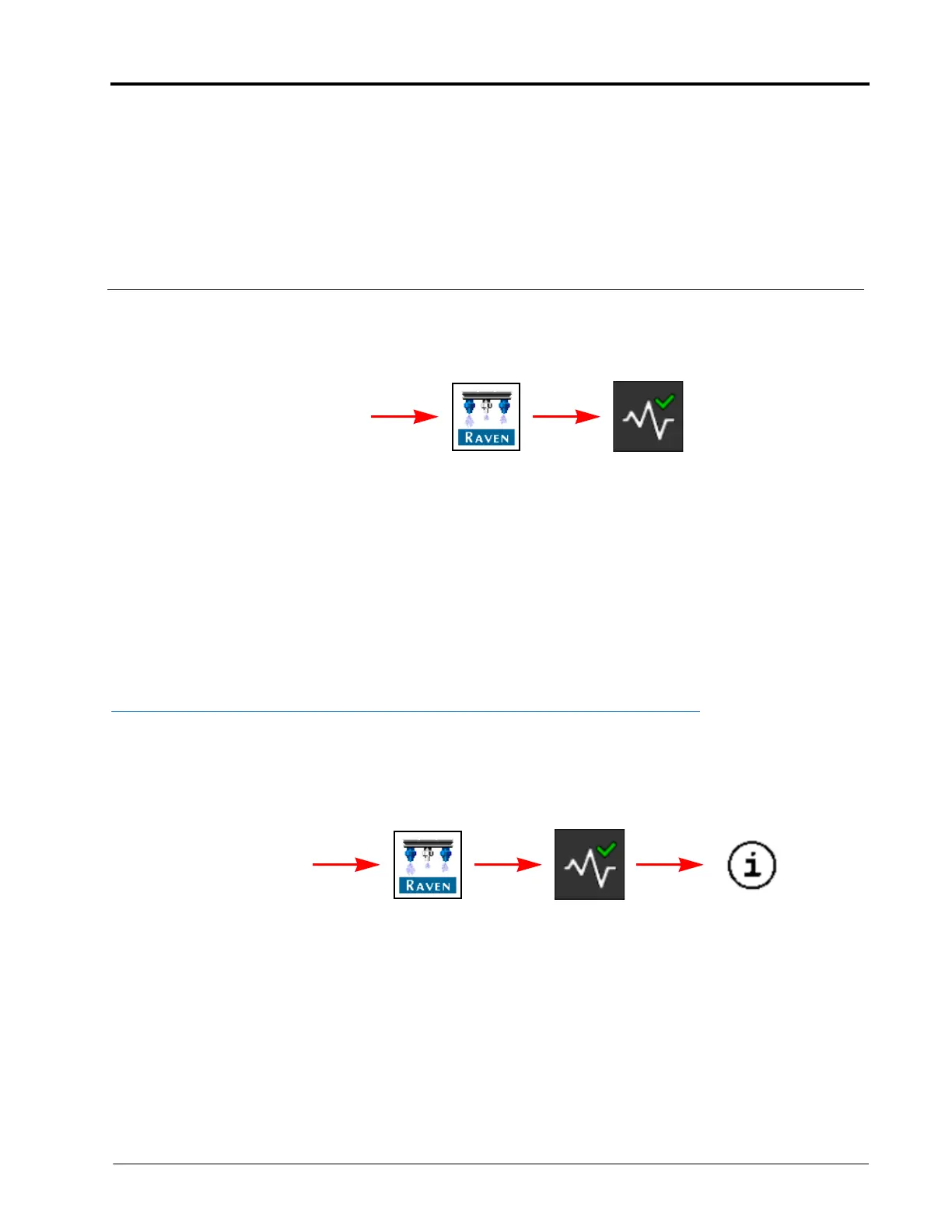
To access System or NCV Diagnostics:
1. Open the UT Menu and select the RCM - Sprayer Menu button.
2. Select the Diagnostics softkey.
Refer to the following sections for additional system or NCV diagnostics information:
• System Diagnostics section on page 61
• NCV Diagnostics section on page 82
• NCV Updates section on page 84
SYSTEM DIAGNOSTICS
SYSTEM INFORMATION
To review information about the AIM Command FLEX™ II:
1. Open the UT Menu and select the RCM - Sprayer Menu button.
2. Select the Diagnostics softkey along the right side of the page.
3. Select the System Information button. The following information is displayed on the page:
Hardware/Software. Displays hardware and software information for the ECU.
Delivery System. Displays application information for the product when active and applying.
System Voltages. Displays voltage and current information for the ECU and attached sensors.
RCM - Sprayer Menu Diagnostics
UT Menu
RCM - Sprayer Menu Diagnostics
UT Menu
System
Information



 To Next Page