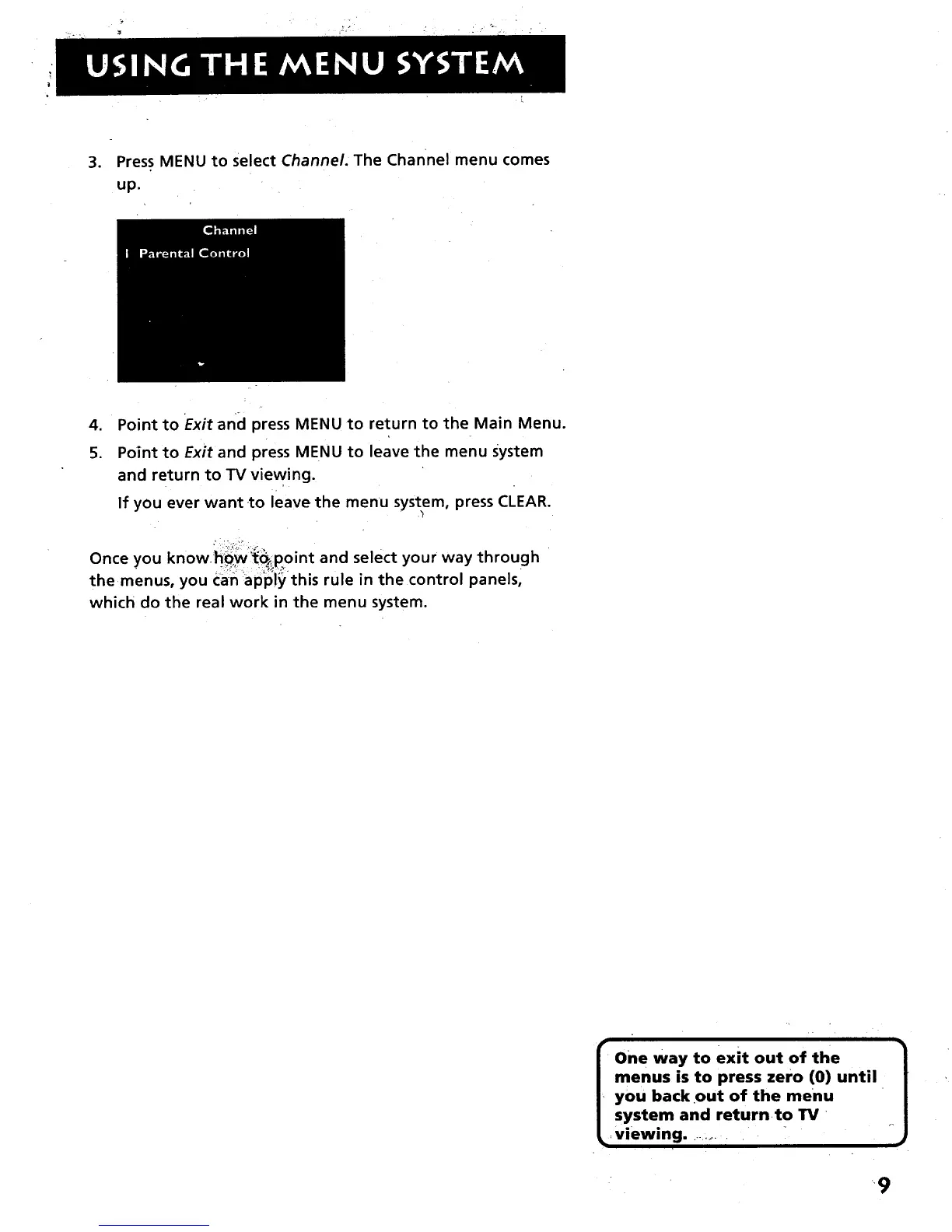
3. Press MENU to select Channel. The channel menu comes
up.
4. Point to Exit and press MENU to return to the Main Menu.
5. Point to Exit and press MENU to leave the menu system
and return to TV viewing.
If you ever want to leave the menu system, press CLEAR.
Once you know h_:w:'_point and select your way through •
the menus, you Can ap'ply this rule in the control pane s,
which do the real work in the menu system.
f One way to exit out of the 1
| menus is to press zero (0) until
J
_, you back out of the menu
| system and returnto TV
_ viewing ......... -
• '9



 To Next Page