SETTHE VCR2"LD CHANNEL
The fifth step lets you set the VCR2.LD channel. When you set
the VCR2°LD channel, you're telling the TV what channel to
tune to when you press the VCR2.LD button on the remote.
For example, if you have a laserdisc player connected to the
Video 2 input jacks on the back of the TV, you want the TV to
tune to the Video 2 input channel when you press VCR2eLD.
If you don't have a VCR2oLD component connected to the TV,
skip this step or select Not Connected from VCRoLD Channel
choice list. (For more, see Auto "Tuning, page 43.)
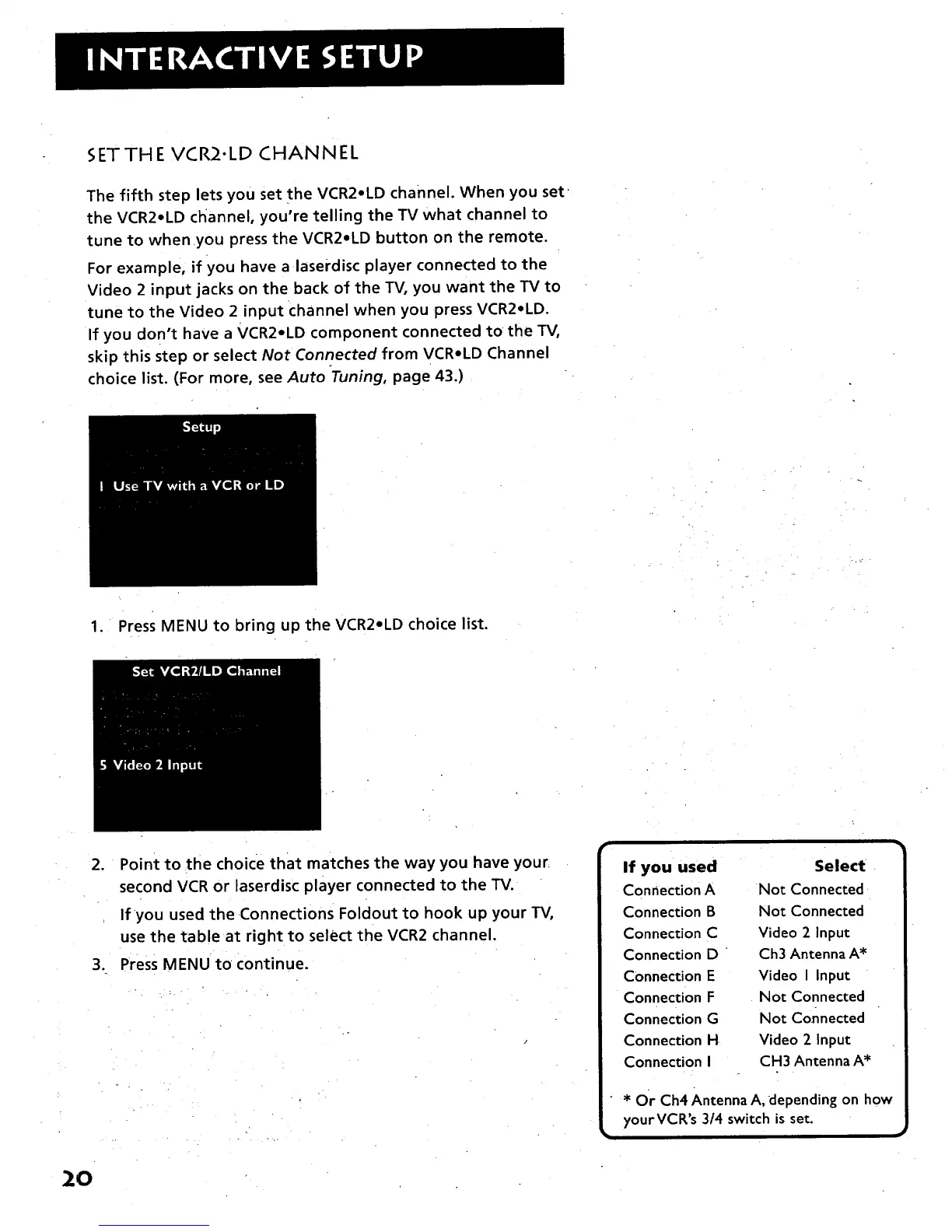
1. Press MENU to bring up the VCR2oLD choice list.
2. Point to the choice that matches the way you have your
second VCR or laserdisc player connected to the TV.
If you used the •Connections Foldout to hook up your TV,
use the table at right to select the VCR2 channel.
3. Press MENU to continue.
If you used Select
Connection A Not Con nected
Connection B Not Connected
Connection C Video 2 Input
Connection D " Ch3 Antenna A*
Connection E Video I Input
Connection F Not Connected
Connection G Not Connected
Connection H Video 2 Input
Connection I CH3 Antenna A*
* Or Ch4 Antenna A, depending on how
yourVCR's 3/4 switch isset.
20



 To Next Page