FRONT PANEL
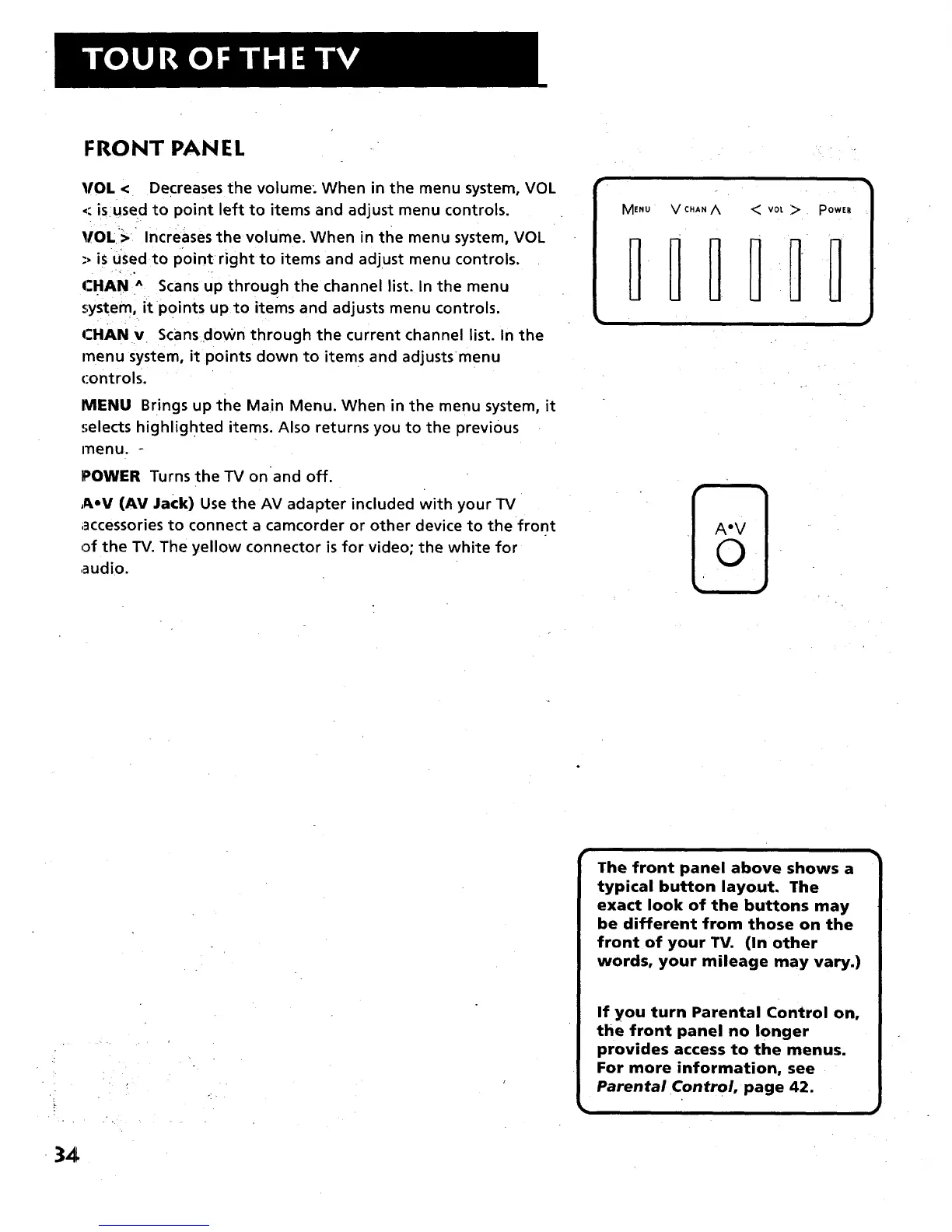
VOL < Decreases the volume: When in the menu system, VOL
< isused to point left to items and adjust menu controls.
_IOL_>: Increases the volume. When in tl_e menu system, VOL
-, is used to point right to items and adjust menu controls.
CHAN ^ Scans up through the channel list. In the menu
system, it Points up to items and adjusts menu controls.
CHANv Scansdown through the current channel list. In the
menu system, it points down to items and adjustsmenu
controls.
MENU Brings up the Main Menu. When in the menu system, it
:;elects highlighted items. Also returns you to the previous
menu. -
POWER Turns the TV on and off.
AoV (AV Jack) Use the AV adapter included with your TV
accessories to connect a camcorder or other device to the front
of the TV. The yellow connector is for video; the white for
audio.
The front panel above shows a
typical button layout. The
exact look of the buttons may
be different from those on the
front of your TV. (In other
words, your mileage may vary.)
If you turn Parental Control on,
the front panel no longer
provides access to the menus.
For more information, see
Parental Control, page 42.
34



 To Next Page