ABOUT PROGRAMMING THE REMOTE
The universal remote can be programmed to control most
brands of remote controllable TVs, VCRs0 and cable boxes.
Most RCA, GE and ProScan TVs and VCRs are already
programmed. Other manufacturer's brands need to be
programmed.
PROG RA/M_iv_I NG TH E REN_OTE TO CONTROL
A VCR
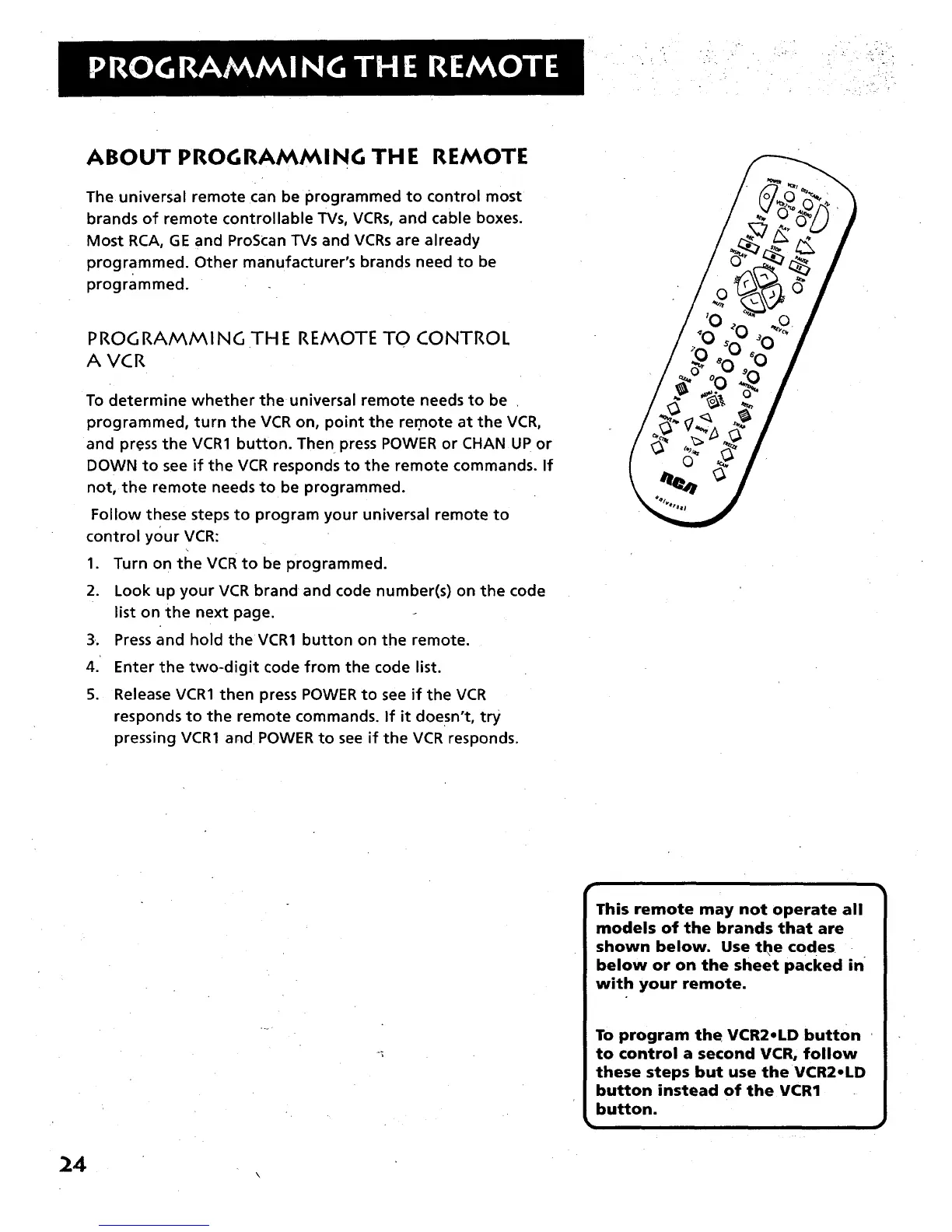
To determine whether the universal remote needs to be
programmed, turn the VCR on, point the re.mote at the VCR,
and press the VCR1 button. The n press POWER or CHAN UP or
DOWN to see if the VCR responds to the remote commands. If
not, the remote needs to be programmed.
Follow these steps to program your universal remote to
control your VCR:
1. Turn on the VCR to be programmed.
2. Look up your VCR brand and code number(s) on the code
list on the next page.
3•. Press and hold the VCR1 button on the remote.
4.' Enter the two-digit code from the code list.
5. Release VCR1 then press POWER to see if the VCR
responds to the remote commands. If it doesn't, try
pressing VCR1 and POWER to see if the VCR responds.
24
This remote may not operate all
models of the brands that are
shown below. Use the codes
below or on the sheet packed in
with your remote.
To program the VCR2oLD button
to control a second VCR, follow
these steps but use the VCR2oLD
button instead of the VCR1
button.
l



 To Next Page