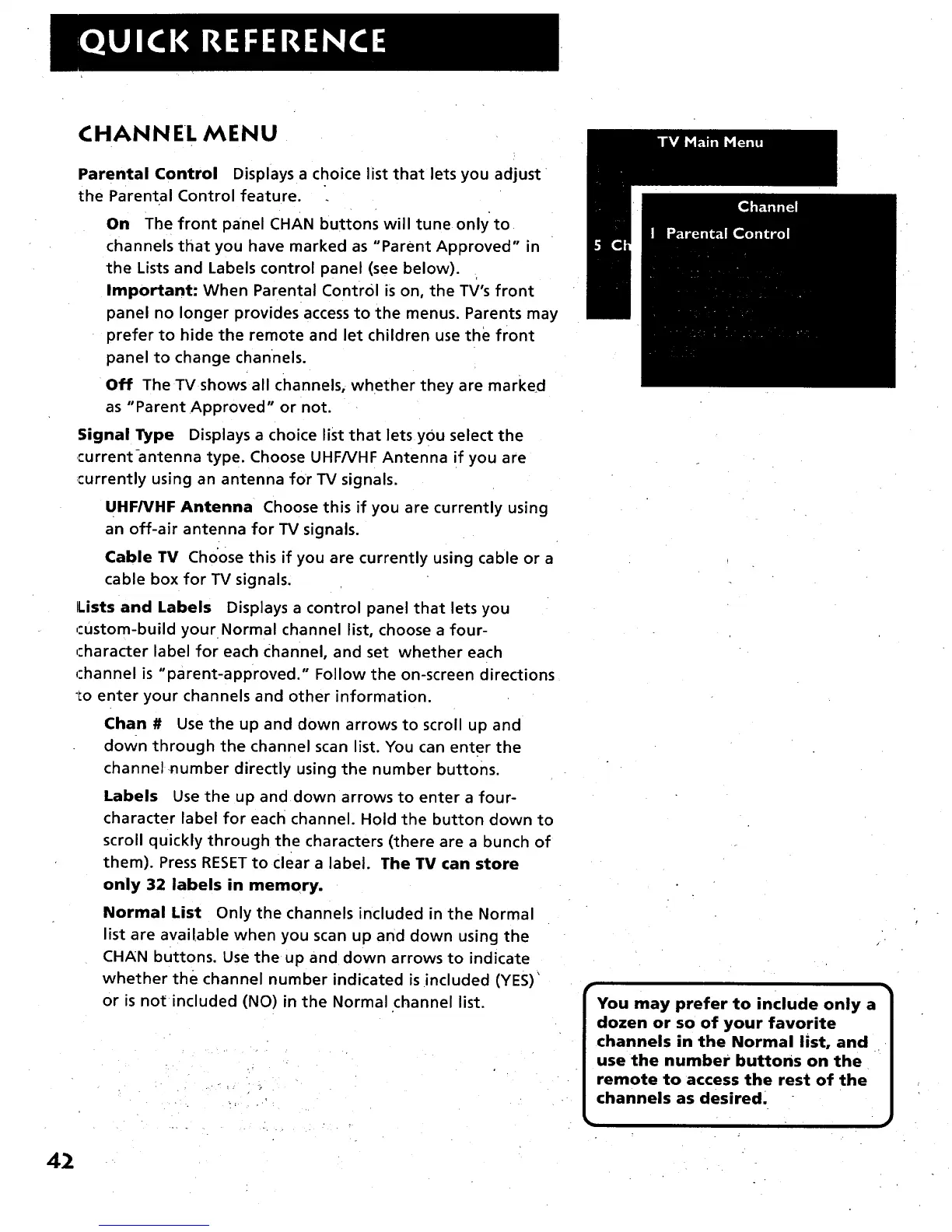
CHANNEL MENU
Parental Control Displays a choice list that lets you adjust
the Parental Control feature.
On The front panel CHAN buttons will tune onlyto
channels that you have marked as "Parent Approved" in
the Lists and Labels control panel (see below).
Important- When Parental Control is on, the TV's front
panel no longer provides access to the menus. Parents may
prefer to hide the remote and let children use the front
panel to change channels.
Off The TV shows all channels, whether they are marked
as "Parent Approved" or not.
Signal Type Displays a choice list that lets you select the
current-antenna type. Choose UHFNHF Antenna if you are
currently using an antenna for TV signals.
UHF/VHF Antenna Choose this if you are currently using
an off-air antenna for TV signals.
Cable TV Cho'ose this if you are currently using cable or a
cable box for TV signals.
Lists and Labels Displays a control panel that lets you
,:ustom-build your Normal channel list, choose a four-
character label for each c_hannel, and set whether each
rhannel is "parent-approved." Follow the on-screen directions
:o enter your channels and other information.
Chan # Use the up and down arrows to scroll up and
down through the channel scan list. You can enter the
channel number directly using the number buttons.
Labels Use the up and down arrows to enter a four-
character label for each channel. Hold the button down to
scroll quickly through the characters (there are a bunch of
them). Press RESET to clear a label. The TV can store
only 32 labels in memory.
Normal List Only the channels included in the Normal
list are available when you scan up and down using the
CHAN buttons. Use the up and down arrows to indicate
whether the channel number indicated is included (YES)'
or is not included (NO) in the Normal channel list.
J
You may prefer to include only a
dozen or so of your favorite
channels in the Normal list, and
use the number buttons on the
remote to access the rest of the
channels as desired.
42



 To Next Page