THE MENU RULE: POINTAND SELECT
You only need to know one rule to use the on-screen menus
and control panels: point and select.
WHAT IS POINTAND SELECT?.
The point and select method has two steps.
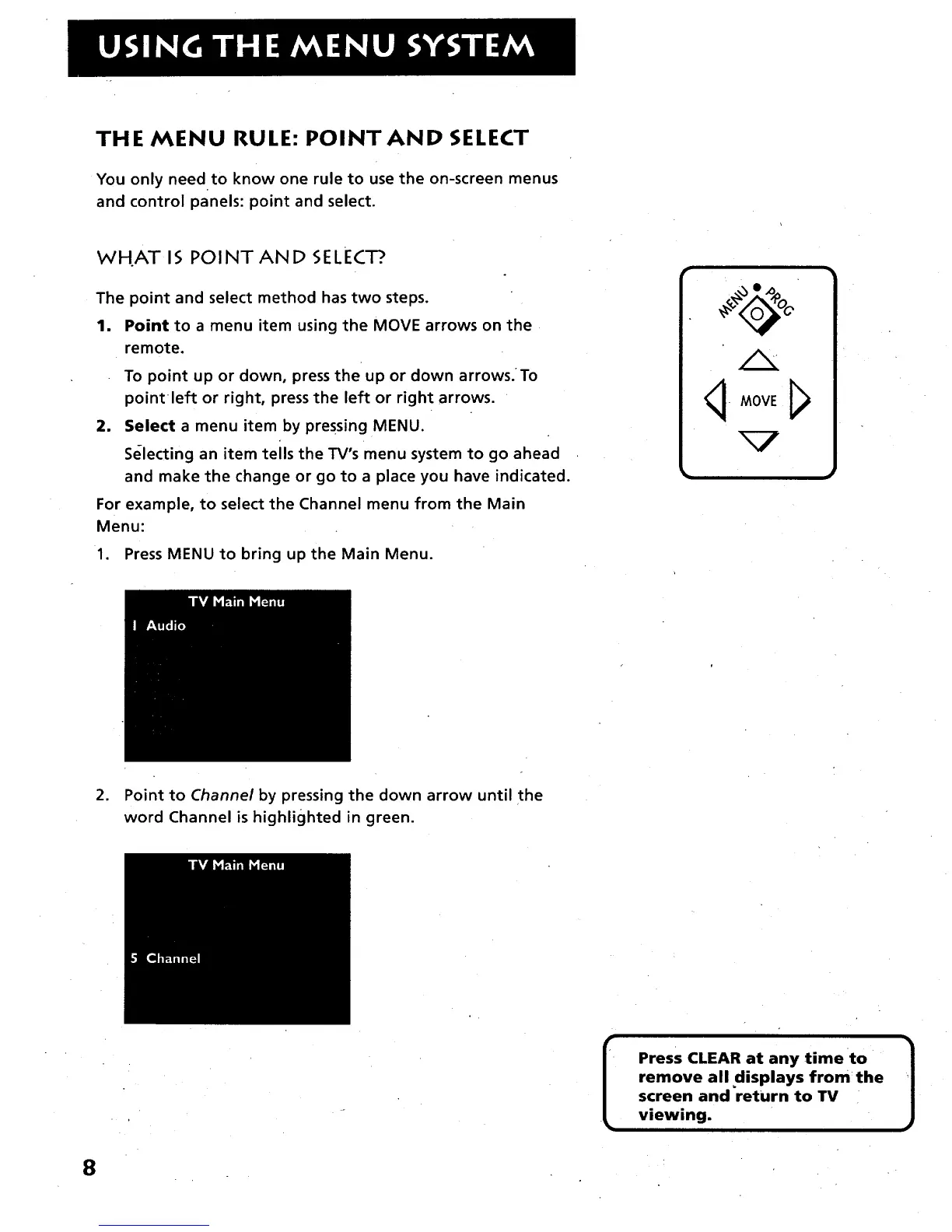
1. Point to a menu item using the MOVE arrows on the
remote.
To point up or down, press the up or down arrows.To
pointleft or right, press the left or right arrows.
2. Select a menu item by pressing MENU.
Selecting an item tells the TV's menu system to go ahead
and make the change or go to a place you have indicated.
For example, to select the Channel menu from the Main
Menu:
1. Press MENU to bring up the Main Menu.
q-MOVE J_
2. Point to Channel by pressing the down arrow until the
word Channel is highlighted in green.
Press CLEAR at any time to
remove all displays from the
screen and return to TV
viewing.
]
8



 To Next Page