SCREEN MENU .
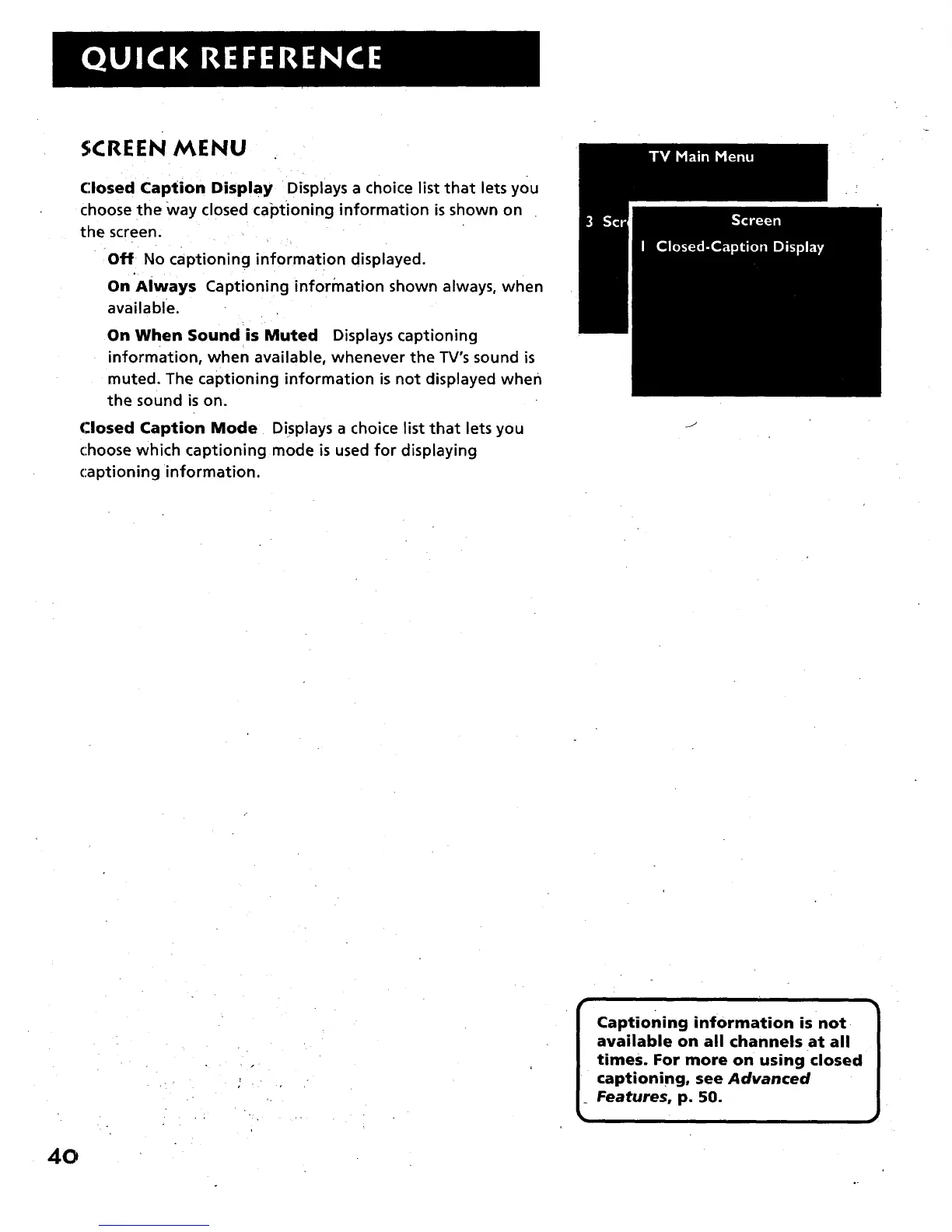
Closed Caption Display Displays a choice list that lets you
choose the Way closed captioning information is shown on
the screen.
Off No captioning information displayed.
On "Always Captioning information shown always, when
available.
On When Soundis Muted Displays captioning
information, when available, whenever the TV's sound is
muted. The captioning information is not displayed when
the sound is on.
Closed Caption Mode Displays a choice list that lets you
choose which captioning mode is used for displaying
captioning •information.
J
40
Captioning information is not
available on all channels at all
times. For more on using closed
captioning, see Advanced
Features, p. 50.



 To Next Page