PROGRAMMING TH E REMOTE TO CONTROL
A LASERDISC PLAYER
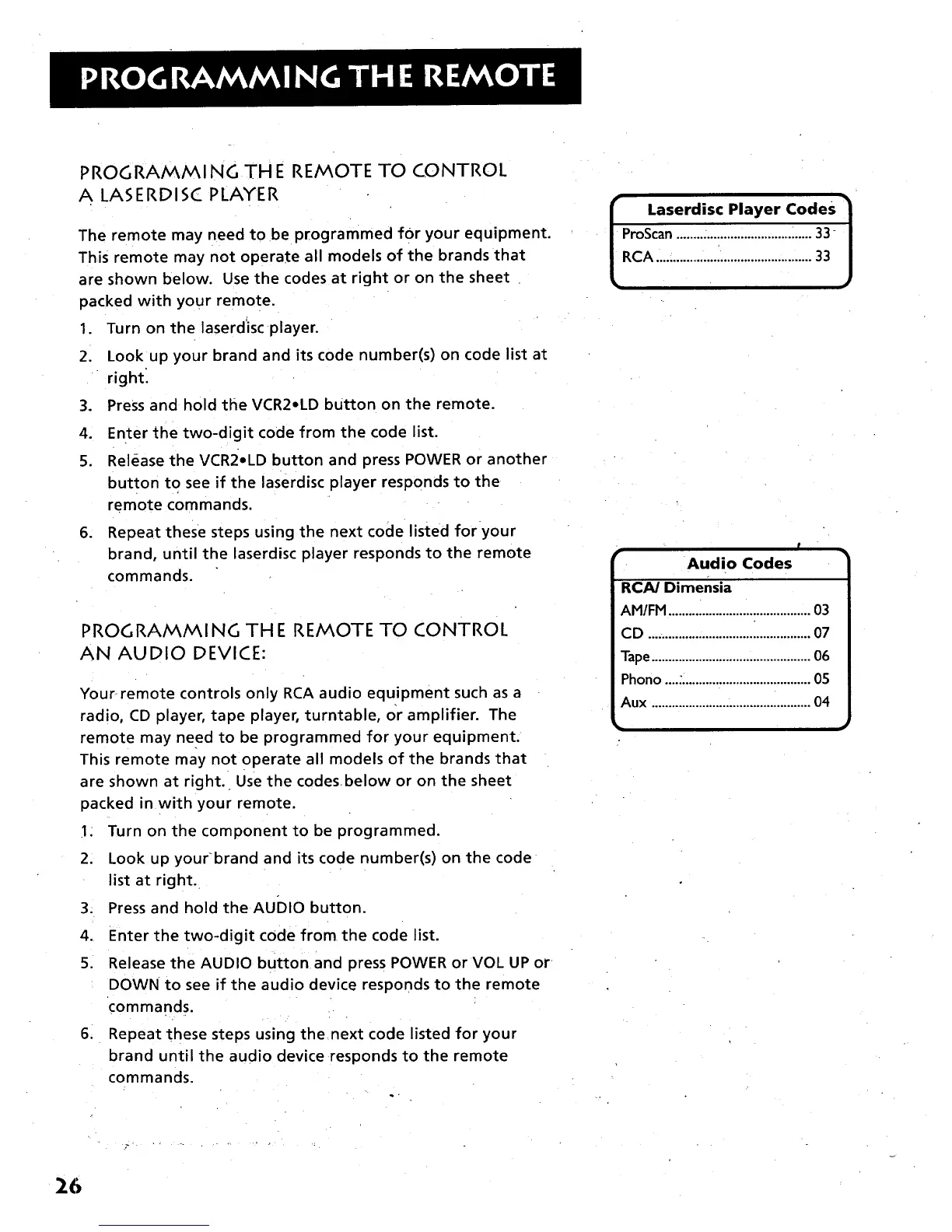
The remote may need to be programmed for your equipment.
This remote may not operate all models of the brands that
are shown below. Use the codes at right or on the sheet
packed with your remote.
1. Turn on the laserdisc player.
2. Look up your brand and its code number(s) on code list at
right:
3. Press and hold the VCR2oLD button on the remote.
4. Enter the two-digit code from the code list.
5. Release the VCR2oLD button and press POWER or another
button to see if the laserdisc player responds to the
remote commands.
6. Repeat these steps using the next code listed for your
brand, until the laserdisc player responds to the remote
commands.
PROGRAMMING THE REMOTE TO CONTROL
AN AUDIO DEVICE:
Your remote controls only RCA audio equipment such as a
radio, CD player, tape player, turntable, or amplifier. The
remote may need to be programmed for your equipment.
This remote may not operate all models of the brands that
are shown at right. Use the codesbelow or on the sheet
packed in with your remote.
1: Turn on the component to be programmed.
2. Look up your-brand and its code number(s) on the code
list at right.
3. Press and hold the AuDIo button.
4. Enter the two-digit code from the code list.
5. Release the AUDIO button and press POWER or VOL UP or
DOWN to see if the audio device responds to the remote
commands.
6, Repeat these steps using the next code listed for your
brand until the audio device responds to the remote
commands.
I aserdisc Player Codes 1
ProScan........................................33-
RCA ....:..........................................33
r
r
Audio Codes
RCAJ Dimensia
AM/FM ..........................................03
CD ................................................07
Tape...............................................06
Phono ...........................................05
Aux ...............................................04
26



 To Next Page