CHANNEL MARKER
There are several indicators that come up when you change
channels, press the DISPLAY button, or press the TV button.
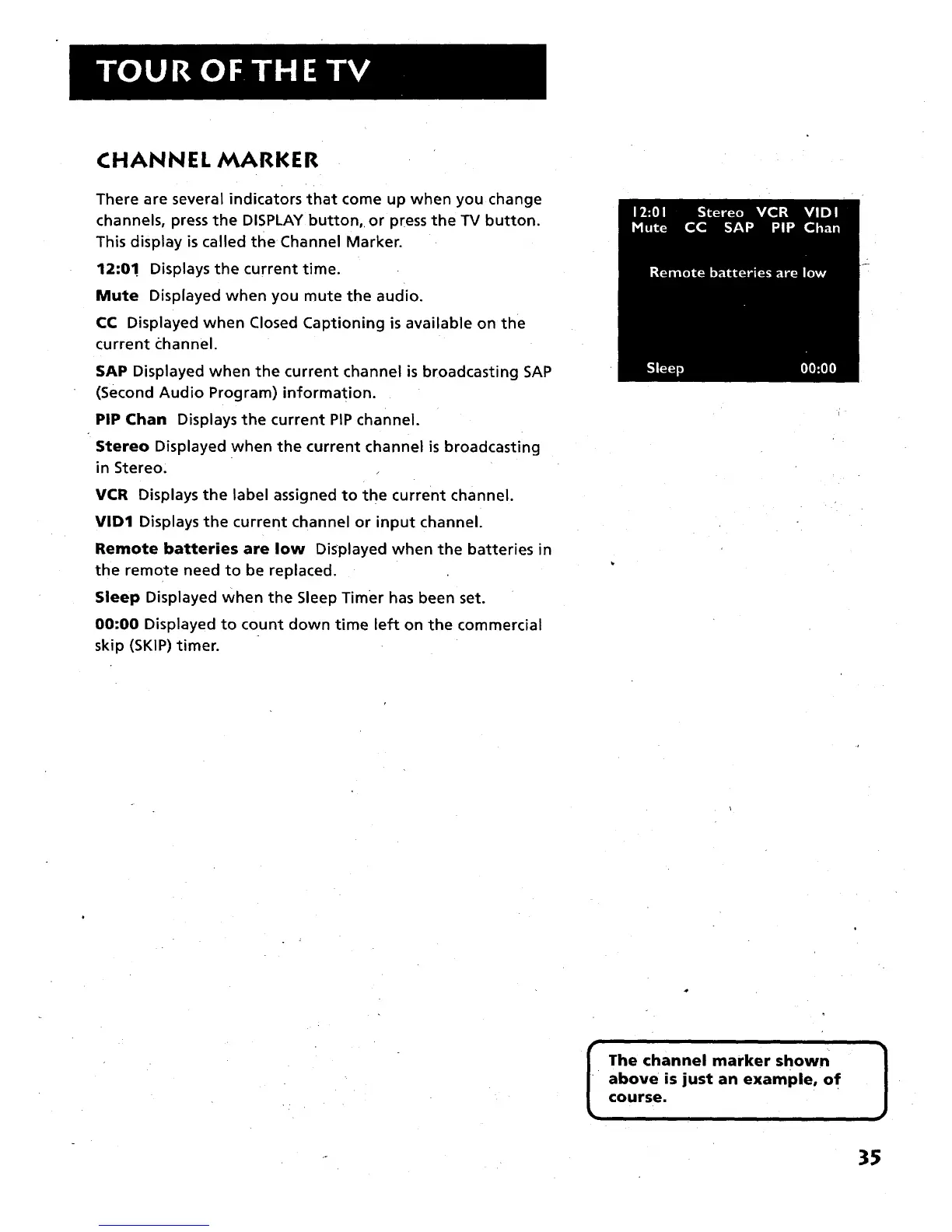
This display is called the Channel Marker.
12:0! Displays the current time.
Mute Displayed when you mute the audio.
CC Displayed when Closed Captioning is available on the
current channel.
SAP Displayed when the current channel is broadcasting SAP
(Second Audio Program) information.
PIP Chan Displays the current PIP channel.
Stereo Displayed when the current channel is broadcasting
in Stereo:
VCR Displays the label assigned to the current channel.
VID1 Displays the current channel or input channel.
Remote batteries are low Displayed when the batteries in
the remote need to be replaced.
Sleep Displayed when the Sleep Timer has been set.
00:00 Displayed to count down time left on the commercial
skip (SKIP) timer.
The channel marker shown
above is just an example, of
course.
)
35



 To Next Page