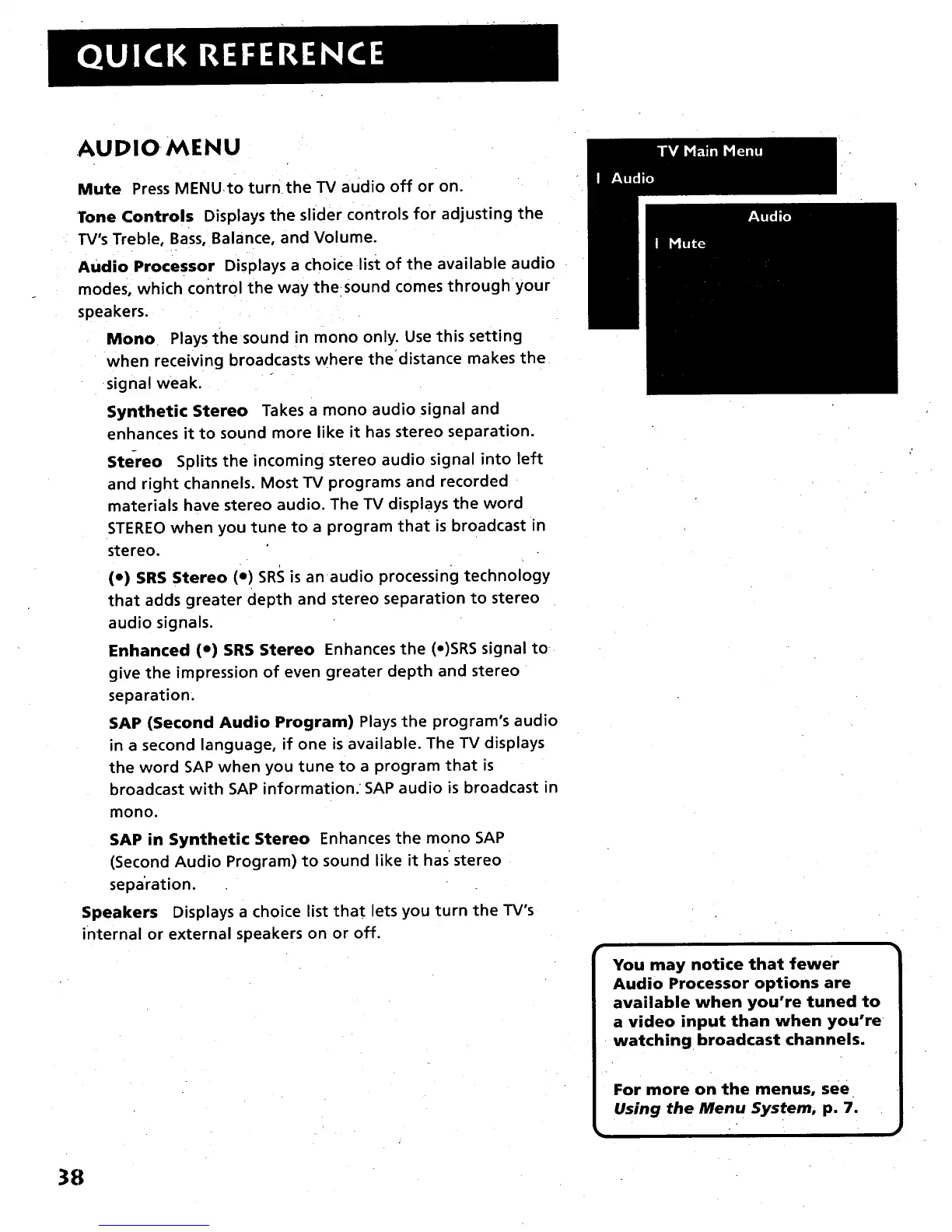
AUDIOMENU
Mute Press MENU.to turn the TV audio off or on.
Tone Controls Displays the slider controls for adjusting the
l"V's Treble, Bass, Balance, and Volume.
Audio Processor Displays a choice list of the available audio
modes, which control the way thesound comes through your
speakers.
Mono Plays the sound in mono only. Use this setting
when receiving broadcasts where the'distance makes the
signal weak.
Synthetic Stereo Takes a mono audio signal and
enhances it to sound more like it has stereo separation.
Stereo Splits the incoming stereo audio signal into left
and right channels. Most TV programs and recorded
materials have stereo audio. The TV displays the word
STEREO when you tune to a program that is broadcast in
stereo.
(e) SRS Stereo (e) SRS isanaudio processing technology
that adds greater depth and stereo separation to stereo
audio signals.
Enhanced (e) SRS Stereo Enhances the (e)SRS signal to
give the impression of even greater depth and stereo
separation.
SAP (Second Audio Program) Plays the program's audio
in a second language, if one is available. The TV displays
the word SAP when you tune to a program that is
broadcast with SAP information. SAP audio is broadcast in
mono.
SAP in Synthetic Stereo Enhances the mono SAP
(Second Audio Program) to sound like it has*stereo
sepa'ration.
Speakers Displays a choice list that lets you turn the TV's
internal or external speakers on or off.
You may notice that fewer
Audio Processor options are
available when you're tuned to
a video input than when you're
watching broadcast channels.
For more on the menus, see
Using the Menu System, p. 7.
38



 To Next Page