CLOSED CAPTION ING
Many programs are encoded with closed captioning
information, which lets you display the audio portion of a
program as text on the TV screen. You can tell the TV to
displa'y closed captioning: a) never, b) whenever it is available,
or c) whenever the program is muted.
TO DISPLAY CLOSED CAPTIONING
1. 'Press MENU to bring up the Main Menu.
2. Point tO screen and press MENU. The Screen Menu comes
up_with Closed Caption Display highlighted.
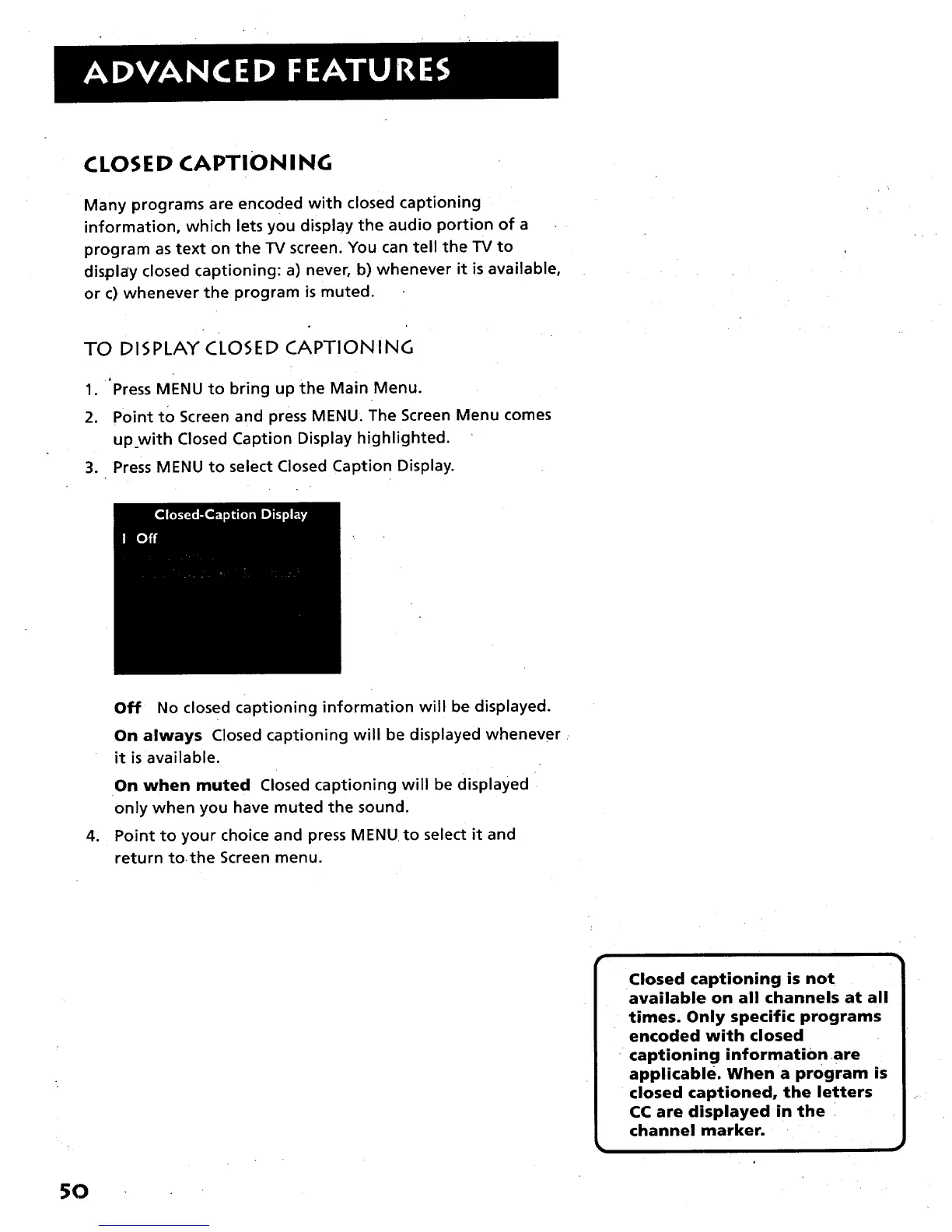
3. Press MENU to select Closed Caption Display.
o
Off No closed captioning information will be displayed.
On always Closed captioning will be displayed whenever
it is available.
On when muted Closed captioning will be displayed
only when you have muted the sound.
Point to your choice and press MENUto select it and
return tothe Screen menu.
Closed captioning is not
available on all channels at all
times. Only specific programs
encoded with closed
captioning information are
applicable. When a program is
closed captioned, the letters
CC are displayed in the
channel marker.
5O



 To Next Page