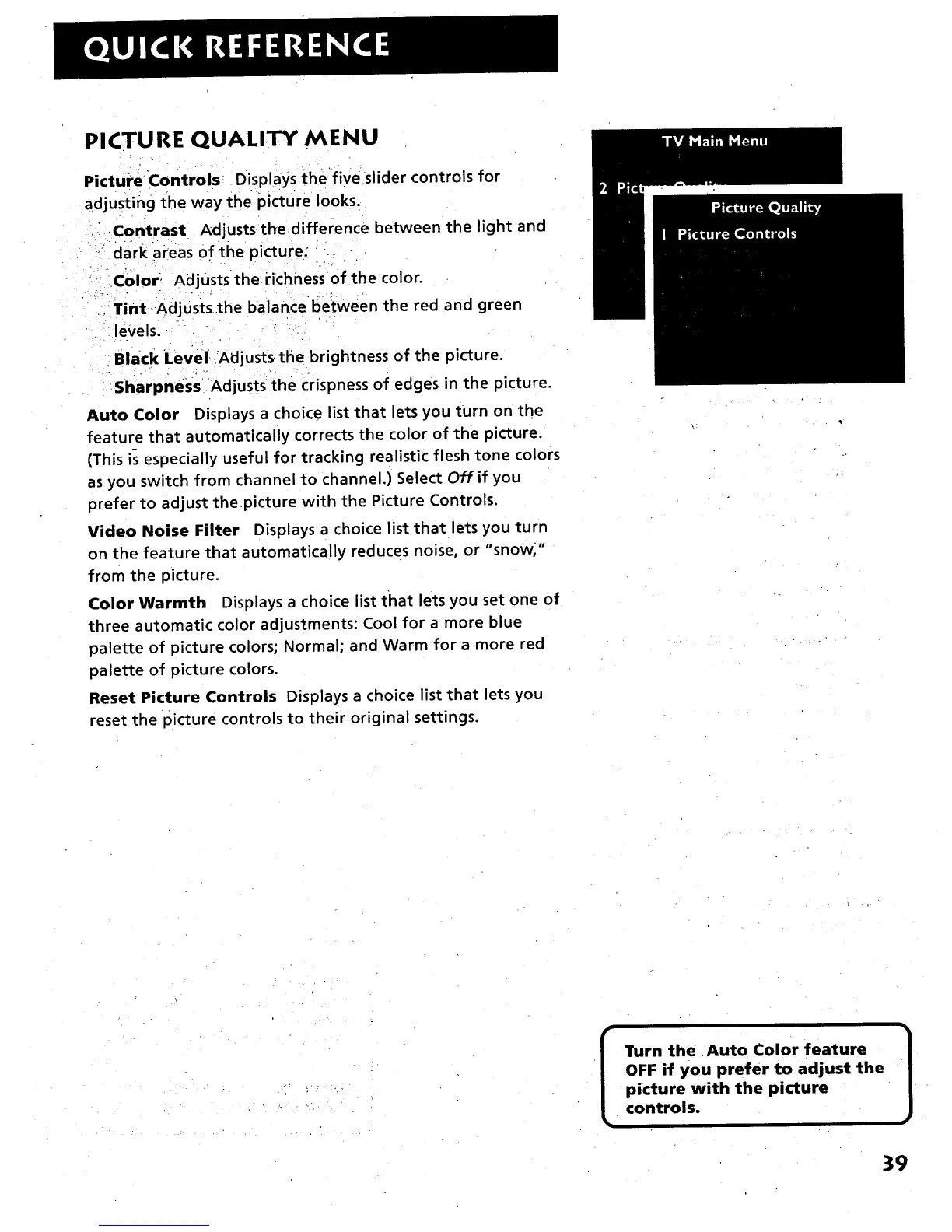
PICTURE QUALITY MENU
PictureControls Disp ays the fiveslider controls for
adjusting the way the picture looks.
Contrast Adjusts the difference between the light and
:_ dark areas of the picture;
' C01o F. Adjusts the Hchness of the color.
.' Tint Adjuststhe balance between the red and green
levels. " _ --
- Black Level, Adjusts the brightness of the picture.
. . .- .
Sharpness Adjusts the crispness of edges in the picture.
Auto Color Displays a choice list that lets you turn on the
feature that automatically corrects the color of the picture.
(This is especially useful for tracking realistic flesh tone colors
as you switch from channel to channel.) Select Off if you
prefer to adjust thepicture with the Picture Controls.
Video Noise Filter Displays a choice list that lets you turn
on the feature that automatically reduces noise, or "snow,"
from the picture.
Color Warmth Displays a choice list that lets you set one of
three automatic color adjustments: Cool for a more blue
palette of picture colors; Normal; and Warm for a more red
palette of picture colors.
Reset Picture Controls Displays a choice list that lets you
reset the picture controls to their original settings.
I urn the Auto Color feature
OFF if you prefer to adjust the
picture with the picture
controls.
3



 To Next Page