LABELTHE CHANNELS
The third step lets you make your cha.nnel list, label your
channels, and choose whether each channel belongs in the
parent-approved channel list. (For more, see Lists and Labels,
page 42.)
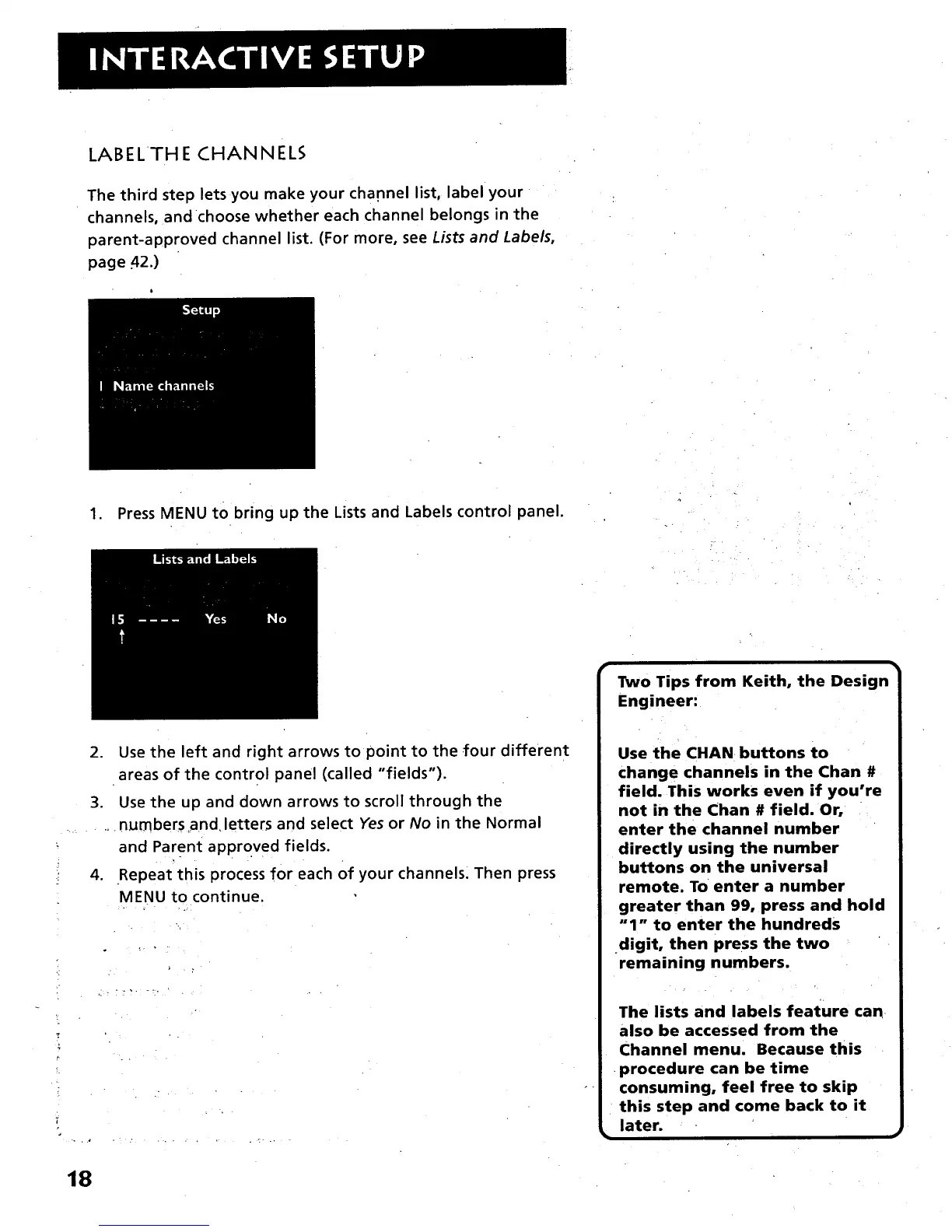
1. Press MENU to bring up the Lists and Labels control panel.
2. Use the left and right arrows to point to the four different
areas of the control panel (called "fields").
3. Use the up and down arrows to scroll through the
..... .. numbers _nd letters and select Yes or No in the Normal
: and Parent approved fields.
- . . .
4. Repeat this process for each Of your channels. Then press
MENU to continue.
-!
!.
, ., . ..... • , ,
r •
Two Tips from Keith, the Design
Engineer:
Use the CHAN buttons to
change channels in the Chan #
field. This works even if you're
not in the Chan # field. Or,
enter the channel number
directly using the number
buttons on the universal
remote. To enter a number
greater than 99, press and hold
"1" to enter the hundreds
digit, then press the two
remaining numbers.
The lists and labels feature can
also be accessed from the
Channel menu. Because this
•procedure can be time
consuming, feel free to skip
this step and come back to it
later.
18



 To Next Page