ENTERING SETUP
Setup is accessed through the Main Menu:
1. Press MENU to bring up the Main Menu.
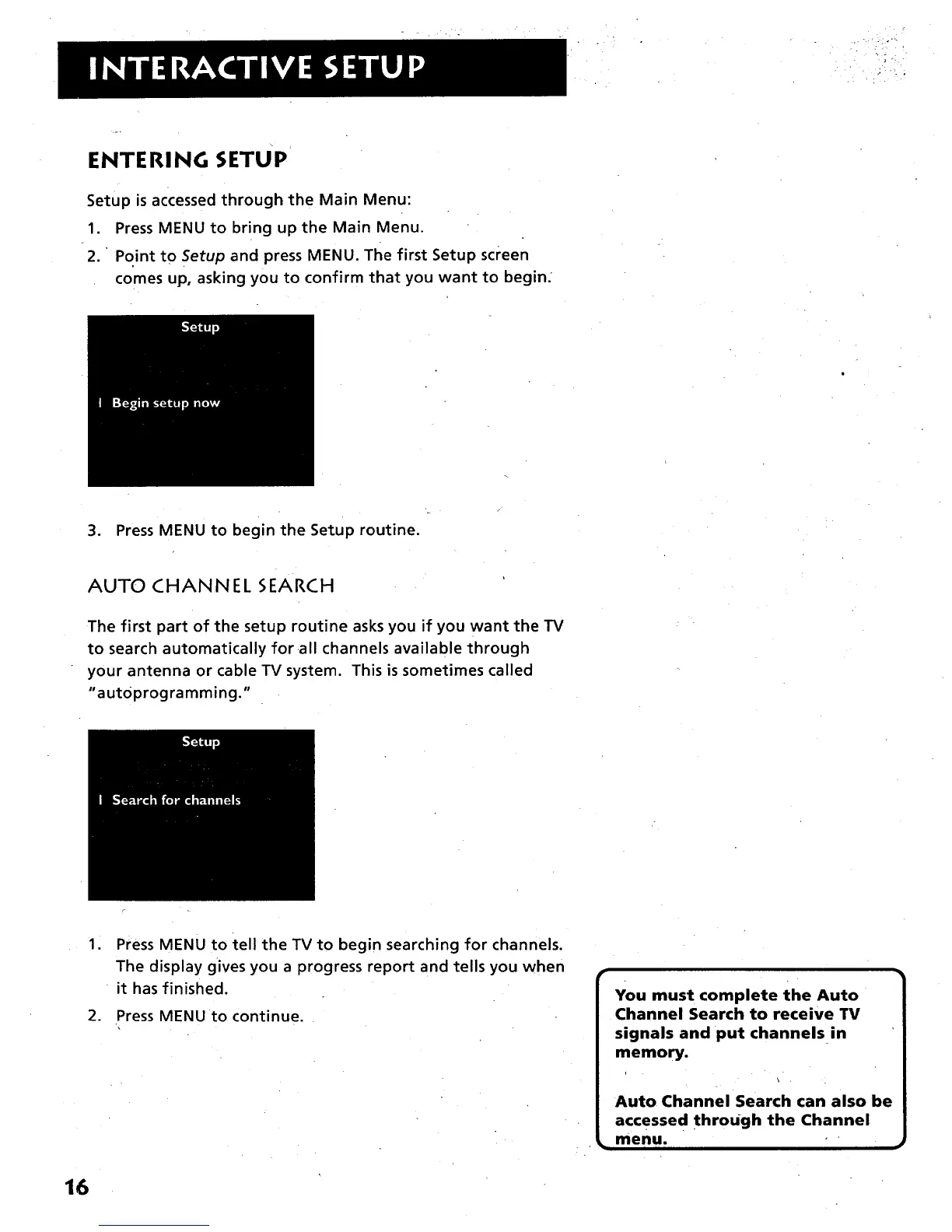
2. " Point to Setup and press MENU. The first Setup screen
comes up, asking you to confirm that you want to begin.
3. Press MENU to begin the Setup routine.
AUTO CHANNEL SEARCH
The first part of the setup routine asks you if you want the TV
to search automatically for •all channels available through
your antenna or cable TV system. This is sometimes called
"aut0programming."
1
Press MENU to tell the TV to begin searching for channels.
The display gives you a progress report and tells you when
it has finished.
2. Press MENU to continue.
You must complete the Auto
Channel Search to receive TV
signals and put channels in
memory.
Auto Channel Search can also be
accessed through the Channel
menu.
16



 To Next Page