k
SET TH ETIME
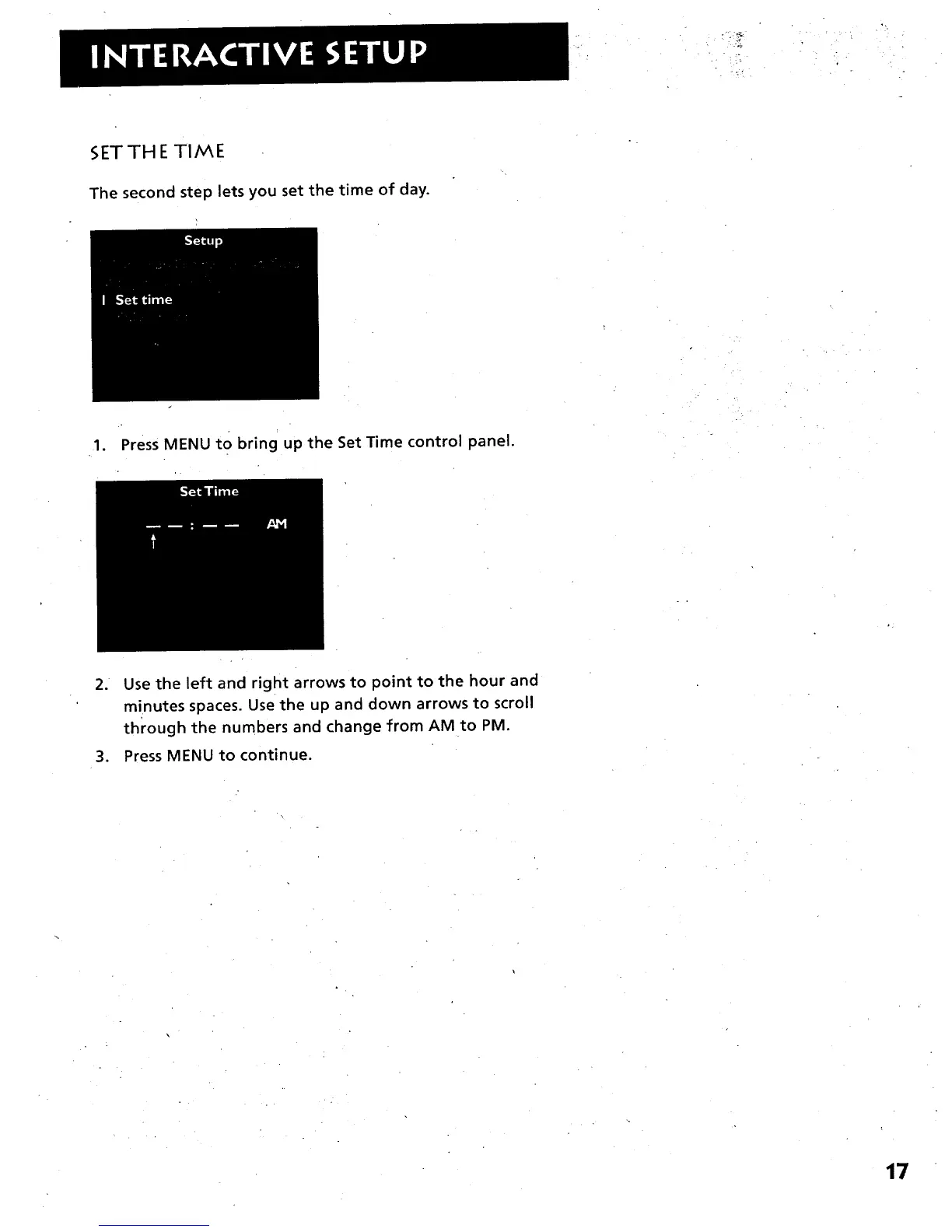
The second step lets you set the time of day.
1. Press MENU to bring up the Set Time control panel.
2. Use the left and right arrows to point to the hour and
minutes spaces. Use the up and down arrows to scroll
through the numbers and change from AM to PM.
3. Press MENU to continue.
17



 To Next Page