SETTHE DSS-CABLE CHANNEL
The last step lets you set the DSS.CABLE channel. When you
set the DSS.CABLE channel, you're telling the TV what
channel to tune towhen you press the DSS°CABLE button on
the r.emote.
For example, if you have acable box connected to the
Antenna A on the back of the TV, and you usually tune your
TV to channel 3 to see cable stations, you want the TV to tune
CH 3 Antenna A when you press DSS°CABLE. If you don't
have a DSS® receiver or cable box connected to the TV, skip
this step or select Not Connected from the DSS-CABLE
Channel choice list. (For more, see Auto Tuning, page 43.)
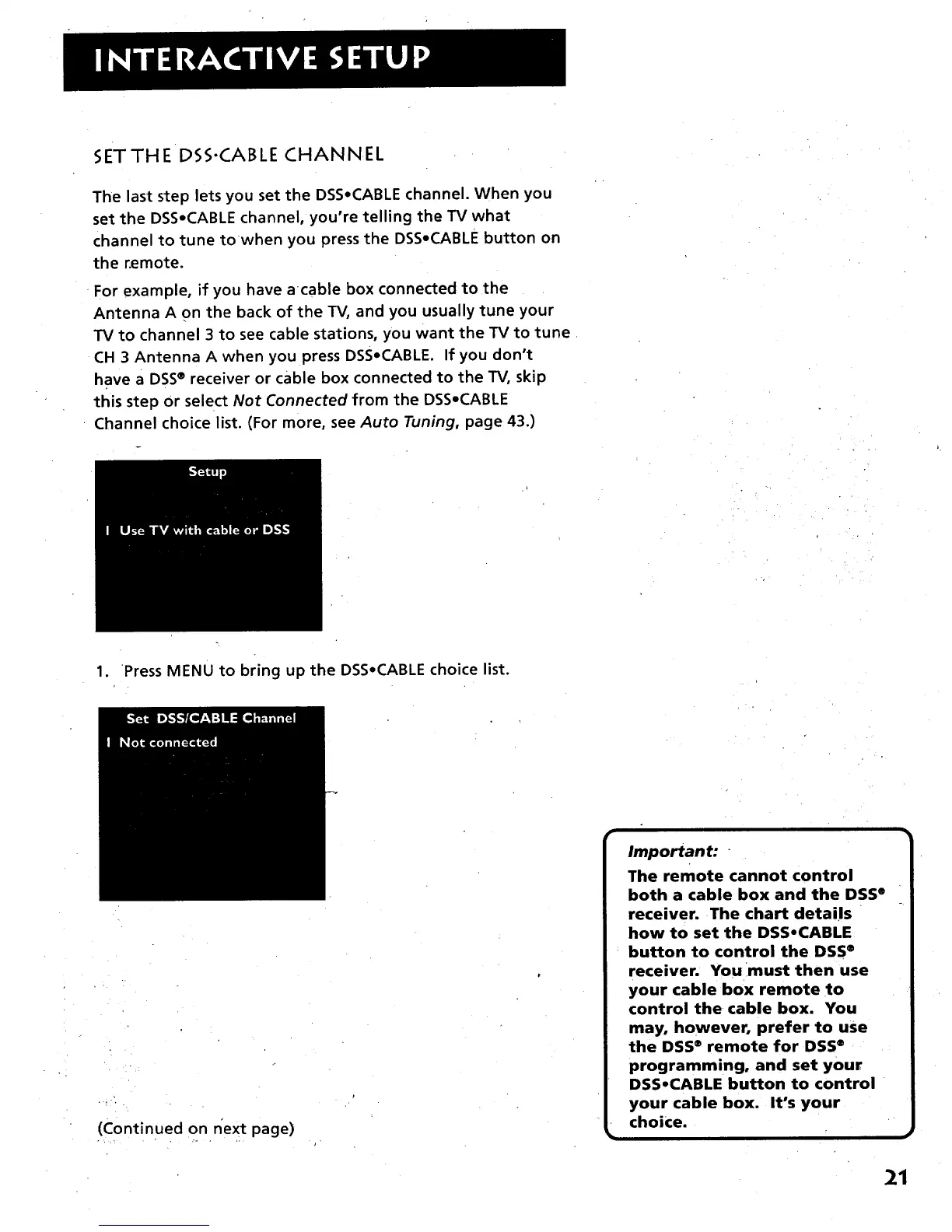
1. Press MENU to bring up the DSS.CABLE choice list.
(Continued on next page)
Important: "
The remote cannot control
both a cable box and the DSS ®
receiver. The chart details
how to set the DSS,CABLE
button to control the DSS ®
receiver. You must then use
your cable box remote to
control the cable box. You
may, however, prefer to use
the DSS" remote for DSS®
programming, and set your
DSS°CABLE button to control
your cable box. It's your
choice.
21



 To Next Page