2. Point to the choice that matches the way you have your
DSS® receiver Or cable box connected to the TV.
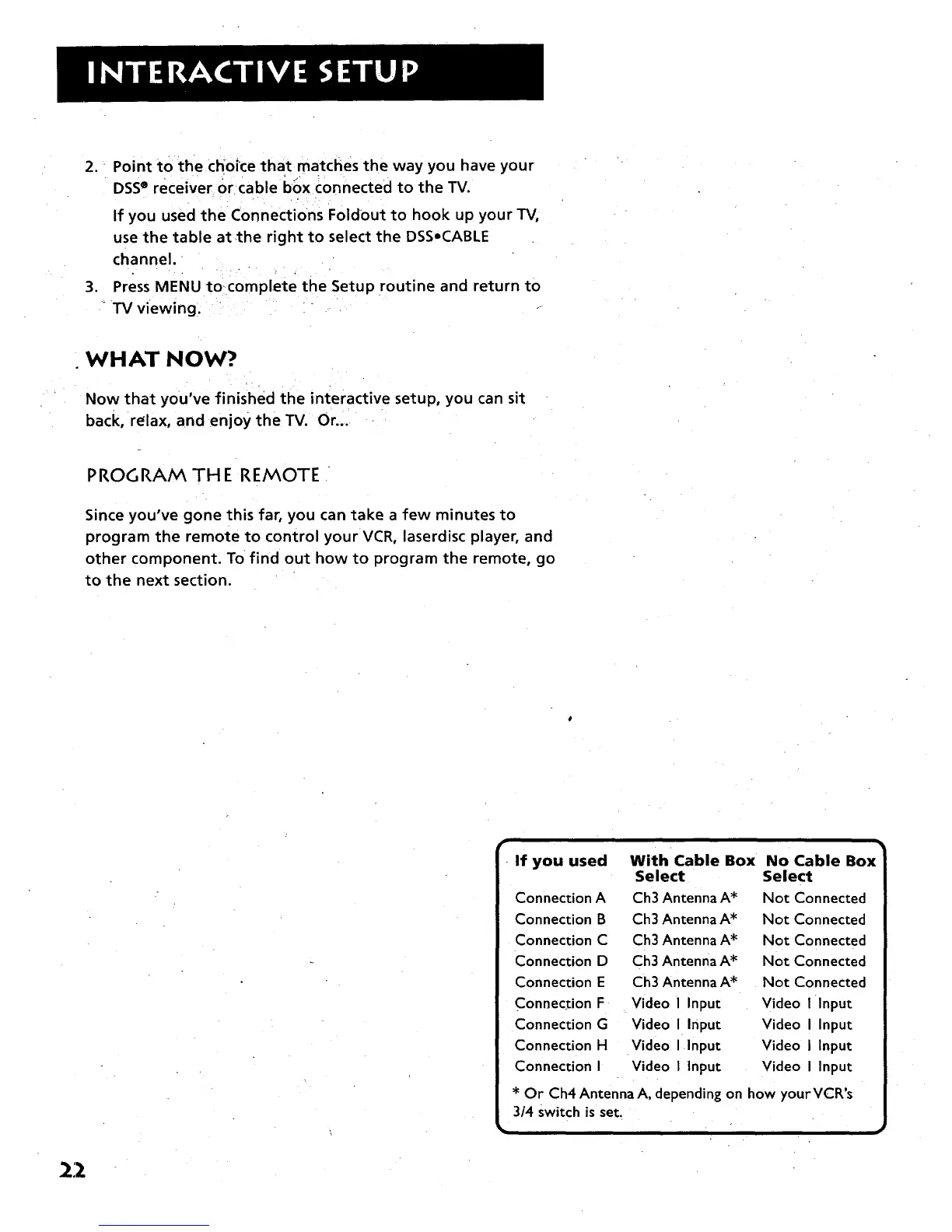
If you used the Connections Foldout to hook up your TV,
use the table at,the right to select the DSSoCABLE
channel.
3. Press MENU tocomplete the Setup routine and return to
TV viewing.
WHAT NOW?
Now that you've finished the interactive setup, you can sit
back, relax, and enjoy the TV. Or ....
PROGRAM TH E REMOTE
Since you've gone this far, you can take a few minutes to
program the remote to control your VCR, laserdisc player, and
other component. To find out how to program the remote, go
to the next section.
r
If you used With Cable Box No Cable Box
Select Select
Connection A Ch3 Antenna A* Not Connected
Connection B Ch3 Antenna A* Not Connected
Connection C Ch3 Antenna A* Not Connected
Connection D Ch3 Antenna A* Not Connected
Connection E Ch3 Antenna A* Not Connected
Connection F Video I Input Video I Input
Connection G Video I Input Video I Input
Connection H Video I Input Video I Input
Connection I Video I Input Video I Input
* Or Ch4 Antenna A, depending on how yourVCR's
3/4 switch is set.
• ,
22



 To Next Page