THERE'S AN ON-SCREEN SETUP ROUTINE
Your TV has software that tells it what to do, just like
a computer. The interactive setup routine takes you
through the steps needed to configure the TV:
• Search for available channels
• Set the time
• Make channel lists and labels
• Set the VCR1 channel
• Set the VCR2oLD channel
• Set the DSSoCABLE channel
¥
V
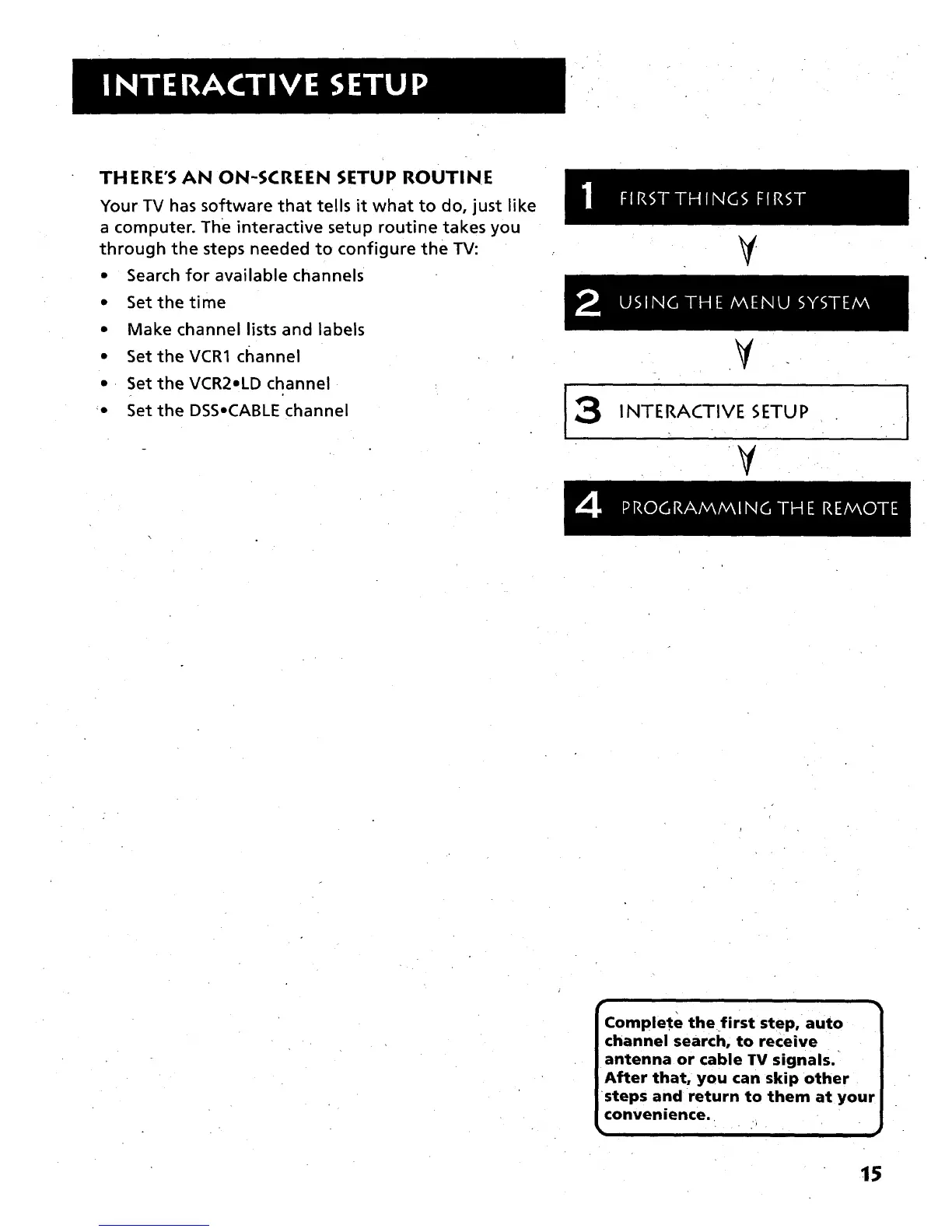
INTERACTIVE SETUP
¥
r
Complete the first step, auto
channel search, to receive
antenna or cable TV signals.
After that, you can skip other
steps and return to them at your
convenience.
15



 To Next Page