CLOSED CAPTIONING MODES
•The TV offers eight closed-captioned modes, including four
text modes.
To Set the Closed Captioning Mode:
1 Select Screen from the Main Menu
2.
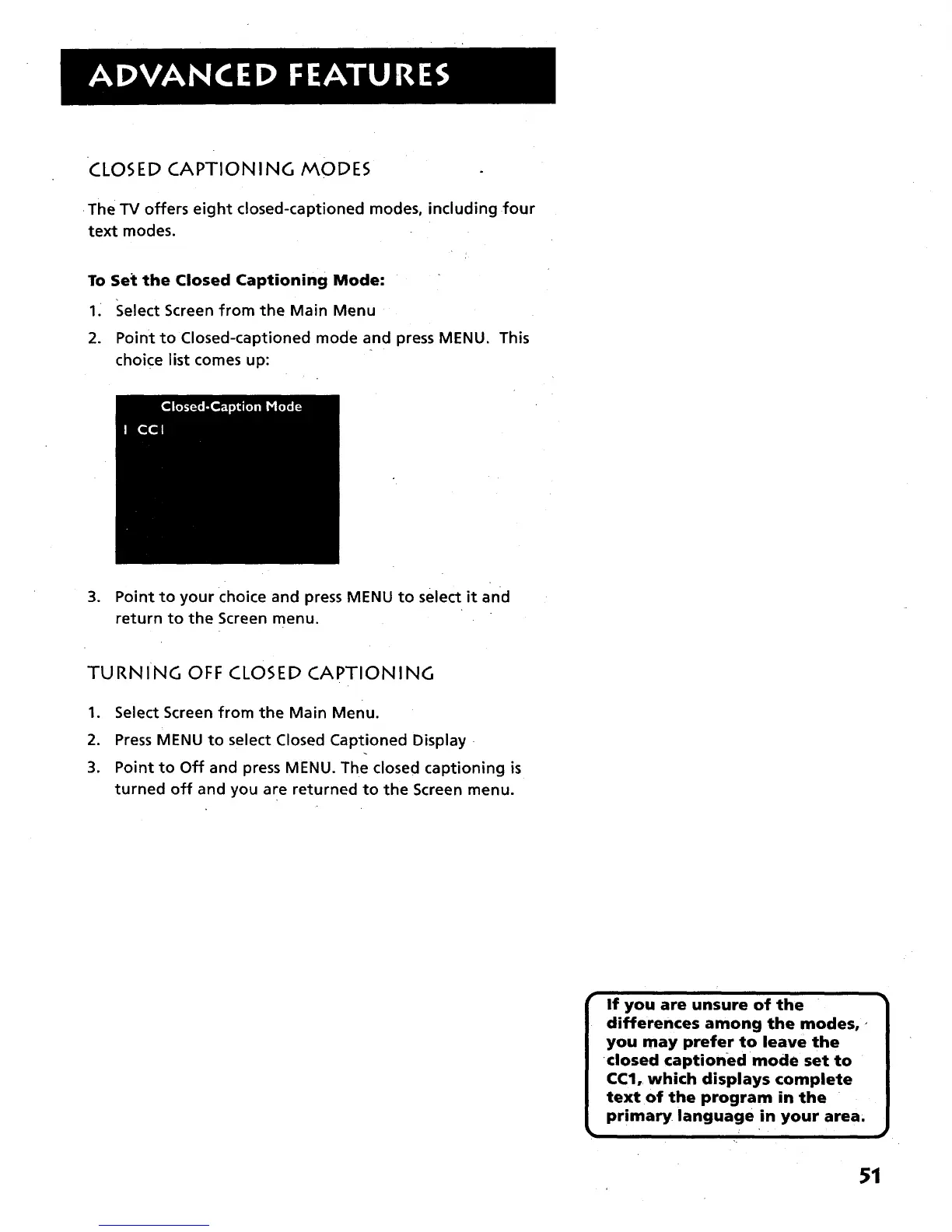
Point to Closed-captioned mode and press MENU. This
choice list comes up:
3. Point to your choice and press MENU to select it and
return to the Screen menu.
TURNING OFF CLOSED CAPTIONING
1. Select Screen from the Main Menu.
2. Press MENU to select Closed Captioned Display •
3. Point to Off and press MENU. The closed captioning is
turned off and you are returned to the Screen menu.
If you are unsure of the
differences among the modes,,
you may prefer to leave the
CCI,, which displays complete
primary.
51



 To Next Page