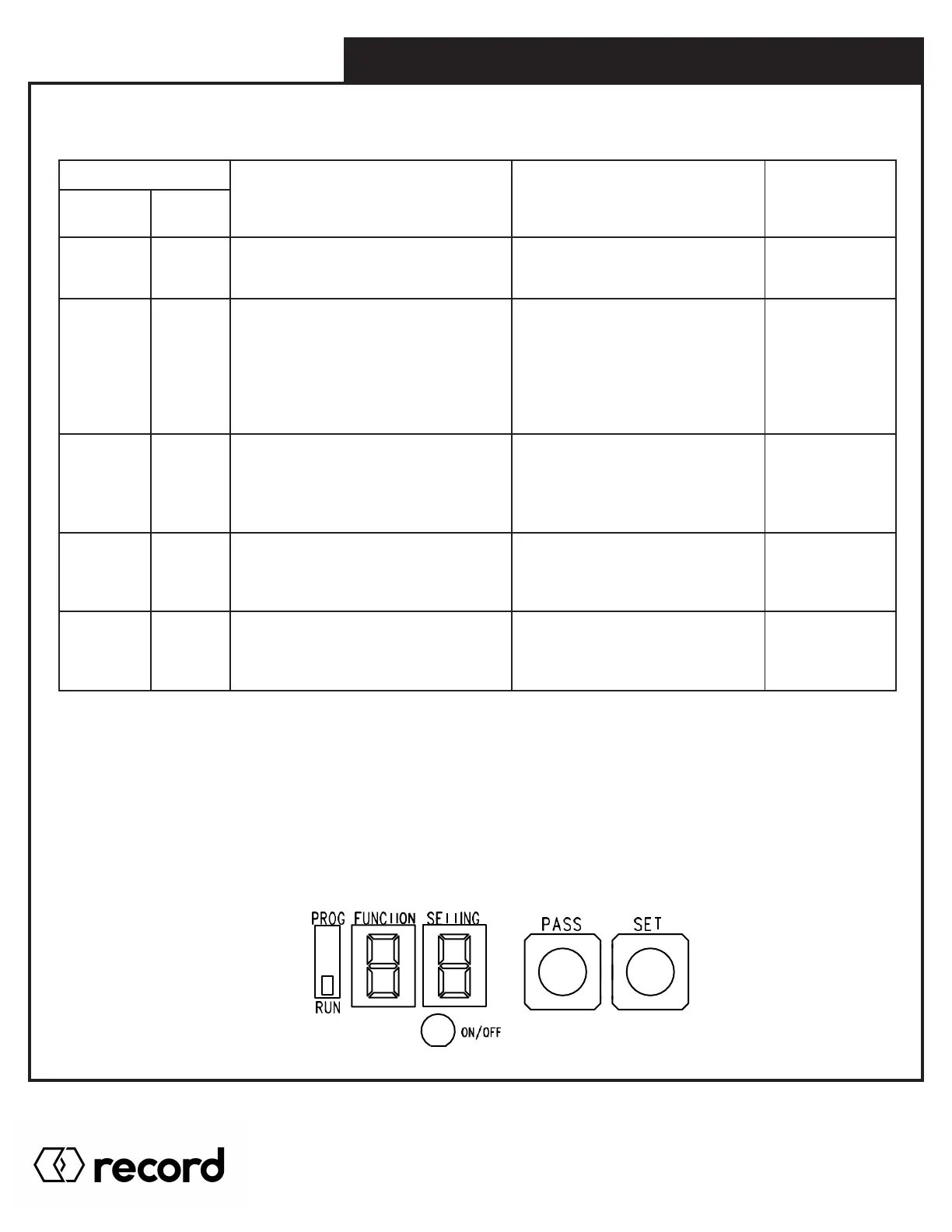
Safety1 sensor is a Normally Closed
input (N.C.)
Safety1 sensor is
Normally Open input (N.O.)
LED OFF
– Safety1 is
Normally Open
Safety2 independent of ACT’N1
Safety2 is ON = door holds
Safety2 is OFF = door opens
Safety2 works with Act’n1
For Safety2 AND Act’n1
both ON = door holds
If Safety2 goes OFF = door opens
If Act’N1 goes OFF = door closes
LED OFF
Safety2 works
with Act’N1
Fire door mode for California. Manually
pulling the door closed while it is fully
open will close the door ignoring all
activation triggers including Hold Open.
Turning to OFF will reset this mode. **
Door will not shut when manually
pulled closed
Safety monitoring ON for SM1.
This monitors Safety1 input.
See safety monitoring wiring and notes
Safety Monitoring OFF
for SM1
LED OFF
– No safety
monitoring
Safety monitoring ON for SM2A.
This monitors Safety2 input.
See safety monitoring wiring and notes
Safety Monitoring OFF
for SM2A
LED OFF
– No safety
monitoring
** When setting up A8, it is important to follow the steps below:
1. Turn the overload all the way down (counter clock wise for Analog Potentiometer)
2. Make sure Back Check speed is slow enough that it will not trigger the overload while the door is fully open.
RESET TO DEFAULT SETTING - Pressing both SET and PASS buttons for 5 seconds
6.0 DIGITAL BOARD & PROGRAMMING
Pg. 51
HA8-SP Manual V. 7.0
Record Canada Inc.
Toll Free: 1-877-348-6837
info.ditec.ca@recorddoors.com
www.recorddoors.ca
Record USA Inc.
Toll Free: 1-866-901-4284
info.ditec.us@recorddoors.com
www.recorddoors.com



 To Next Page