51
RECONNECTING TO THE TAC
This is needed when the Teal 2 has already been paired
with the TAC, but has been disconnected, such as in the
case of a loss of power.
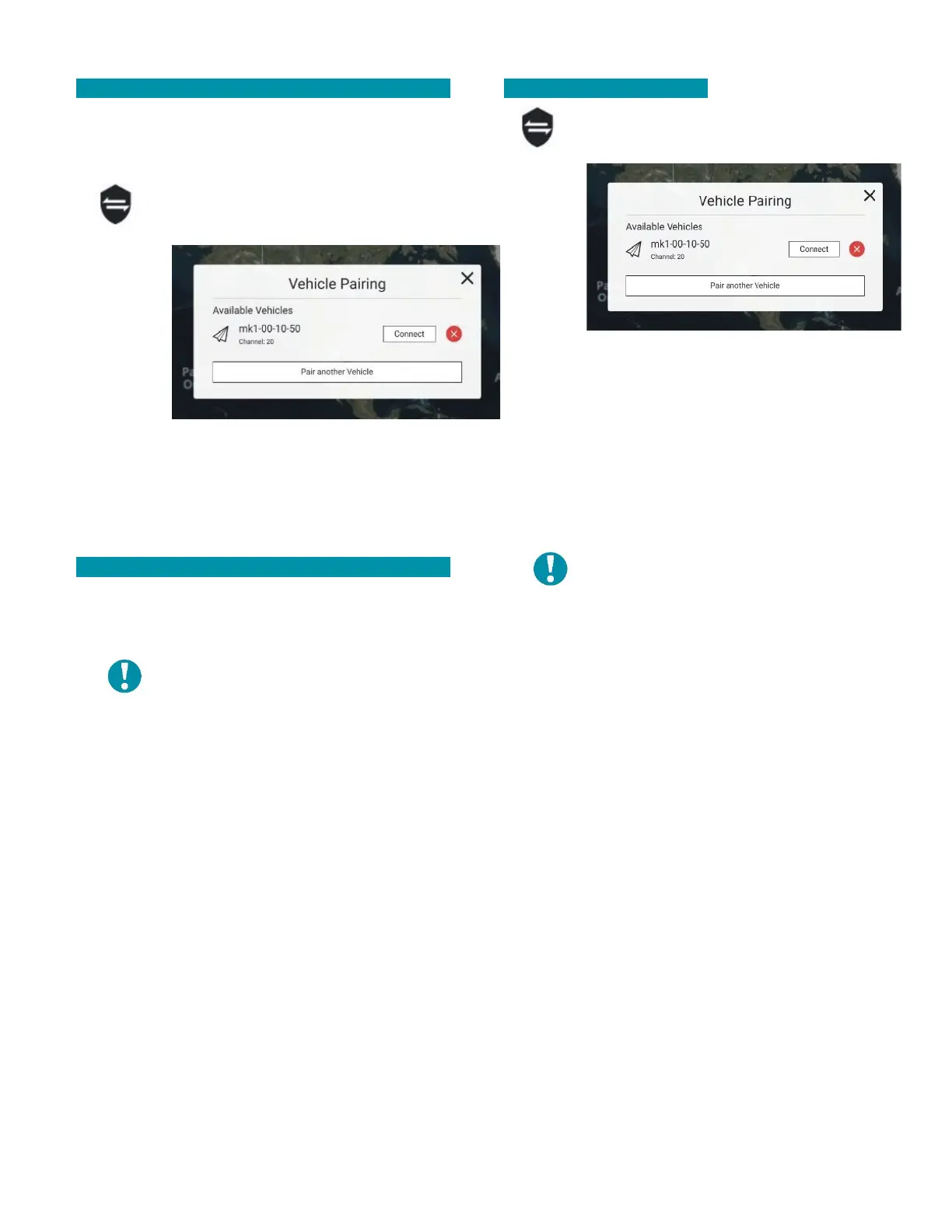
Touch the shield icon to open the VEHICLE
PAIRING window.
Select
CONNECT.
Select
CANCEL if
necessary
to
terminate
the
process.
Select DONE after the connection is successful to exit
and return to the FLY SCREEN. The vehicle ID should
now be visible.
UNPAIRING THE SYSTEM
Unpairing the Teal 2 from the TAC drops the secure
pairing relationship, and the pairing process will need
to be re-accomplished.
NOTE: The system must be
disconnected before it can be
unpaired.
Touch the shield icon to open the VEHICLE PAIRING
window.
Touch the red (x) icon.
Select CONFIRM to un-pair.
PAIRING ADDITIONAL TEAL 2S
Touch the shield icon to open the VEHICLE
PAIRING window.
Select PAIR ANOTHER VEHICLE.
Press and hold the pairing button on the drone for 5
seconds when directed.
Select PAIR when the Teal 2 is discovered.
Select DONE to exit and return to the FLY SCREEN. The
vehicle ID should now be visible.
NOTE: Power off inactive drones to
avoid RF interference.



 To Next Page