56
TELEMETRY LOGS FROM VEHICLE:
• Saves telemetry logs to the vehicle which can
later be downloaded to the TAC.
• Saves telemetry logs to the vehicle even if
the vehicle was never armed which can later
be downloaded to the TAC and can be useful
for troubleshooting or other purposes.
• Saves telemetry logs in a CSV format for
importing data into other programs for data
analysis, such as spreadsheets.
FLY VIEW: Customize or enable/disable the following
features:
• Use preflight checklist
• Keep map centered on the vehicle
• Show telemetry log replay status bat
• Use vertical instrument panel
• Show additional heading indicators on
compass
• Set GO TO location max distance
• Enable new gimbal controls
• Turn on/off gimbal joystick speed factor
• Set gimbal slide speed factor
PLAN VIEW: Entering the DEFAULT MISSION ALTITUDE
value here sets the altitude in the PLAN SCREEN at
which missions fly by default, unless otherwise
specified.
CURSOR ON TARGET (COT): This is currently still under
development at the time of this publication.
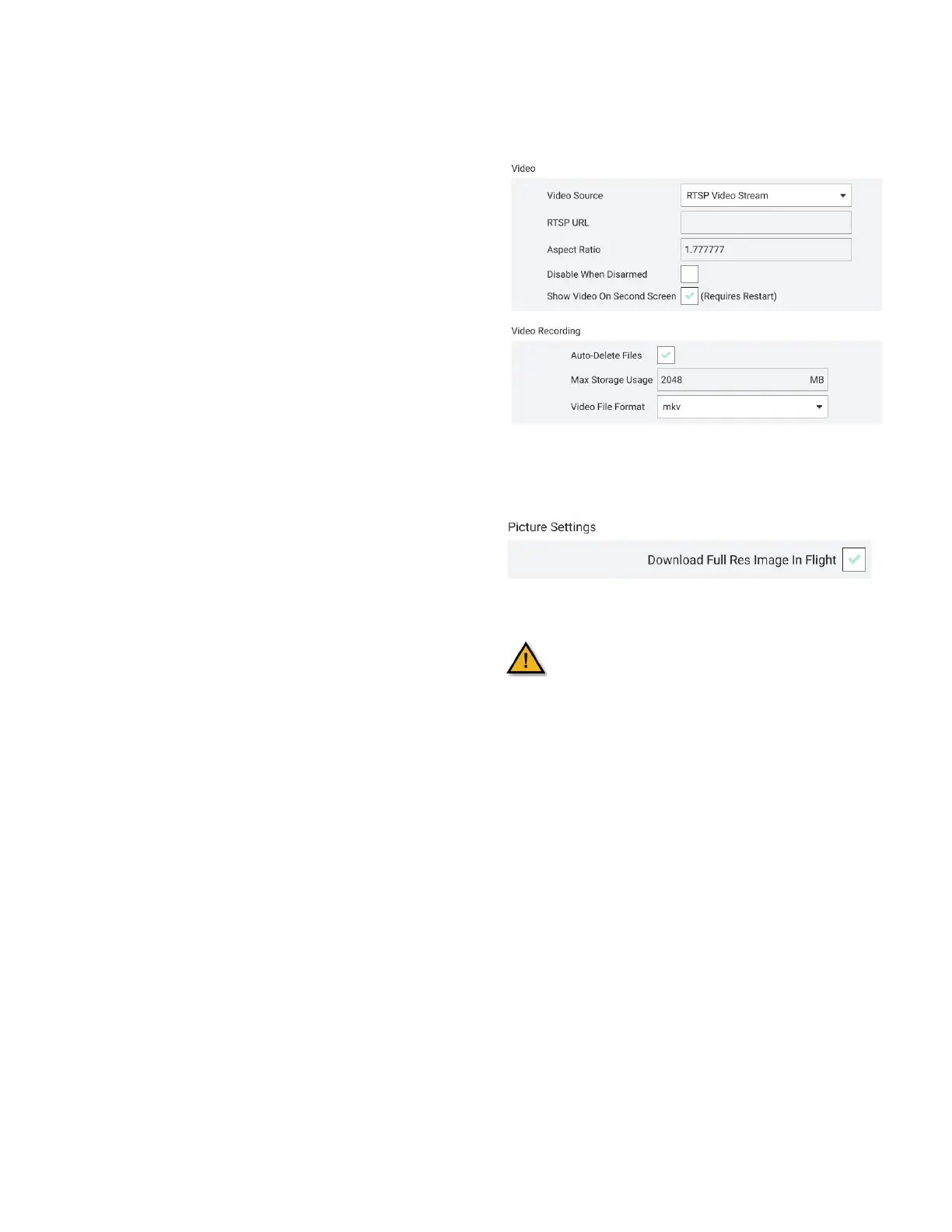
VIDEO & VIDEO RECORDING: These settings are
automatic and are not customizable at the time of this
publication.
PICTURE SETTINGS: Configures full-resolution images
whenever a snapshot is taken.
This function must be enabled before flight
or else photos will not be stored locally on
the TAC and will not be transferrable after
the mission.
TEAL QGC SOFTWARE VERSION: The current version of
the Teal QGC software version that has been
downloaded onto the TAC. TAC updates are automatic.



 To Next Page