57
MICROHARD SETTINGS
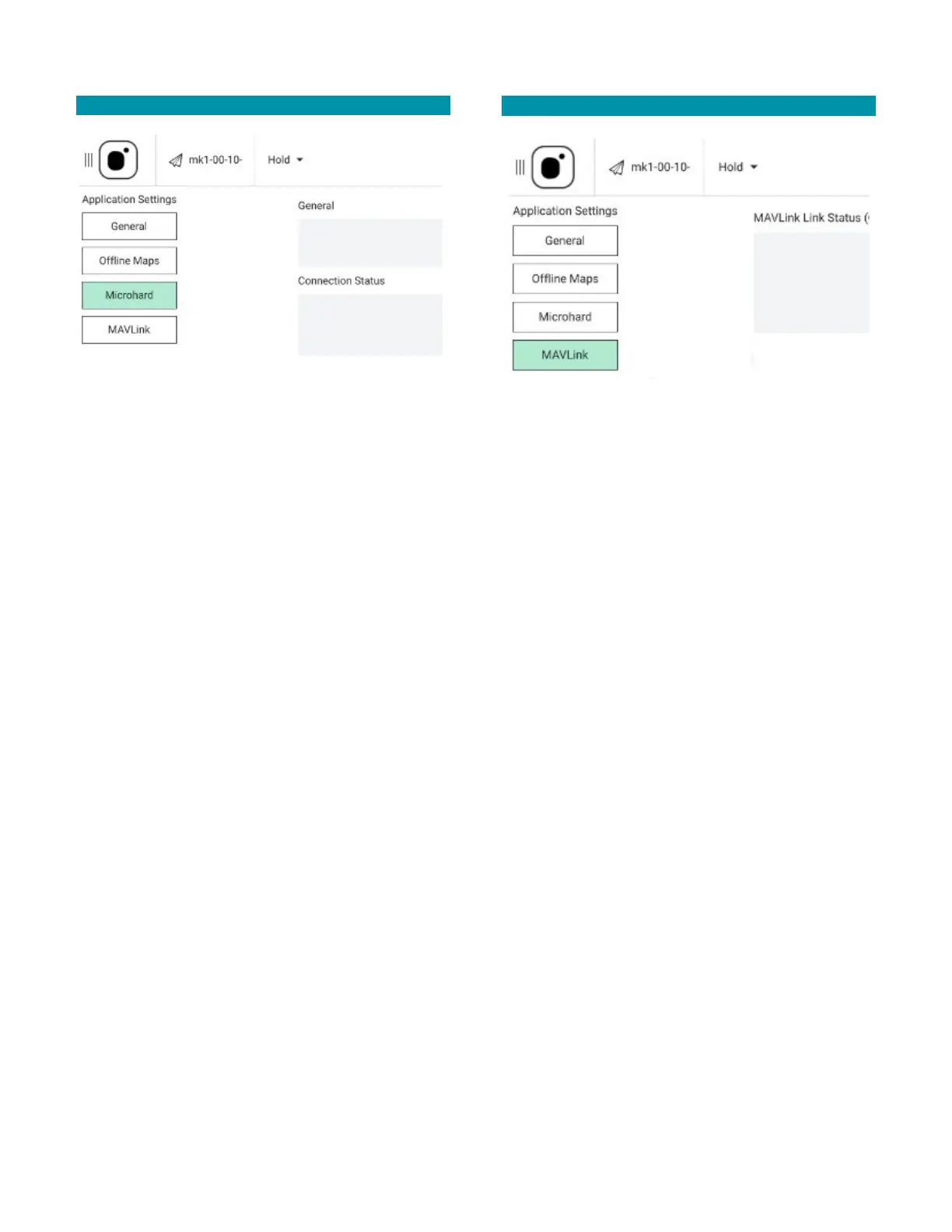
The Microhard settings screen is where to
enable/disable the TAC’s Microhard radio and to view
the signal strength of the TAC and the Teal 2.
GENERAL: When the Enable Microhard box is checked,
the Connection Status sub-group appears below it.
Otherwise, Connection Status disappears when the
Microhard radio is disabled.
CONNECTION STATUS: When a vehicle is connected to
the TAC, a CONNECTED message is displayed and the
real-time RSSI value for both the Teal 2 (“MK1”) vehicle
and the TAC are displayed.
When the Microhard is enabled, but no vehicle is
connected to the TAC, a NOT CONNECTED message is
displayed.
MAVLINK SETTINGS
MAVLink (Micro Air Vehicle Link) is used for
communication between a Ground Control Station
(GCS) and unmanned vehicles, and in the inter-
communication of the subsystem of the vehicle. It can
be used to transmit the orientation of the vehicle, its
GPS location, and speed.
MAVLINK LINK STATUS: When the TAC is connected to
a vehicle, this box displays link statistics consisting of
the cumulative number of MAVLink messages sent, the
number of messages received, the number of messages
lost, and the loss rate expressed as a percentage.
When the TAC is not connected to a vehicle, there are
no link statistics to display, and messages indicate that
the TAC is not connected.



 To Next Page