65
TROUBLESHOOTING
This troubleshooting guide highlights the most commonly known issues and is not intended to be an exhaustive list. We
encourage you to contact our Teal Drone Customer Support team at any time at (385) 281-8415 or at
SUPPORT@TEALDRONES.COM.
THE SYSTEM WILL NOT PAIR/CONNECT
1. Make sure that the Active Network is set to DRONE
and not to WIFI:
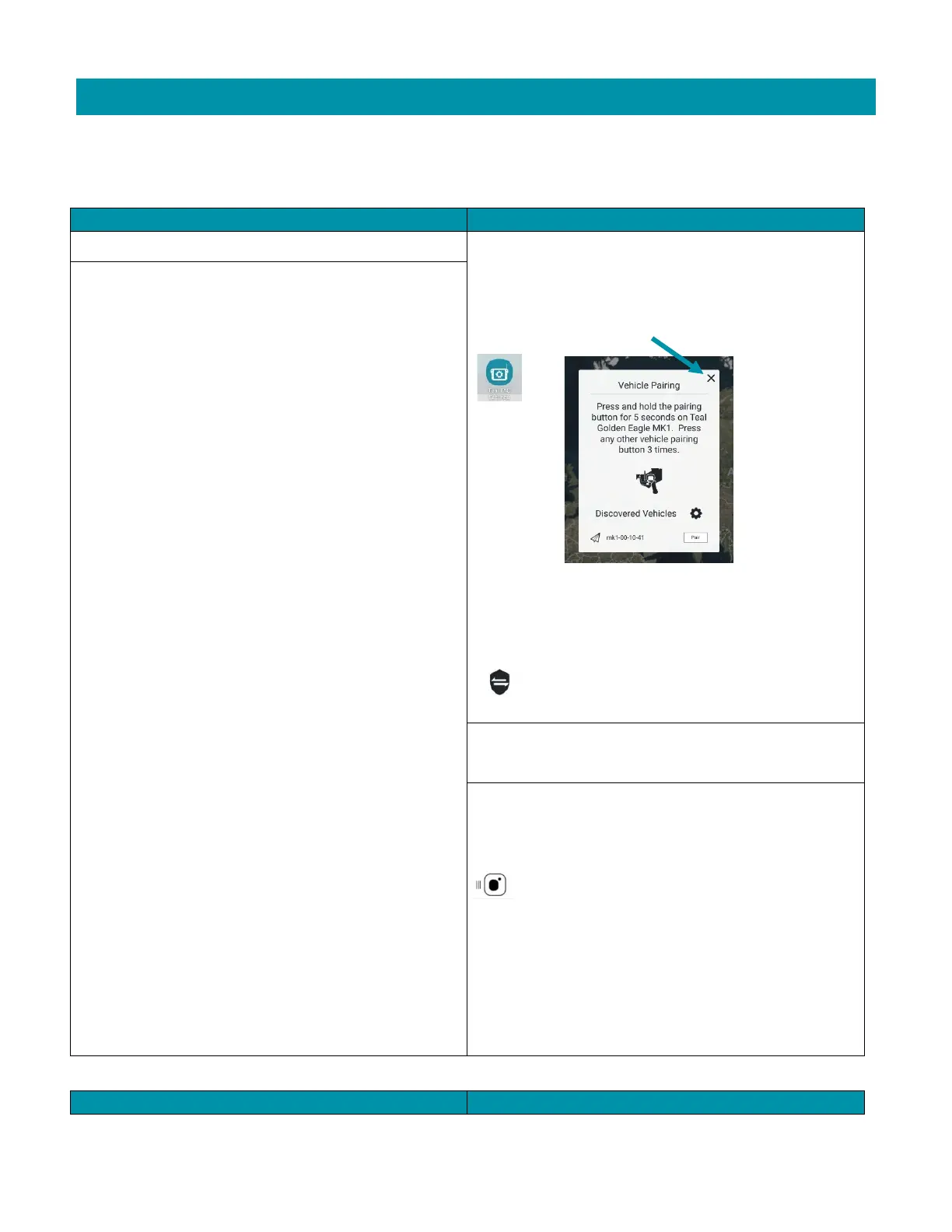
Touch the cancel (X) button in the discovery window.
Touch the TEAL TAC SETTINGS icon.
Change the Active Network to DRONE.
Touch the shield icon to initiate the
pairing/connection process again.
The Vehicle Pairing box opens and displays the message
“Discovering…” with a gear icon and rotating arrows
indicating that discovery is in process but never actually
connects.
2. Move further away from the drone. Radios can over-
saturate at close range.
3. Make sure that the USE VEHICLE PAIRING box is
checked in the GENERAL SETTINGS screen:
Launch the Teal QGC app on the TAC.
Touch the MENU icon.
Select GENERAL.
Scroll to the MISCELLANEOUS section.
Ensure the USE VEHICLE PAIRING box is checked.



 To Next Page