102
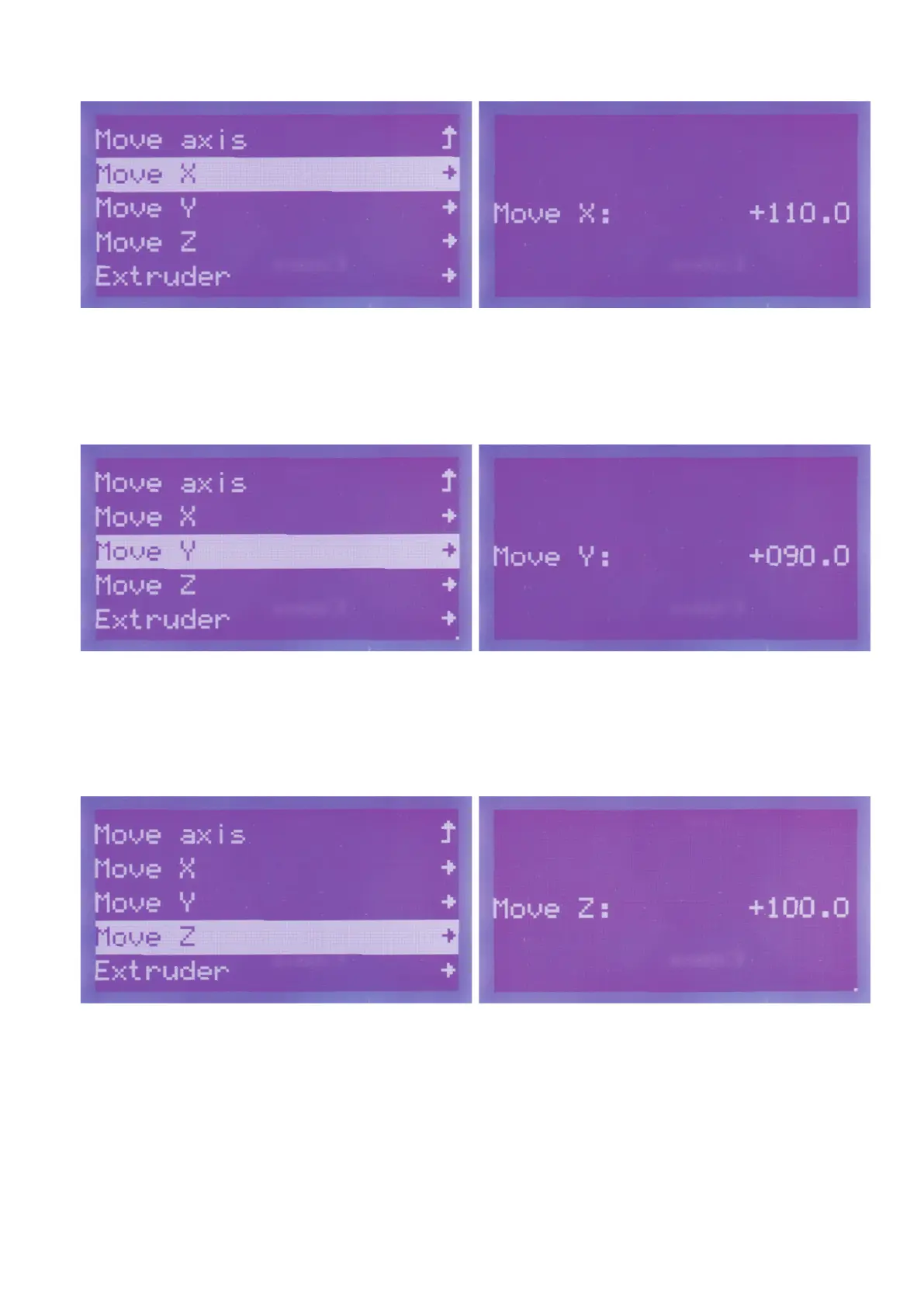
Go to the item "MoveX" and push the button of the operating knob
(10).
Turn the operating knob (10) to the right until the desired value
"+110.0"isdisplayed.TheextrudercarriageismovedtothesetX-
position.
Toreturntothemenu,pushtheoperatingknob(10).
Go to the item "Move Y" and push the button of the operating knob
(10).
Turn the operating knob (10) to the right until the desired value
"+090.0"isdisplayed.TheextrudercarriageismovedtothesetY-
position.
Toreturntothemenu,pushtheoperatingknob(10).
Go to the item "MoveZ" and push the button of the operating knob
(10).
Turn the operating knob (10) to the right until the desired value
"+100.0" is displayed. The printing plate is moved to the set position.
Toreturntothemenu,pushtheoperatingknob(10).



 To Next Page