Make sure that polling address 0 is checked for making connection.
When connection is established give the device a unique polling address (preferably smaller than
15) .
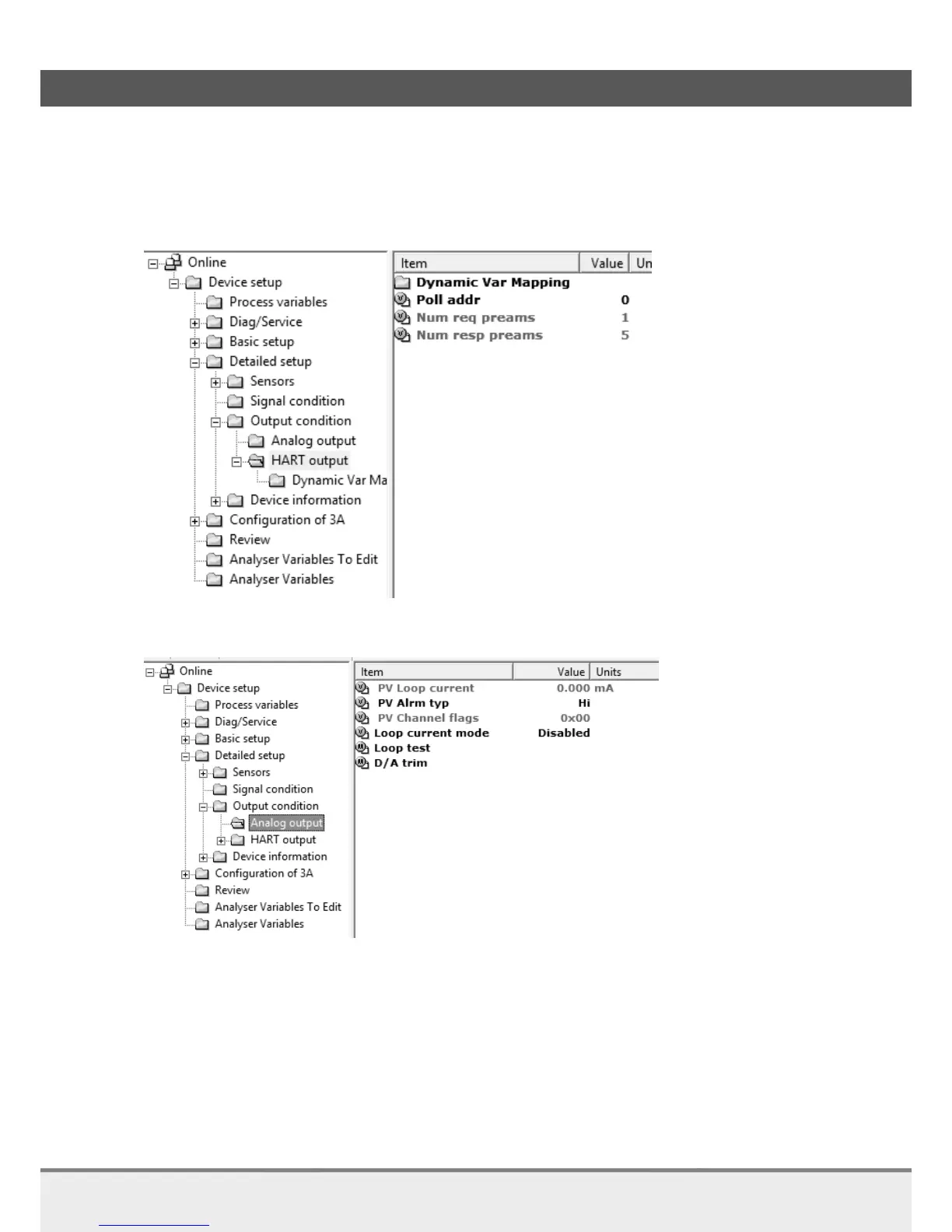
Do this by changing Poll addr: Device setup->Detailed setup->Output condition->HART output-
>Poll addr
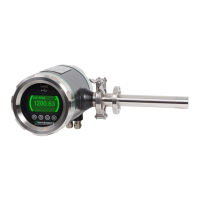
For multidrop mode it is necessary to disable the current output:
Device setup->Detailed setup->Output condition->Analog output->Loop current mode.
The analyzer can now be installed according the multi-drop mode configuration.
When reconnecting the secondary master make sure the correct polling address is checked.



 To Next Page