4. Configuration
4.1 Introduction
The Configurations for the analyzer can be divided in 3 options.
Operations on the LCD screen, see chapter 4.2
Operations through the HART communication, see chapter 4.3
Operations through the USB-port, see chapter 4.4
4.2 LCD screen
On the LCD screen there are several configurations possible.
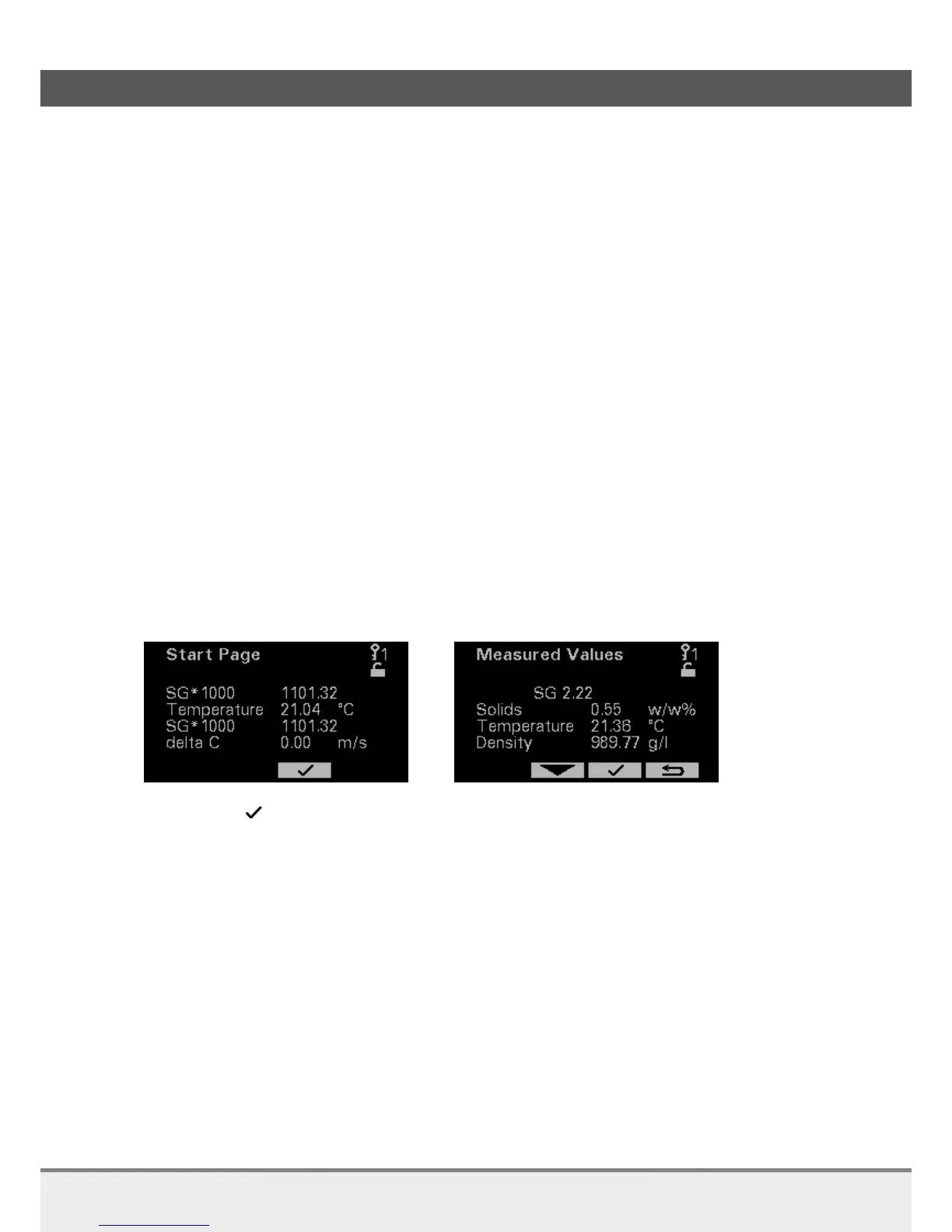
When the analyzer is started up, the first page you will see is the Start Page.
NOTE:
Except for the Start Page, Measured Value page and Decay Time page you will need a higher Access Code,
see chapter 4.2.4.
4.2.1 Start page / Measured Values
The Start Page contains only four values. These four values are the HART communication values.
If you want to view all values, go to the Measured Values pages. First to the Main Menu then to the
Measured Values page.
Press to go tot he Main Menu.
IMPORTANT:
If you are in Time Out mode press any key first to go to the Start Page.



 To Next Page