5. Calibration LCD screen
5.1 Calibration Menu
In the Calibration Menu you can choose out of three calibrations:
Temperature
S.G. x 1000
Field
5.1.1 Set Temperature
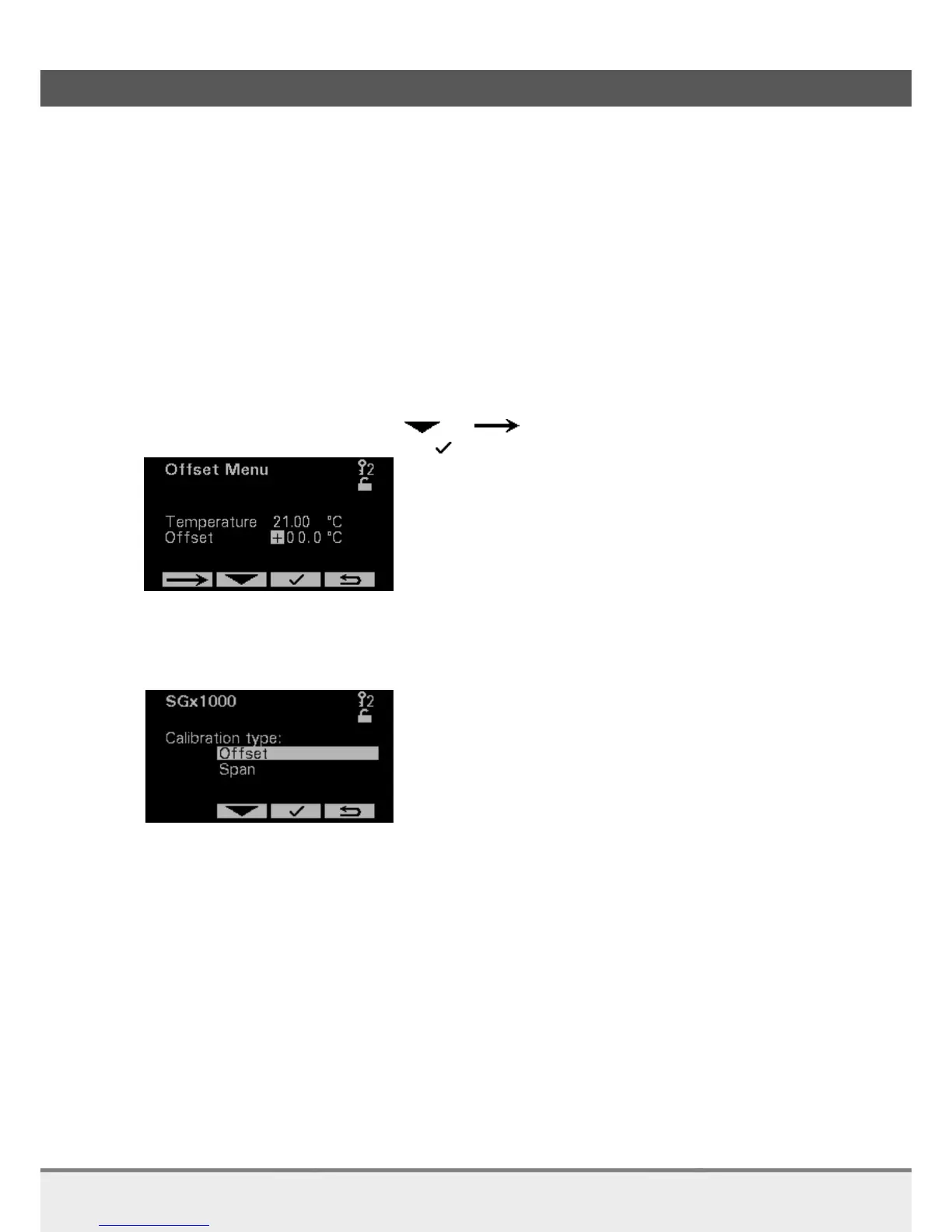
On the temperature Offset Menu page the current fixed temperature is displayed.
The temperature should be equal to the average process temperature and can be set by changing the
offset. The temperature must be ± 5 °C the real process temperature.
Enter temperature Offset using and buttons.
After entering the Offset press the button.
5.1.2 S.G. x 1000 calibration
On the S.G. x 1000 page you can calibrate the Offset and Span.



 To Next Page