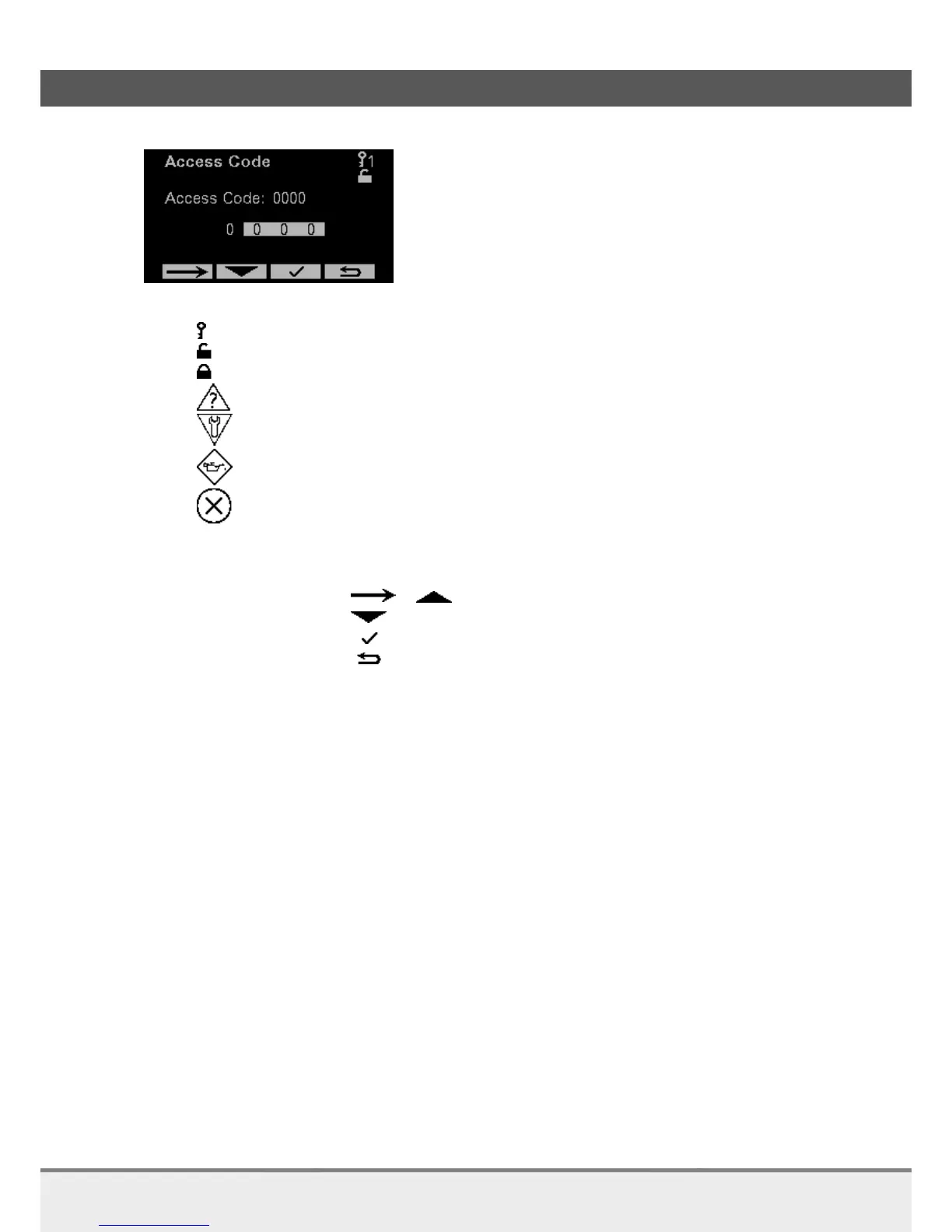
3.2.2 Convention
Icons:
1 Current access level
Unlocked (Local access)
Locked (Remote access)
Warning (value out of range)
Device is in maintenance / Check function is on
Maintenance required
FailureFunctions
Buttons below screen:
First button: / Go right / Go up
Second button: Go down
Third button: Accept or Main menu
Fourth button: Back / Page level higher (see schedule 3.2.1)
If the button colors are reversed (only first and second button) means that this button is used last.



 To Next Page