4.2.2 Main menu
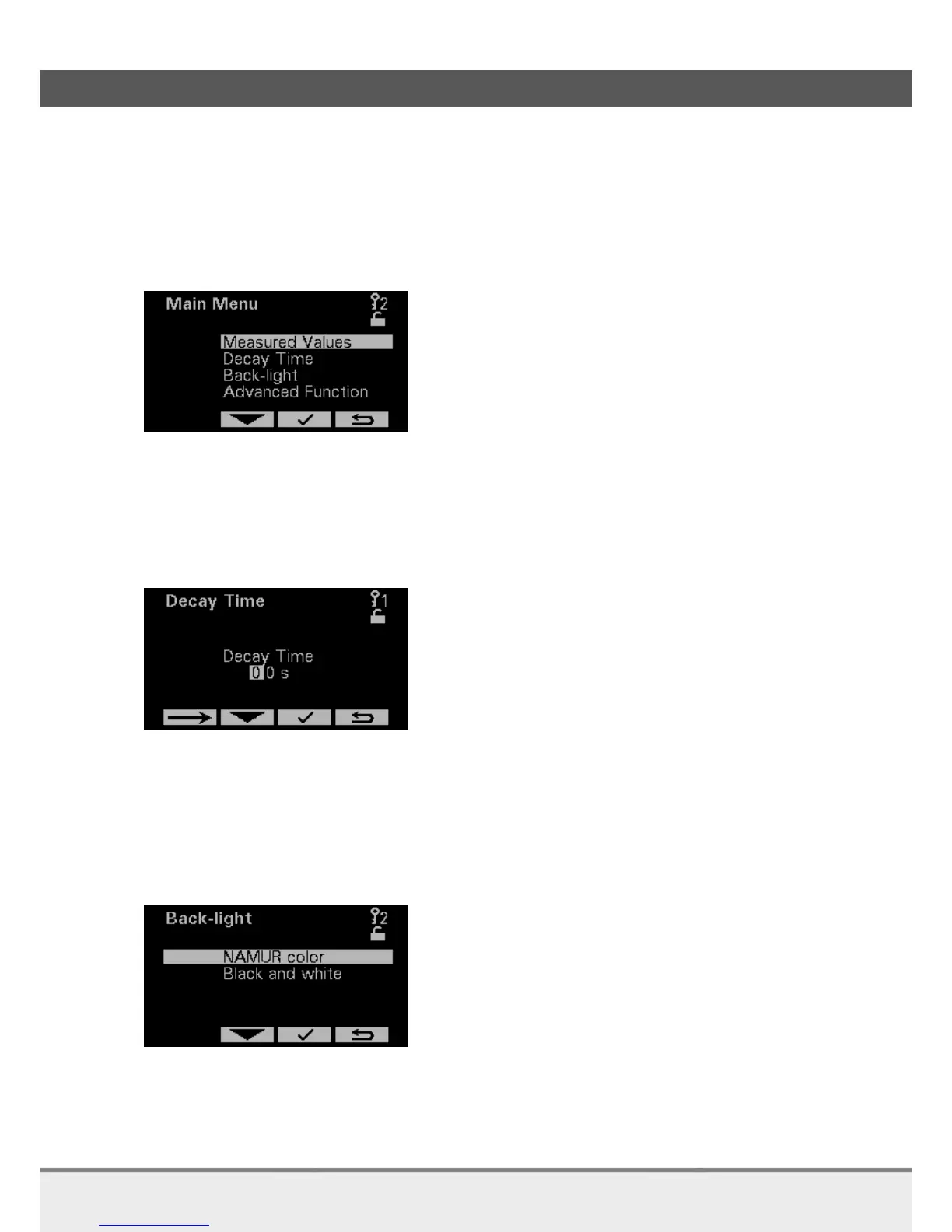
In the Main menu you can choose between 4 options:
Measured Values
Decay Time
Back-light
Advanced Function (higher Access Code required)
4.2.3 Decay time
Smoothing is strongly recommended, since it gives the device more accuracy. In addition, rapid changes in
concentration are smoothened, hence the output value gives a better indication of the “bulk” value of the
liquid. When fast response is not required, we strongly recommend setting the Decay Time between 5
and 20 seconds. Since smoothing affects the response time, the best setting is a trade-off between
accuracy and response time.
A Decay Time of 5 seconds is recommended for most applications.
4.2.4 Back-light
Back light changes with the status of the analyzer. Certain statuses can cause the back light color to be too
weak. It is possible to set the back-light into black and white mode to make sure that independent of the
status the screen is visual.



 To Next Page