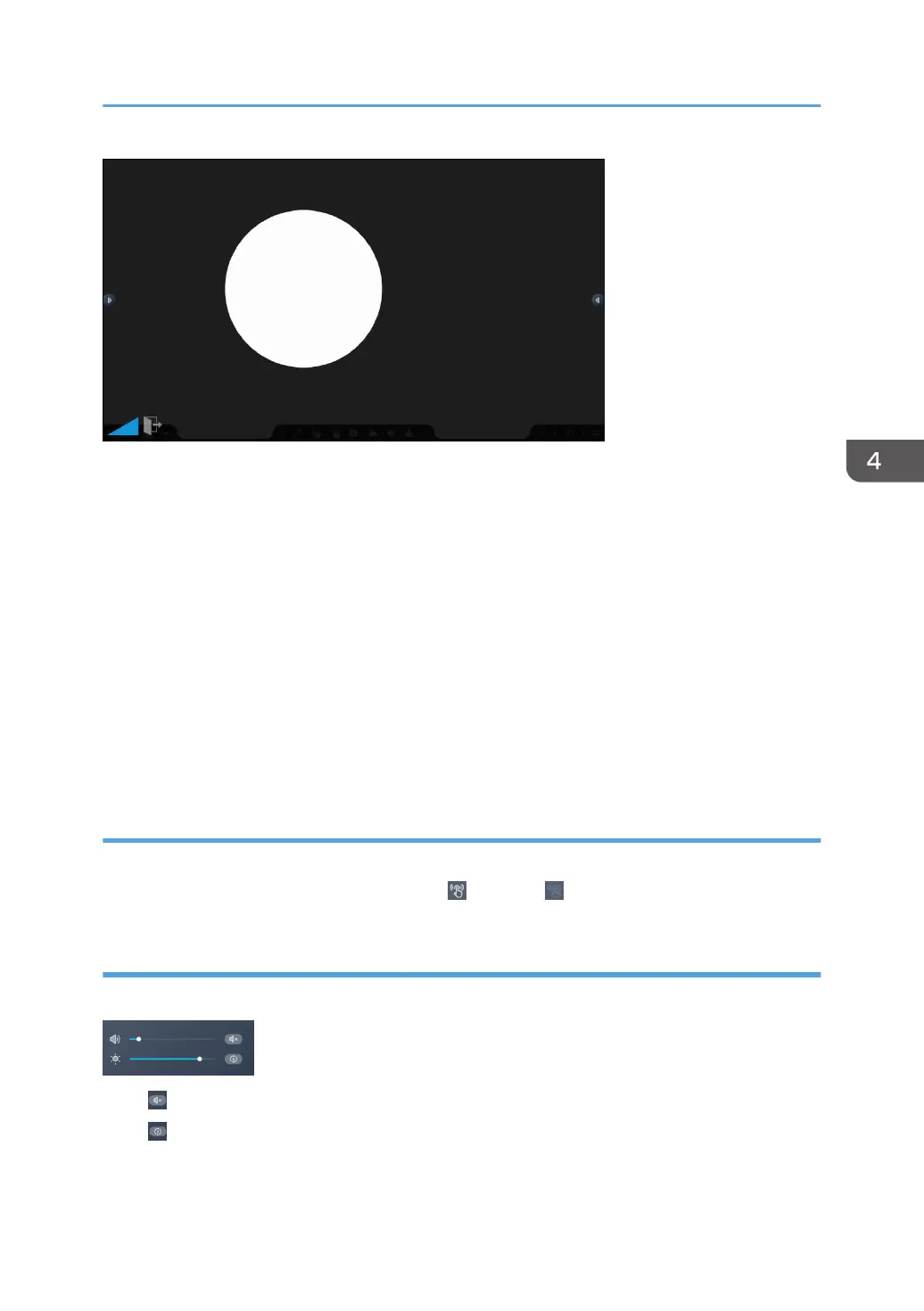
The size and position of the spotlight can be changed.
• Changing the size of the spotlight
Touch the spotlight with two fingers and spread or pinch them together.
When you spread your fingers apart, the spotlight is enlarged, centering on where you originally
touched.
When you pinch your fingers together, the spotlight is reduced, centering on where you originally
touched.
You can also change the size of the spotlight from the slider at the bottom left of the screen.
• Moving the spotlight
Touch the spotlight with three or more fingers, and while maintaining the same distance between
them, move them up or down, or left or right.
Touch Sound
You can select whether or not to play the input sound when you touch the screen.
Touch the icon of Touch Sound to toggle between "ON" and "OFF".
Adjusting the volume and brightness
You can adjust the volume and screen brightness of this machine.
Touch on the volume control to mute.
Touch for brightness adjustment to automatically adjust the brightness according to the brightness of
the environment.
Using the Tools in the Sidebar Menu
91



 To Next Page