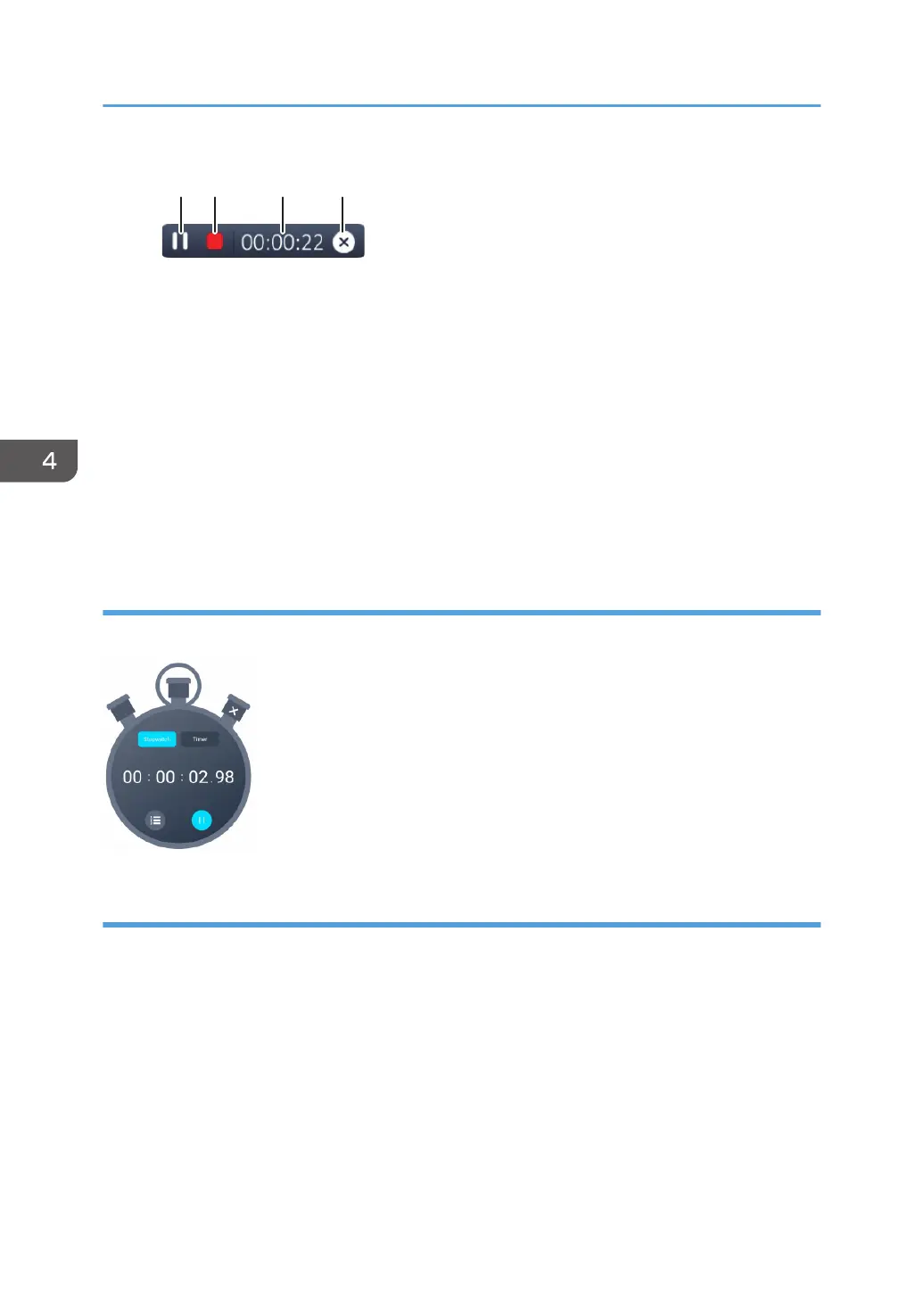
1. Pause/resume recording
2. End recording
3. Recording time
4. Cancel recording
When you finish recording, the recorded content will be saved as a video file in a folder on this
machine.
You can play the saved video file via File Manager.
You can load a saved video file from the whiteboard app and insert it into a page.
Stopwatch
You can use the stopwatch and timer.
Spotlight
You can use a spotlight to illuminate only a part of the screen.
4. Using the Various Functions
90



 To Next Page