1. Before You Begin RICOH Ri 2000 User Manual
28
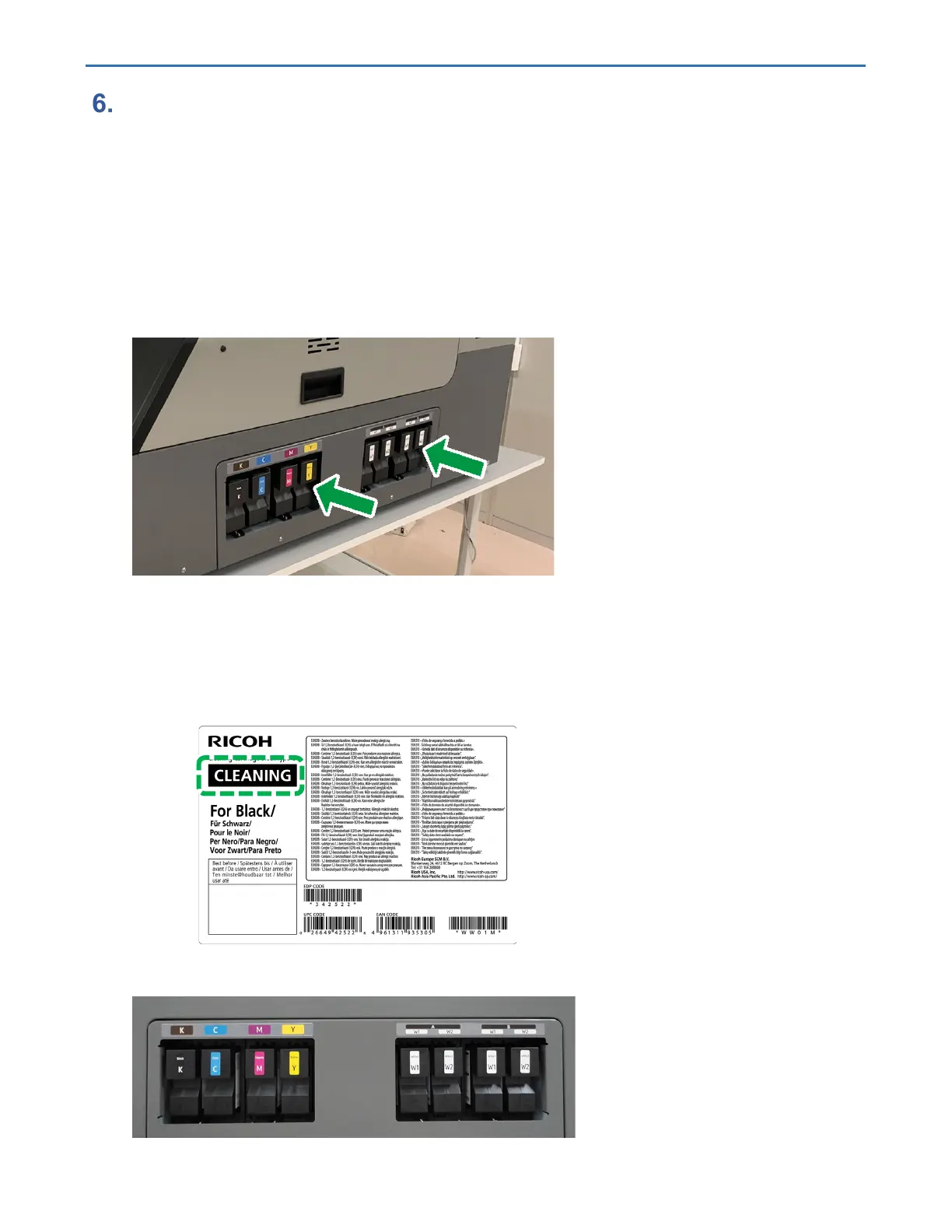
Insert the ink cartridges.
IMPORTANT! When installing the ink cartridges, do not touch the inside of the machine.
Carefully install a cartridge in the correct position.
During the initial ink charging, do not lift the front cover. Also, do not pull out the ink
cartridge.
During the initial ink charging, if you lift the cover, the procedure will pause. To
resume, hold the power button down to reboot the printer.
Agitate all the white cartridges before inserting them into the printer, and then begin
the fill process.
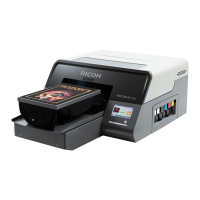
For white ink, insert two W1 and W2 ink cartridges.
You can insert each ink cartridge into either of the designated slots.
NOTE - Push the cartridges all the way through until they stop.
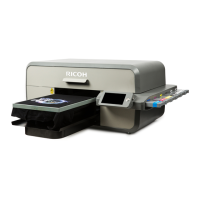
Be sure not to insert cleaning cartridges. The cleaning cartridges have the following labels
affixed to them:
Supply the ink as follows:



 To Next Page