2.Replacement and Adjustment
27
Left Covers, Rear Cover, Top Cover, Shift Cover
Left Covers, Rear Cover
1. Remove the following.
• Shift tray jogger unit (Jogger Unit)
• Front door and left inner cover (Front Door, Left Inner Cover, Inner Cover)
2. Remove the left upper cover [A]. ( x 2, x 2)
3. Remove the rear cover [B]. ( x 2)
4. Remove the left lower cover [C]. ( x 4)
Top Cover
1. Remove the side table and upper tray. (Side Table and Upper Tray)
2. Remove the step screws [D]. ( x 2).
3. Remove the top cover [E]. ( x 2)
Slide it to the right to remove.
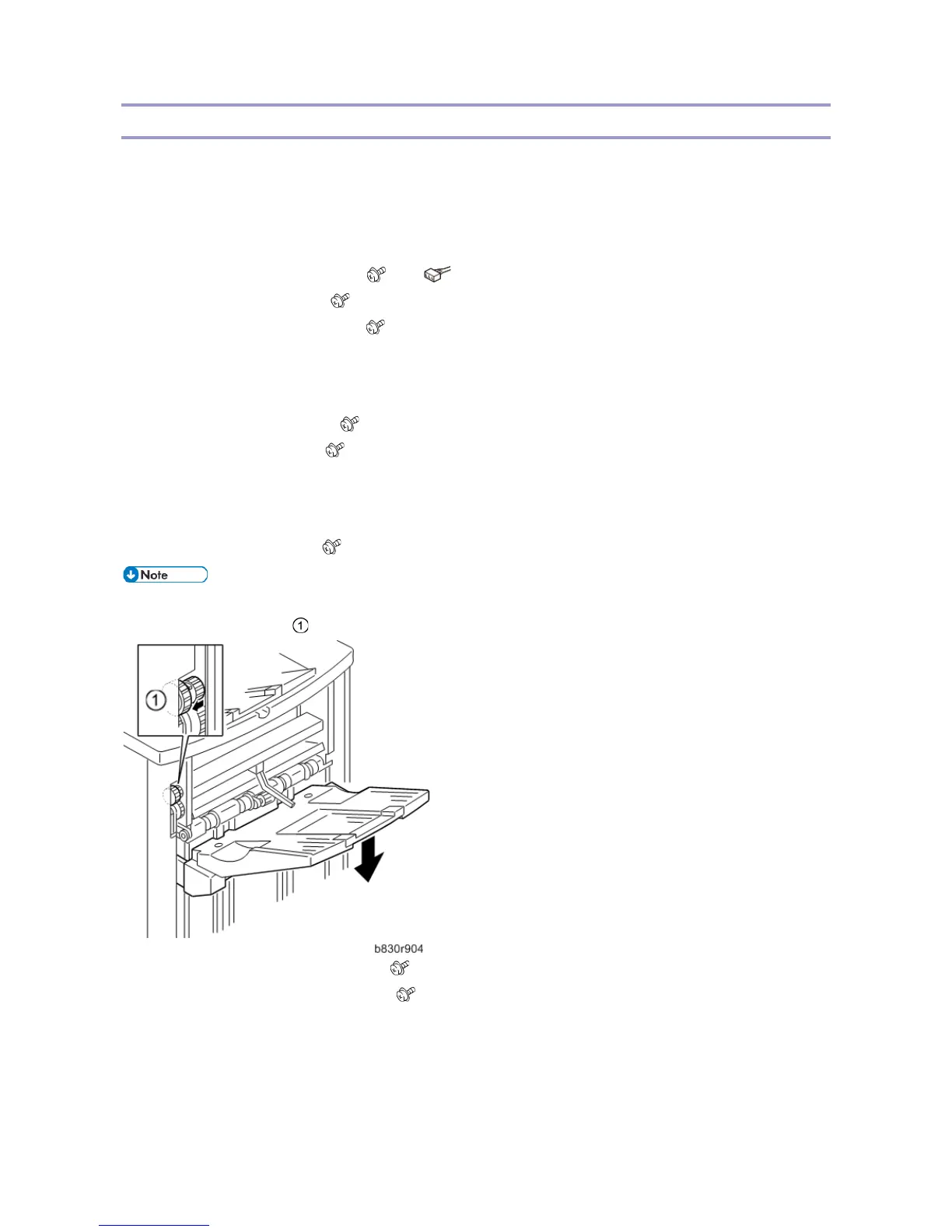
Shift Tray
1. Remove the shift tray [F]. ( x 4)
• If you need to lower the shift tray, support the bottom of the tray with your hand, then pull the gear
toward you to release the tray and lower it.
1. Remove the shift tray rear cover [G]. ( x 1)
2. Remove the shift tray front cover [H]. ( x 1)



 To Next Page