2.Replacement and Adjustment
39
Stapler
1. Open the front door and pull out the staple tray.
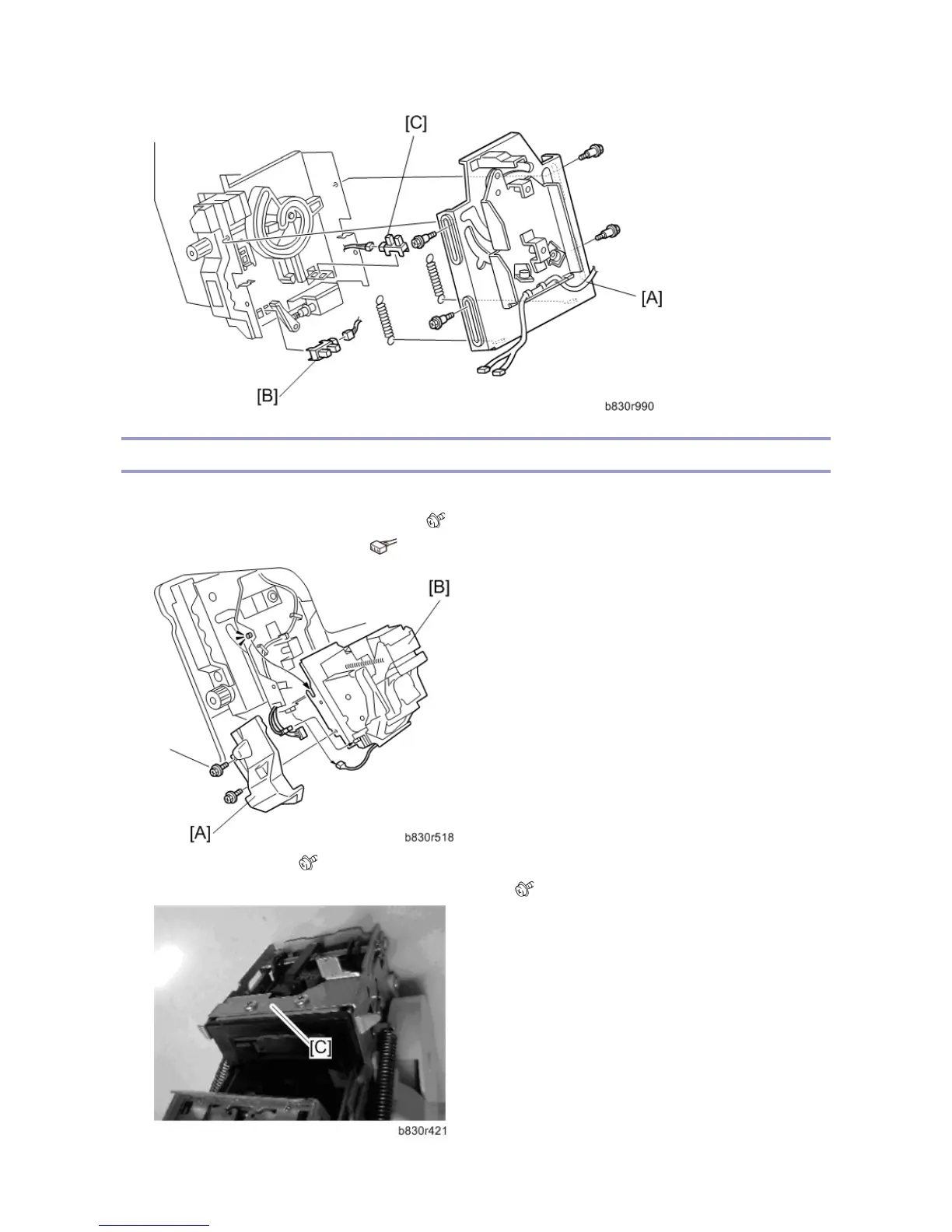
2. Remove the stapler unit harness cover [A]. ( x 2)
3. Lift the stapler [B] off of its pegs. ( x 2)
4. Remove the plate [C]. ( x 2)
5. Attach this plate to the new stapler with the same screws. ( x 2)



 To Next Page