2.Replacement and Adjustment
30
Alignment Brush Roller
1. Open the front door and pull out the staple unit.
2. Remove the rear cover.
3. Remove the main board bracket and all connectors ( x 8). (Main Board, Pre-Stack Paper Sensor)
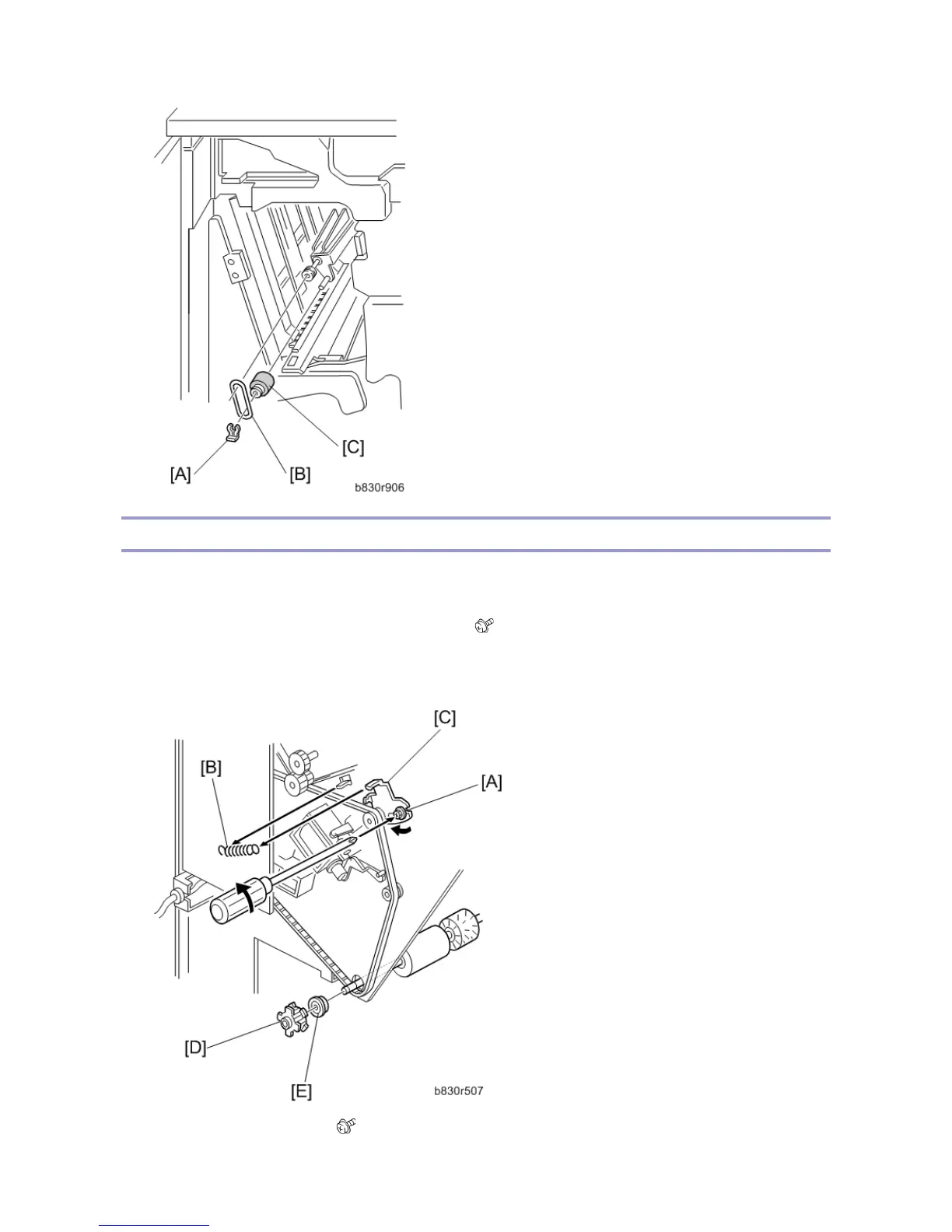
4. Remove the screw [A] and tension spring [B] for the tension bracket [C], and release the tension of the
timing belt. Then remove the pulley [D] and bearing [E].
5. Remove the inner cover [F]. ( x 1)



 To Next Page