2.Replacement and Adjustment
31
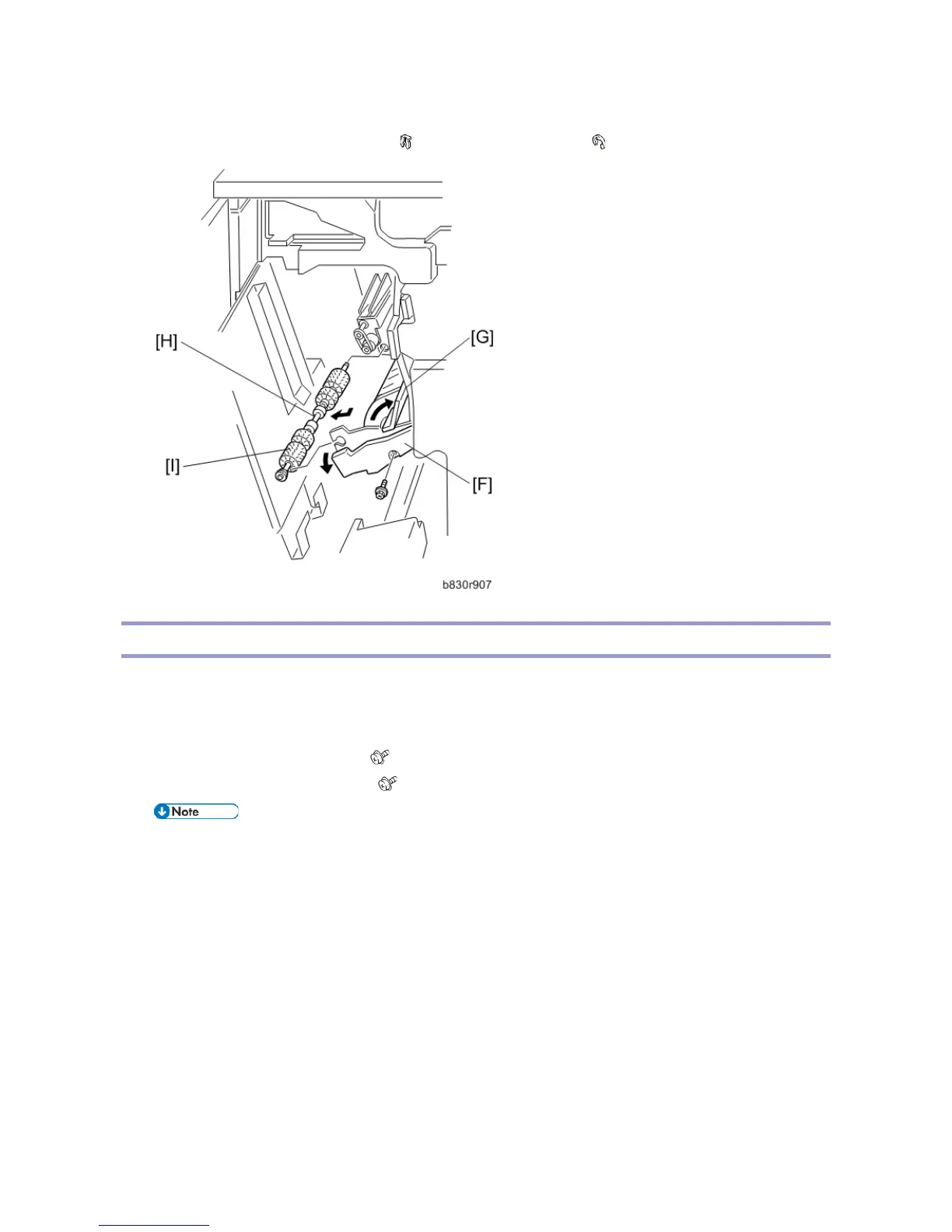
6. Open the guide [G], then remove the alignment brush roller assembly [H].
7. Remove the alignment brush roller [I]. ( x2, Bearing x 1 front/back, x1).
Jogger Fence
1. Open the front door.
2. Pull out the jogger and stapler unit.
3. Push both fences to the center.
4. Remove the left jogger fence [A]. ( x 1)
5. Remove the right jogger fence [B]. ( x 1)
• If the screws are difficult to remove or re-attach, remove the jogger fence belt and spring plate.



 To Next Page