2.Replacement and Adjustment
42
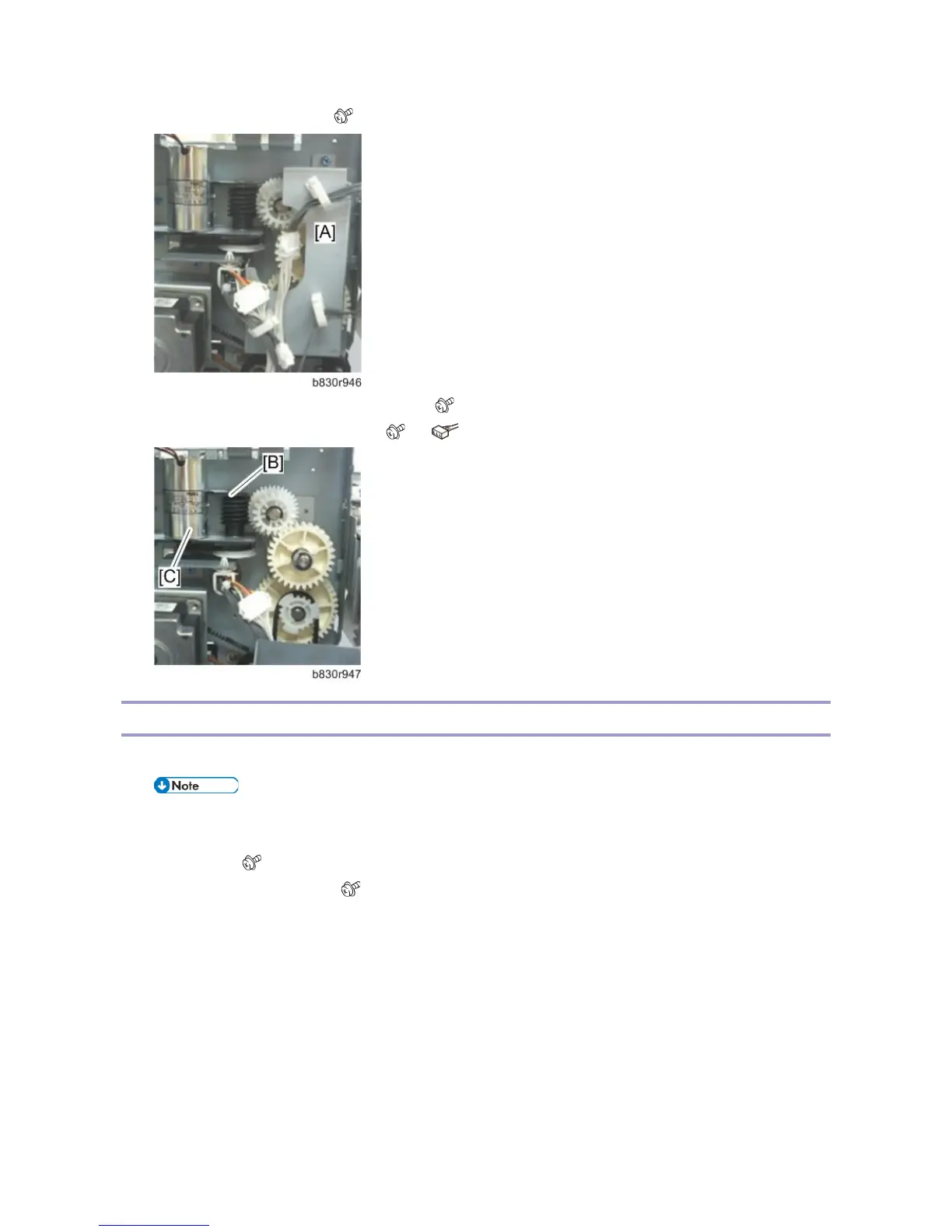
2. Remove the gear cover [A]. ( x2)
3. Remove the shift tray lift motor bracket [B]. ( x2)
4. Remove the shift tray lift motor [C]. ( x2, x1, Timing belt x1)
Drag Roller, Drag Drive Motors, Drag Drive HP Sensor
1. Remove the front door and all covers, except the left lower cover and top cover (Covers)
• Be sure to lower the shift tray by pulling the gear toward you. The shift tray must be down.
2. Remove the following parts:
Left stay [A] ( x 2)
Shift tray mounting plate [B] ( x 2)



 To Next Page