2.Replacement and Adjustment
44
6. Remove the Drag roller motor. ( x2)
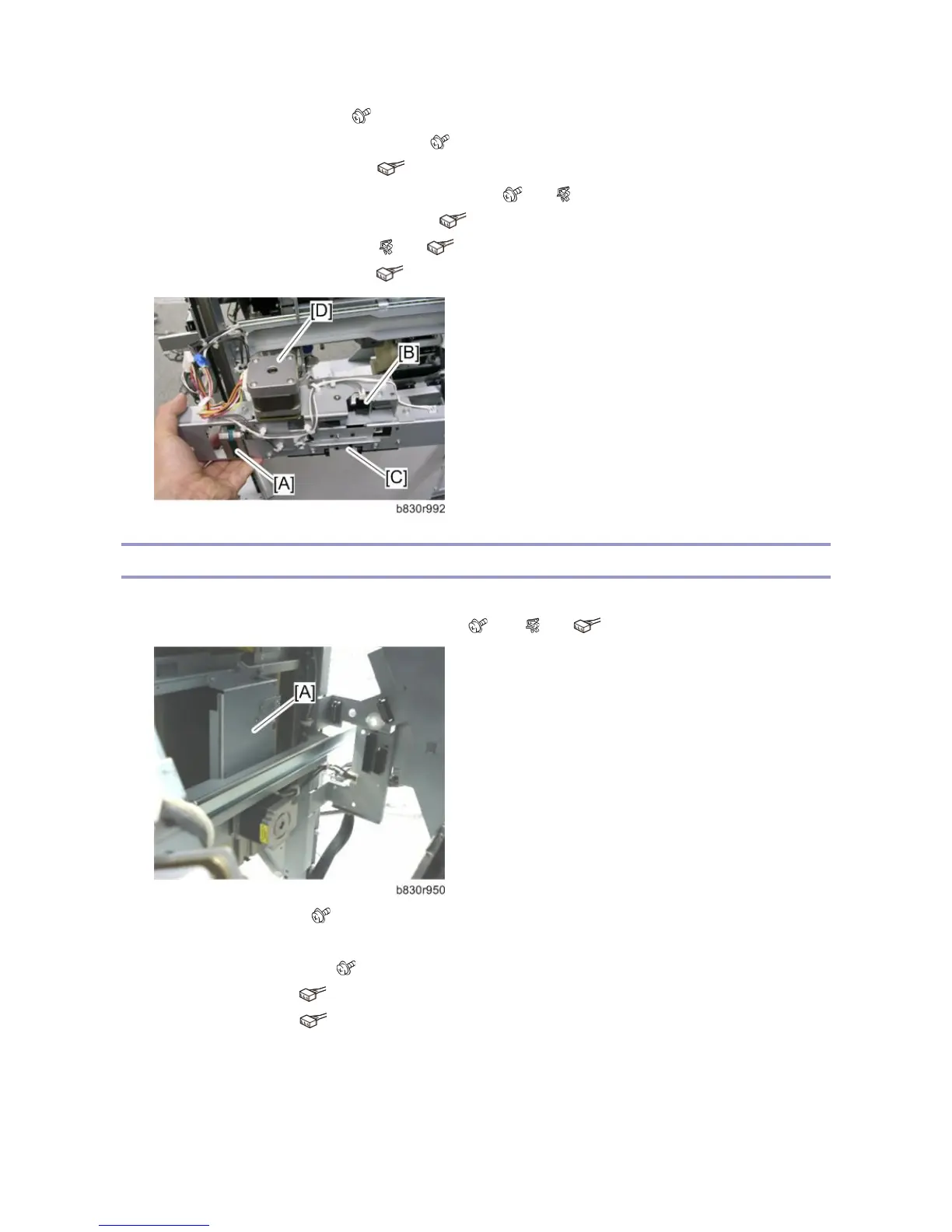
7. Remove the Drag roller HP sensor unit [B]. ( x1)
8. Remove the Drag roller HP sensor. ( x1, Pawls x3)
9. Remove the Paper height sensor – shift/Z-fold unit [C]. ( x2, x2)
10. Remove the Paper height sensor shift/Z-fold. ( x1, Pawls x3)
11. Remove the Drag drive motor unit. ( x4, x2)
12. Remove the Drag drive motor [D]. ( x2)
Shift Motor and Sensors
1. Remove the end fence. (Drag Roller, Drag Drive Motors, Drag Drive HP Sensor)
2. Remove the shift motor bracket [A] (with motor). ( x 4, x1, x1)
3. Remove the shift motor. ( x4)
4. Remove the following parts:
Half-turn sensor bracket [B] ( x 1)
Half-turn sensor 1 [C] ( x1, Pawls x3)
Half-turn sensor 2 [D] ( x1, Pawls x3)



 To Next Page