2.Replacement and Adjustment
38
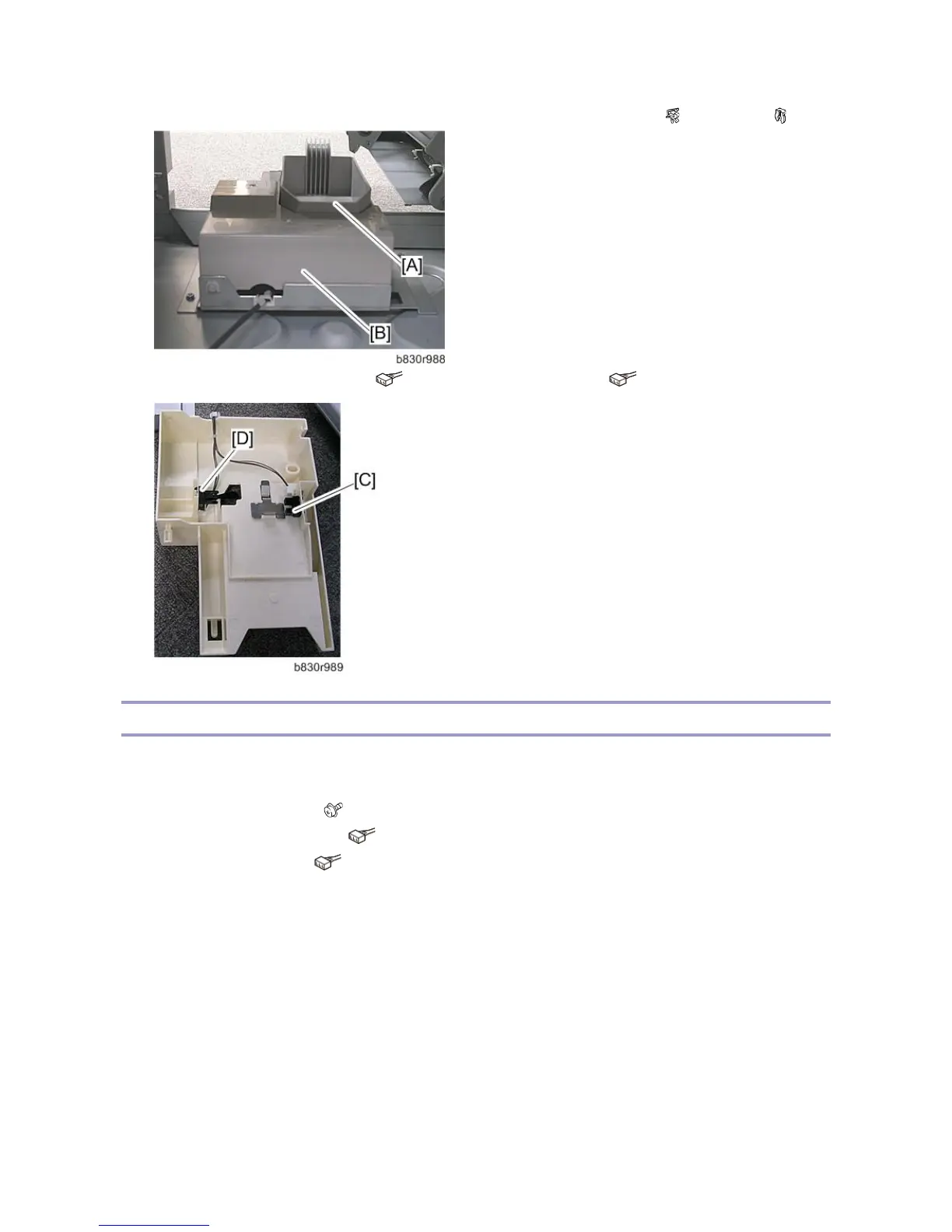
4. Remove the staple trimmings hopper [A] and then, remove the hopper holder [B]. ( x1, Hook x1, x1)
5. Remove the hopper full sensor [C] ( x 1) and hopper set sensor [D]. ( x 1)
Stapler Rotation HP and Stapler Return Sensors
1. Remove the following parts:
Stapler unit (Stapler)
Stapler mount bracket [A] ( x 4) (Springs x 2)
Stapler rotation HP sensor [B] ( x 1)
Stapler return sensor [C] ( x 1)



 To Next Page