2.Replacement and Adjustment
50
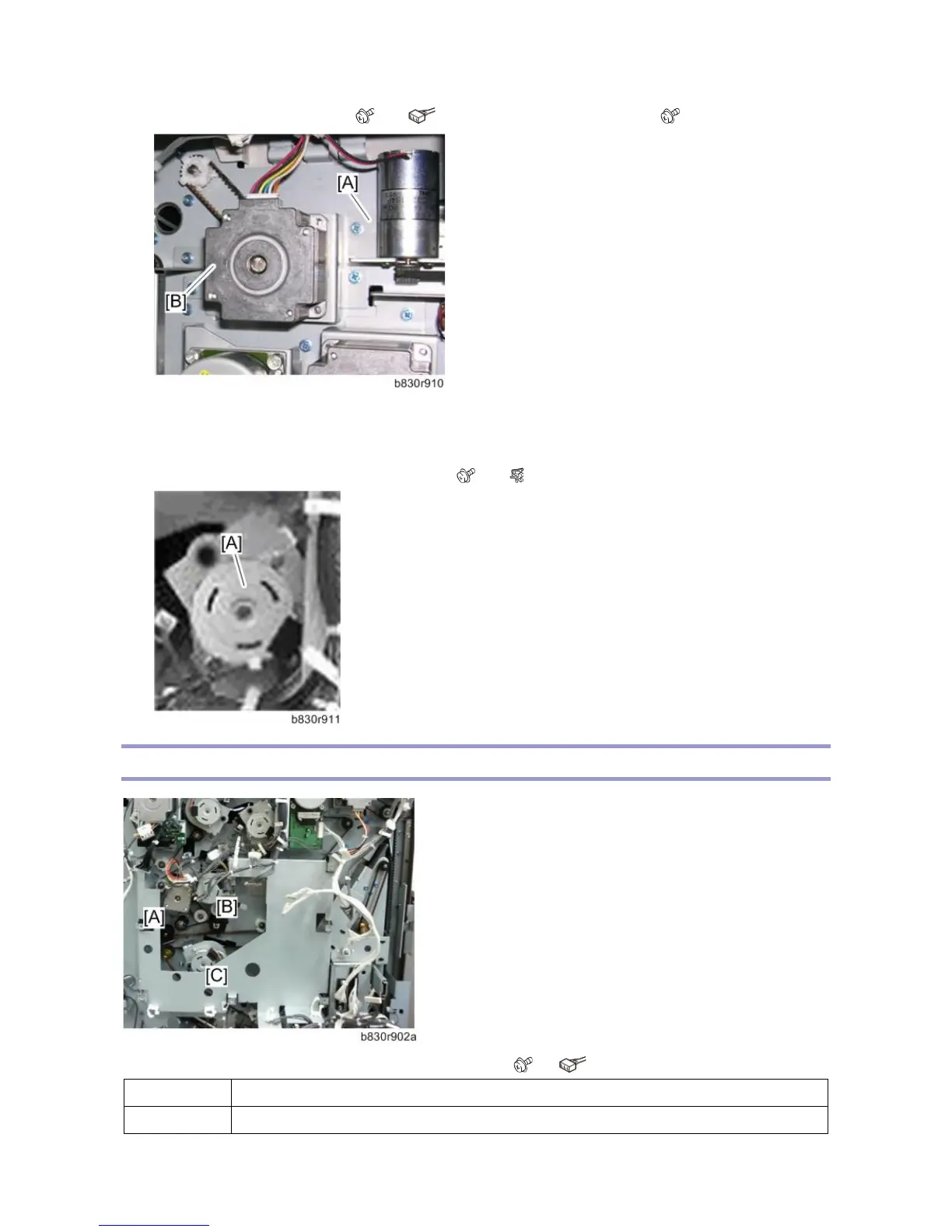
2. Remove the motor bracket [A]. ( x2, x1) and upper tray exit motor [B]. ( x2, Timing belt x1)
Upper Tray Junction Gate Motor
1. Remove the rear cover. (Left Covers, Rear Cover, Top Cover, Shift Cover)
2. Remove the upper tray junction gate motor [A]. ( x2, x1)
Pre-Stack Motors
The photograph above shows the main control board removed ( x4, x All).
[A] Pre-Stack Transport Motor
[B] Pre-Stack Junction Gate Motor



 To Next Page