2.Replacement and Adjustment
36
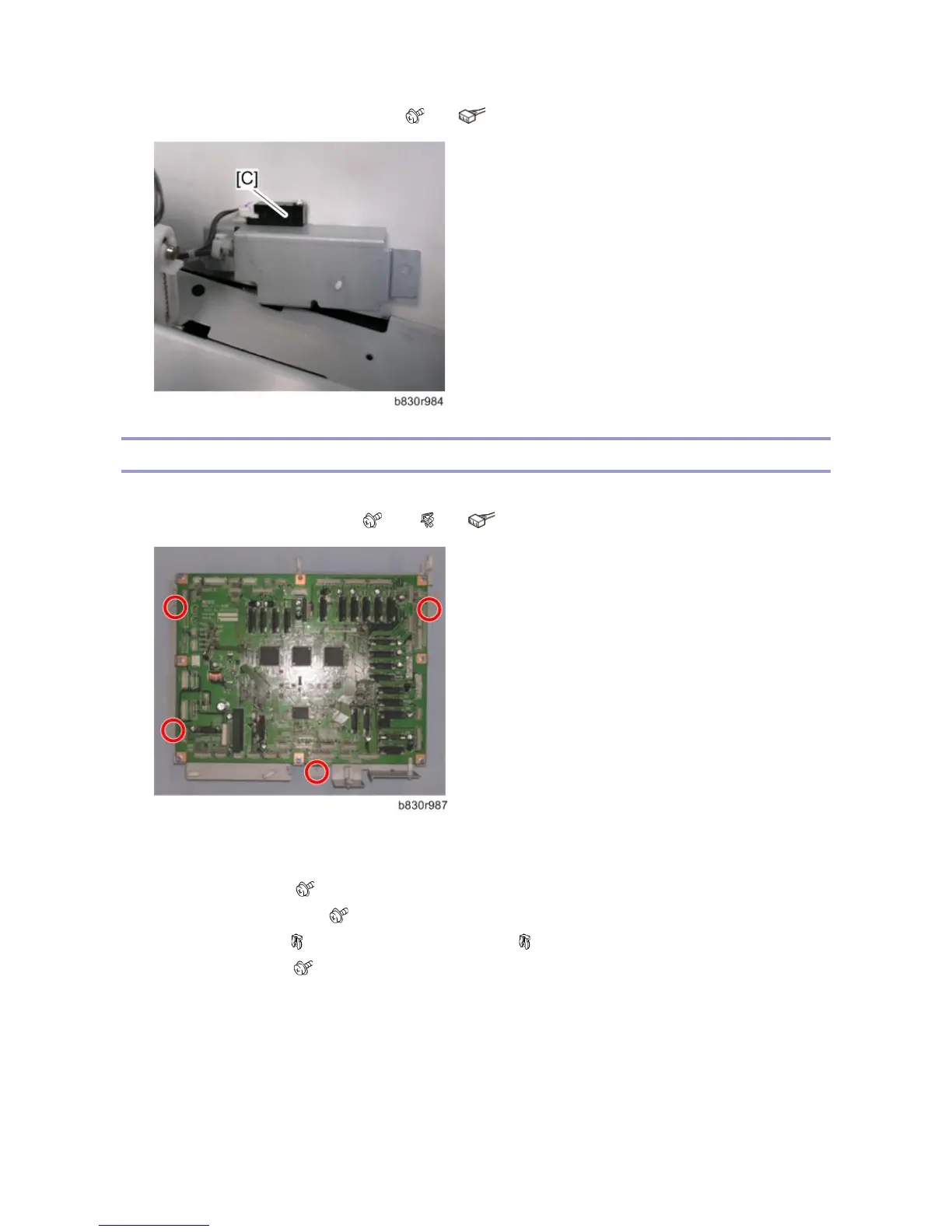
4. Remove the shift tray exit sensor 2 [C]. ( x1, x1)
Main Board, Pre-Stack Paper Sensor
1. Remove the rear cover. (Left Covers, Rear Cover, Top Cover, Shift Cover)
2. Remove the main board bracket. ( x 4, x8, x All)
3.
4. Open the front door.
5. Do the following:
Loosen the screw [A] ( x1)
Remove the gear cover [B] ( x1)
Remove the gear [C] ( x1, Timing belt x1) and gear [D] ( x1)
Remove the plate [E] ( x2)



 To Next Page