PERFORMER Digital Partyline, User Manual, Version 2.30
8.1.2 Basic Configuration
If the C44 / C44plus is connected to an intercom system via the Artist Digital I/O ports on
the rear of the unit the I/Os should be connected one-to-one.
Example:
The audio signal is split to the connectors I/O 1, partyline 1 and analog 1 a/b. On the analog
connectors, AIO1 is the first channel; AIO2 is the second channel (and so on).
During stand-alone use the respective DIP switch settings apply (see Chapter 5).
8.2 User Elements Front
8.2.1 LEDs
The LEDs at the front of the unit provide quick status information about the C44 / C44plus.
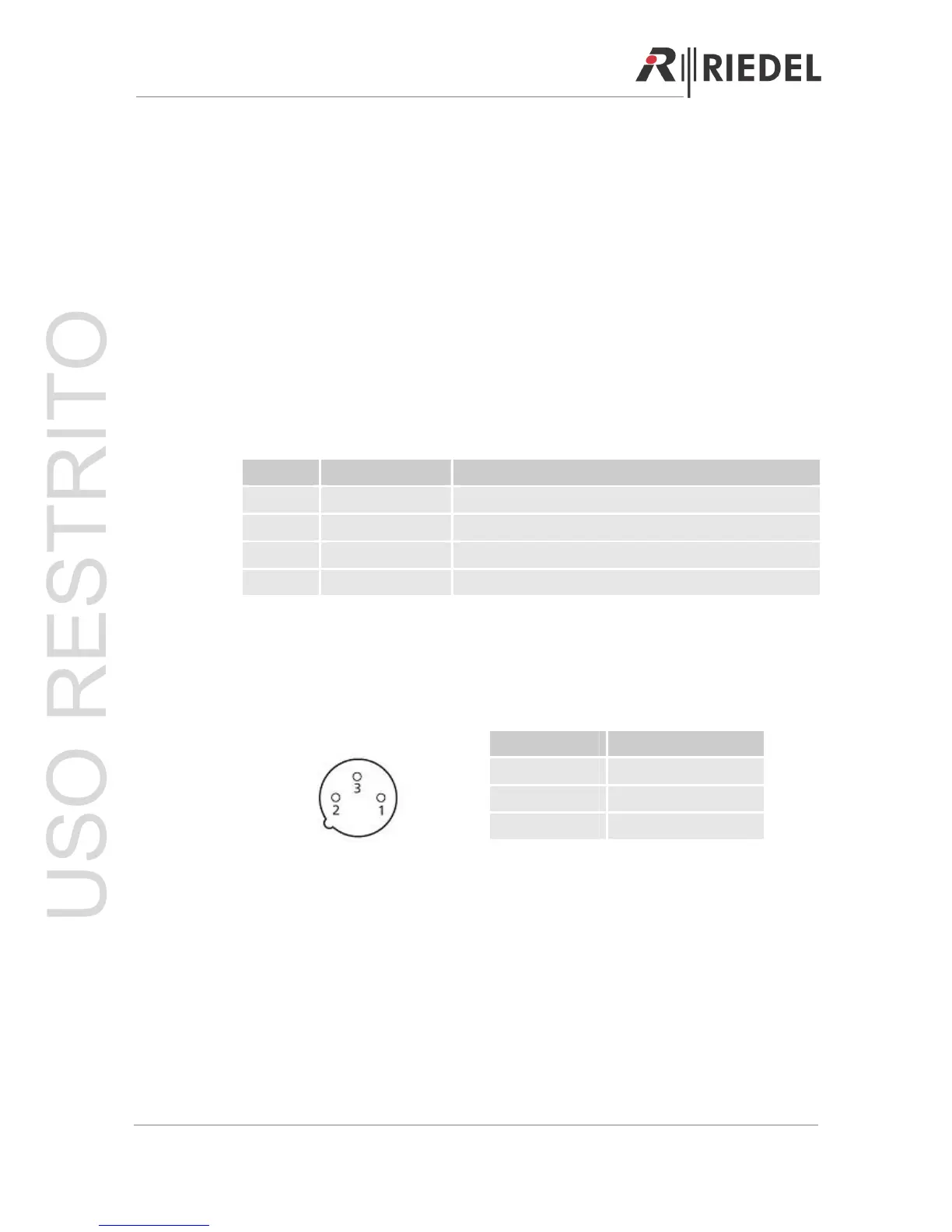
LED Status
DCext Green 100% Power is connected to 48V IN rear connector
DCint Green 100% Main power is connected to 110-230V IN connector
DC ok Green 100% Internal power supply functioning normally
DC Green 100% Partyline channel is powered
8.2.2 3-pole XLR Connectors
Digital Partyline connectors to connect digital partyline devices via a standard 3-pole XLR
cable. Up to 16 beltpacks (C3) can be powered over each C44 / C44plus XLR port.
Pin Out:
Pin Signal
1 GND
2 TX/RX+ , Power+
3 TX/RX - , Power+
3-pole male XLR (Front)
8.2.3 Analog Connections
If a digital signal from the Artist to the partyline also needs to be sent to external analog
equipment this can be done using the analog RJ-45 I/Os. Likewise, if an analog signal needs
to be added to the partyline this is also done with the analog I/Os. When used with an Artist
matrix, the analog I/Os are connected one-to-one with the digital I/Os. In other words, if there
is a signal coming from Artist on the digital I/O port 1 of the C44 / C44plus System Interface,
then it is also available on the analog inputs and outputs AIO 1/2. During standalone use the
DIP switch settings take precedence (see Chapter 5).
Page 51



 To Next Page