PERFORMER Digital Partyline, User Manual, Version 2.30
Once the conference is created, open the ‘Ports’ view. Now double click on the partyline line
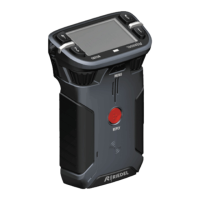
you want to configure (e.g. C3 Beltpack Line #1 A/B). On the right window, a C3 beltpack
appears representing the entire partyline.
To add a function to the left TALK key channel A (first partyline channel), right click on the left
TALK key. Select ‘Add function’. Now choose ‘Call to Conference’ from the menu and select
the conference you want to add. On each C3 ‘TALK’ key up to 16 different functions can be
stacked. You can also drag the conference from the conference list onto the key.
Note: As it is a partyline, remember that all functions added to the partyline will be
programmed for ALL users on this particular partyline channel.
Page 70




 To Next Page